Feed and view the Media Center
The Media Center lets you share documents (images or PDFs), videos and links with all your users, staff or players, without distinction. It is shared across all users on the account.
- Open Media Center administration
- Create a category
- Add a document
- Create a subcategory
- View documents
The Media Center is always available from the web app for staff, and from the mobile app for staff and players.
Media Center administration is only available from the web app and requires a specific permission on your MyCoach Pro account. If you need it and it is not enabled, email support@mycoachpro.io.
Open Media Center administration
-
Click the Club module, then the Media Center icon.
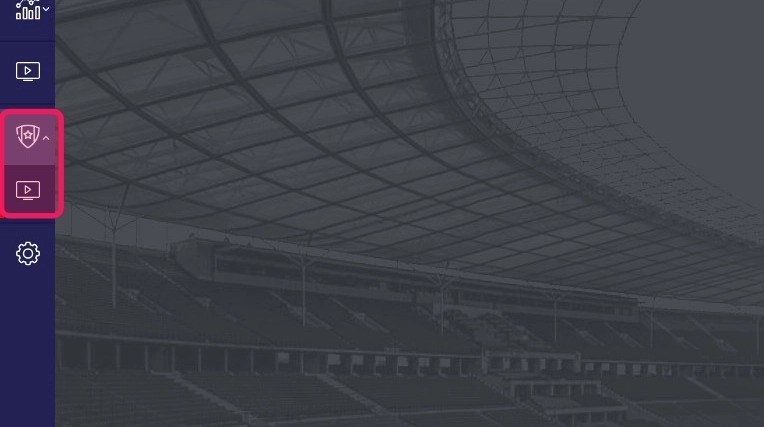
The Club module and the Media Center icon
Direct accessYou can also go directly to app.mycoachpro.io/club/media-centers/library.
Create a category
-
Click the + button in the Categories section.
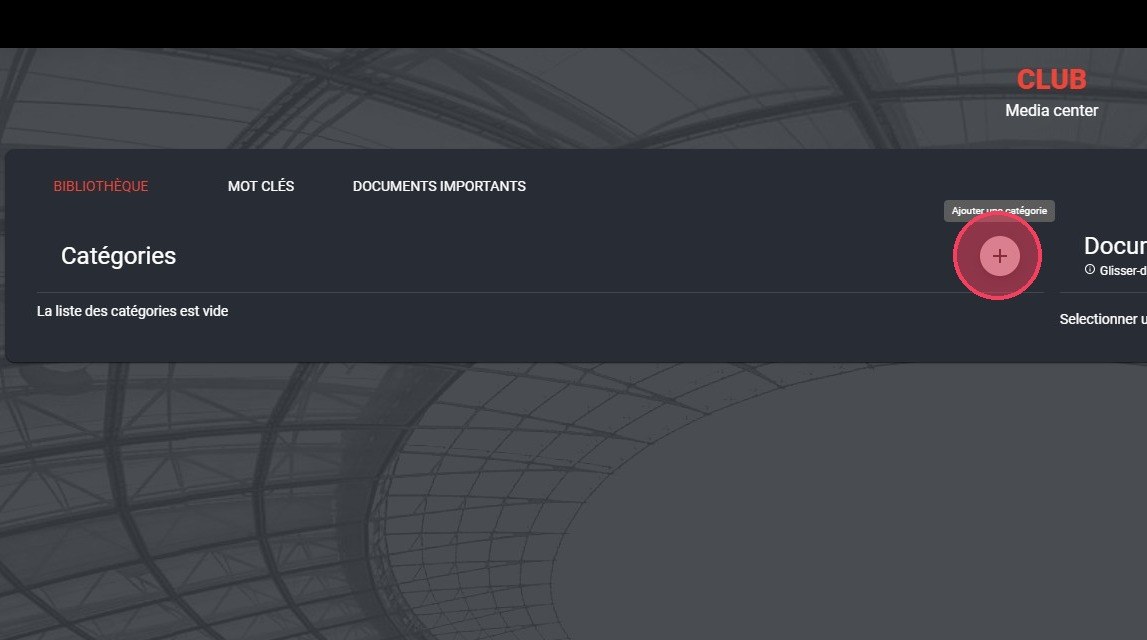
The + button in the Categories section
-
Fill in the information, add an icon and an illustration to identify the category among your documents, then click Save.
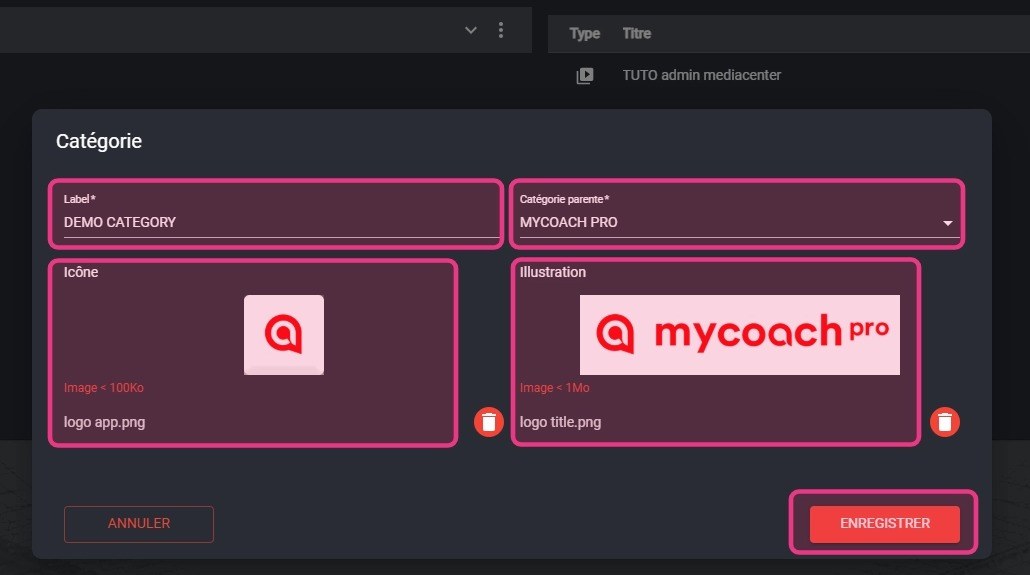
The category form
Add a document
-
Click the + button in the Documents section.
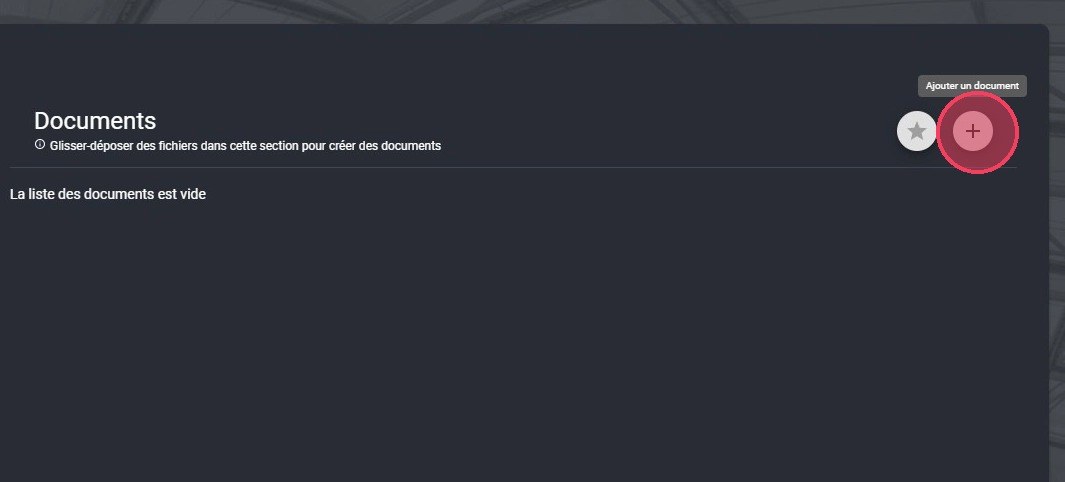
The + button in the Documents section
-
Fill in the document's information. Check the Important box so it also appears in the Featured section of the Media Center.
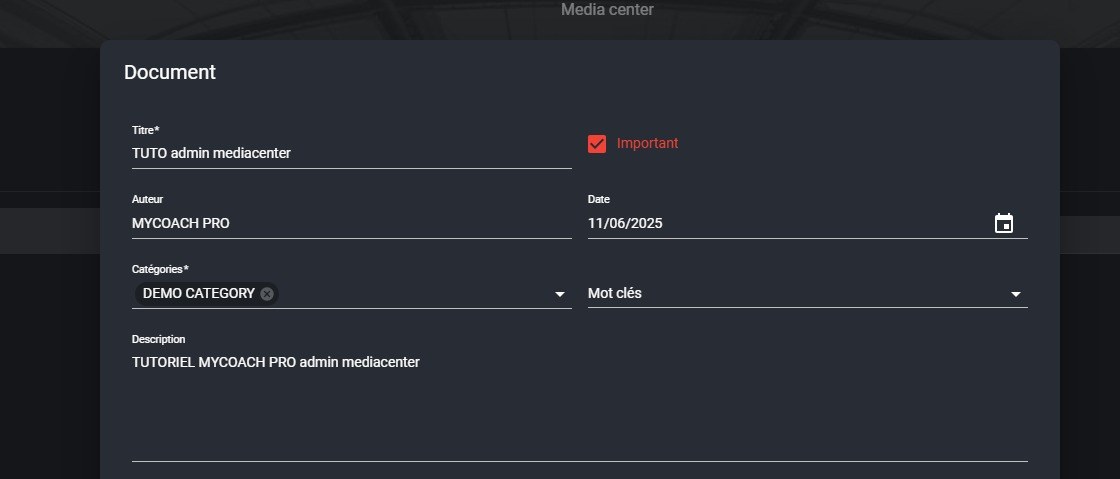
The document form
Required fields and Featured sectionRequired fields are marked with an asterisk. The Featured section highlights the documents you consider essential.
-
Add the document to publish by clicking CLICK OR DROP A FILE, or choose Link to publish a link (YouTube, for example). Add the thumbnails, then click SAVE.
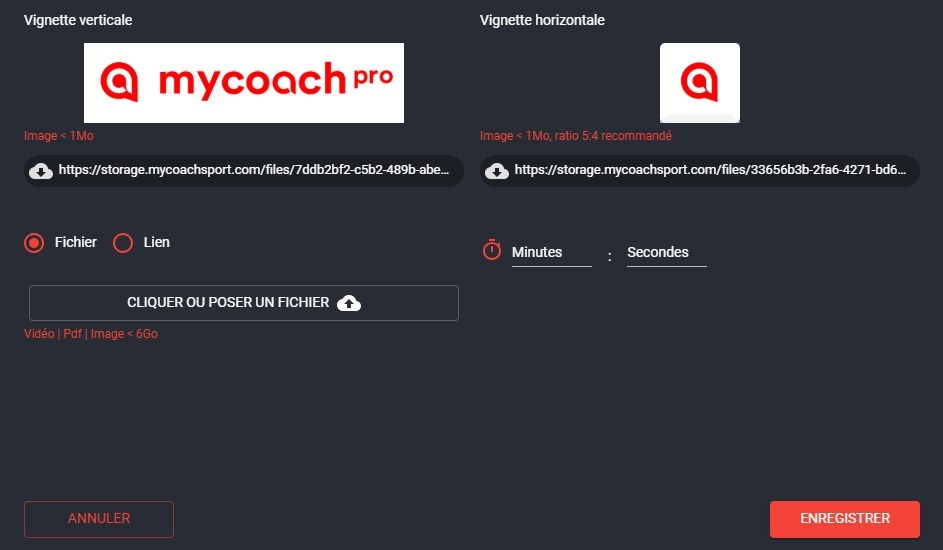
The file, the thumbnails and the Save button
ThumbnailsIllustrate your document with a landscape thumbnail for the web and a portrait thumbnail for mobile.
-
Your files are uploaded to MyCoach Pro.
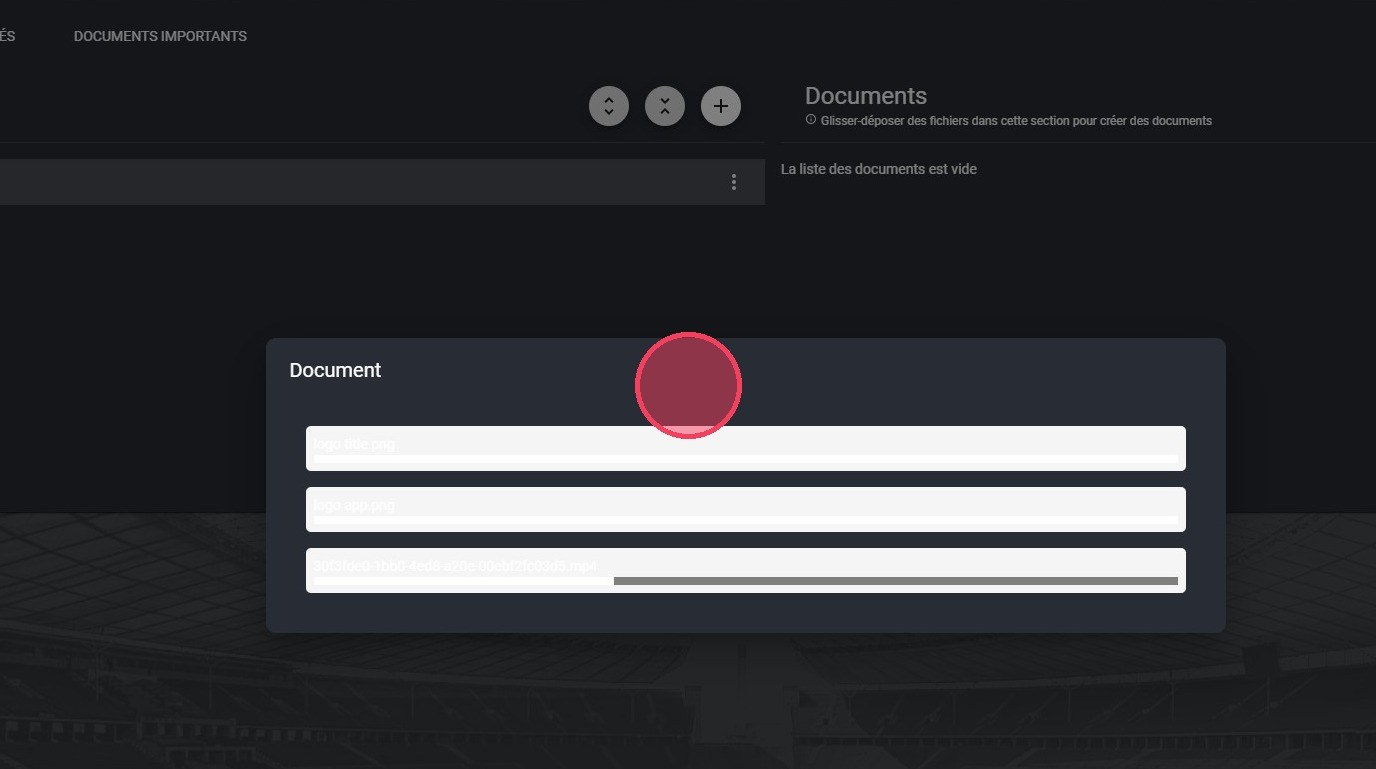
The file upload
Create a subcategory
As with a category, you can create subcategories to better organize the structure of your Media Center.
-
On the parent category, click the options button.
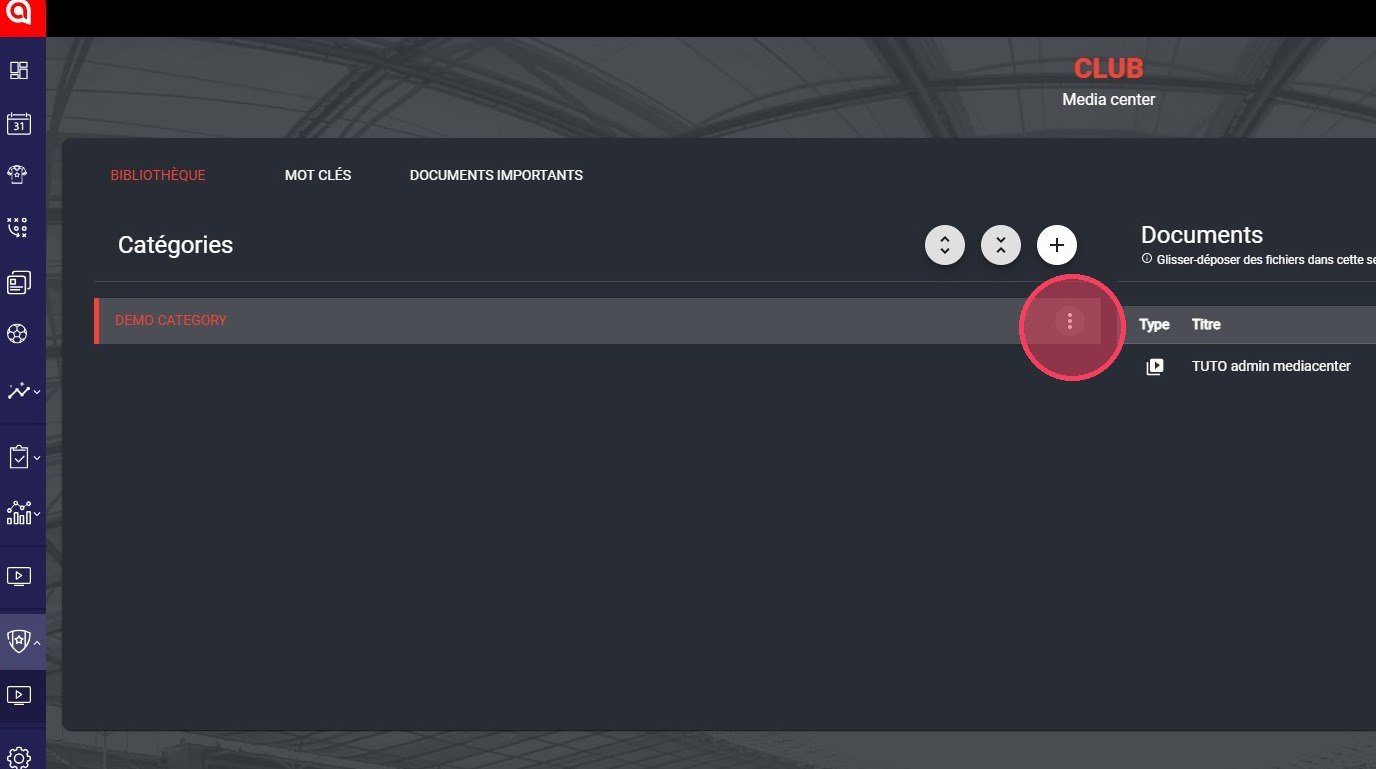
The category options button
-
Click Add a subcategory.
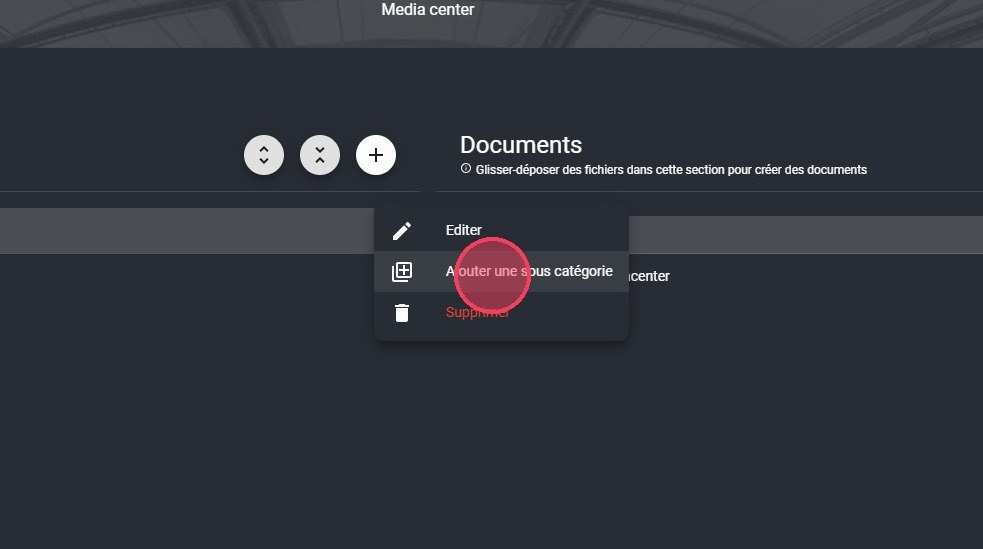
The Add a subcategory option
-
Fill in the information, then click Save.
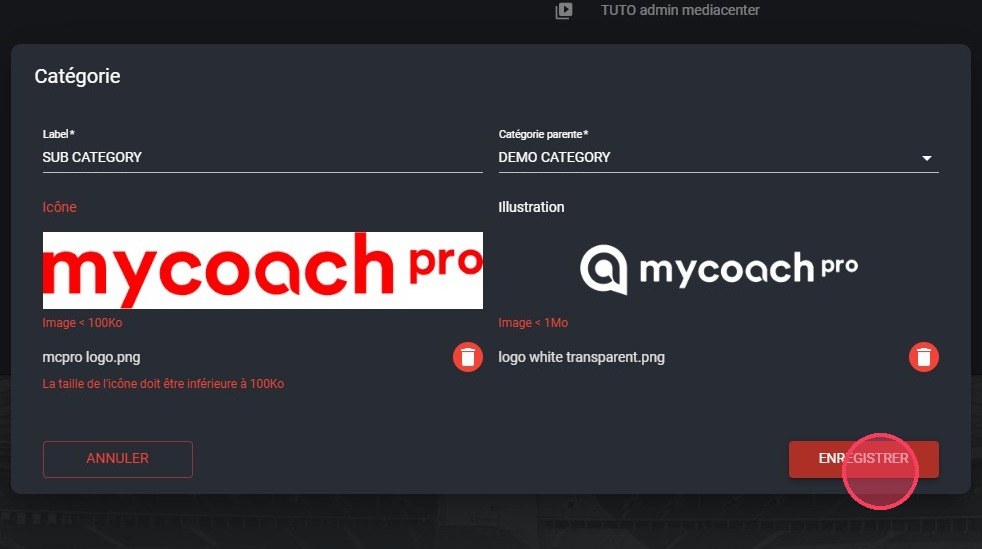
The subcategory form
-
Click the subcategory to add documents to it, following steps 4 to 7.
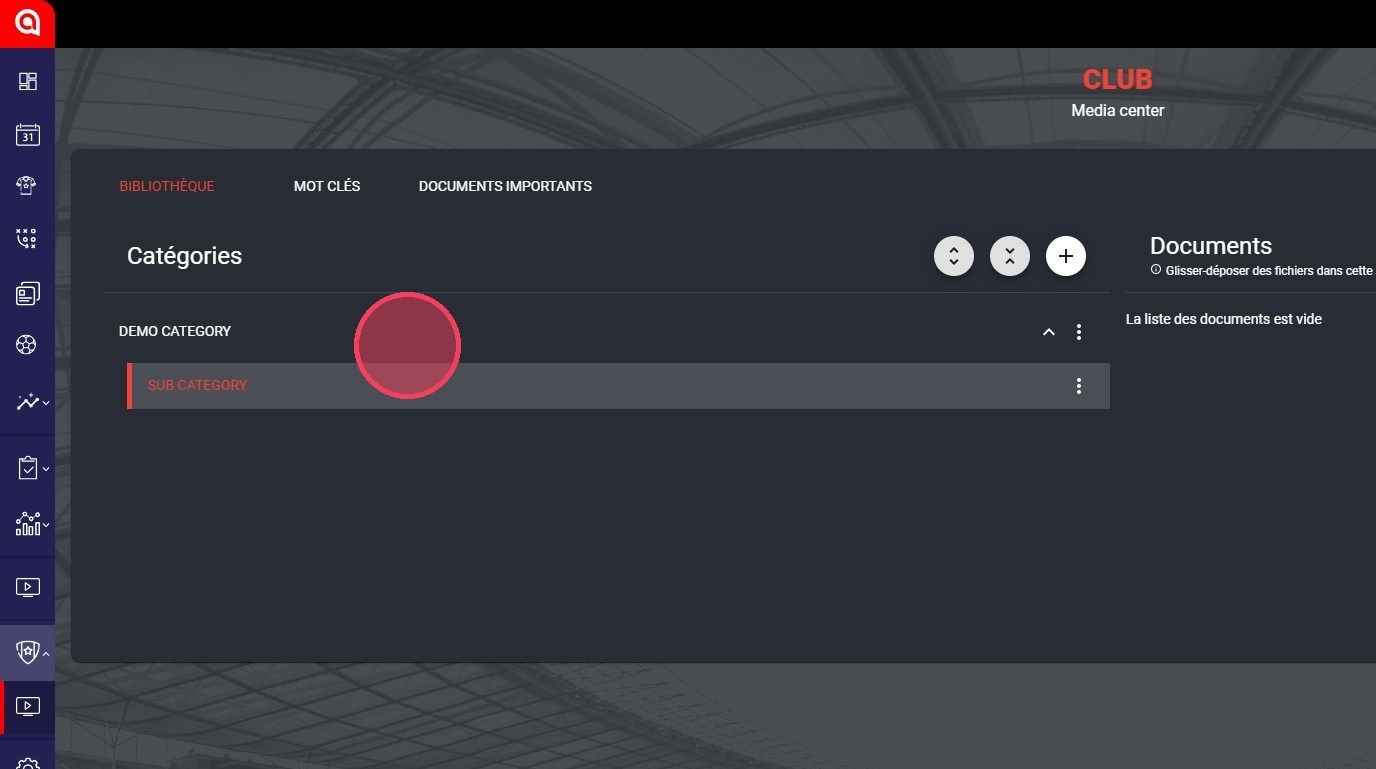
The subcategory created
View documents
-
Click the Media Center module.
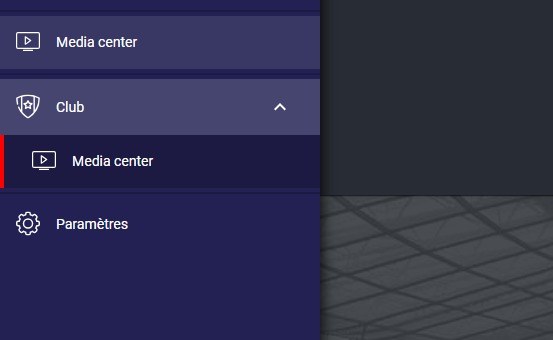
The Media Center module
-
Click the document you want to view.
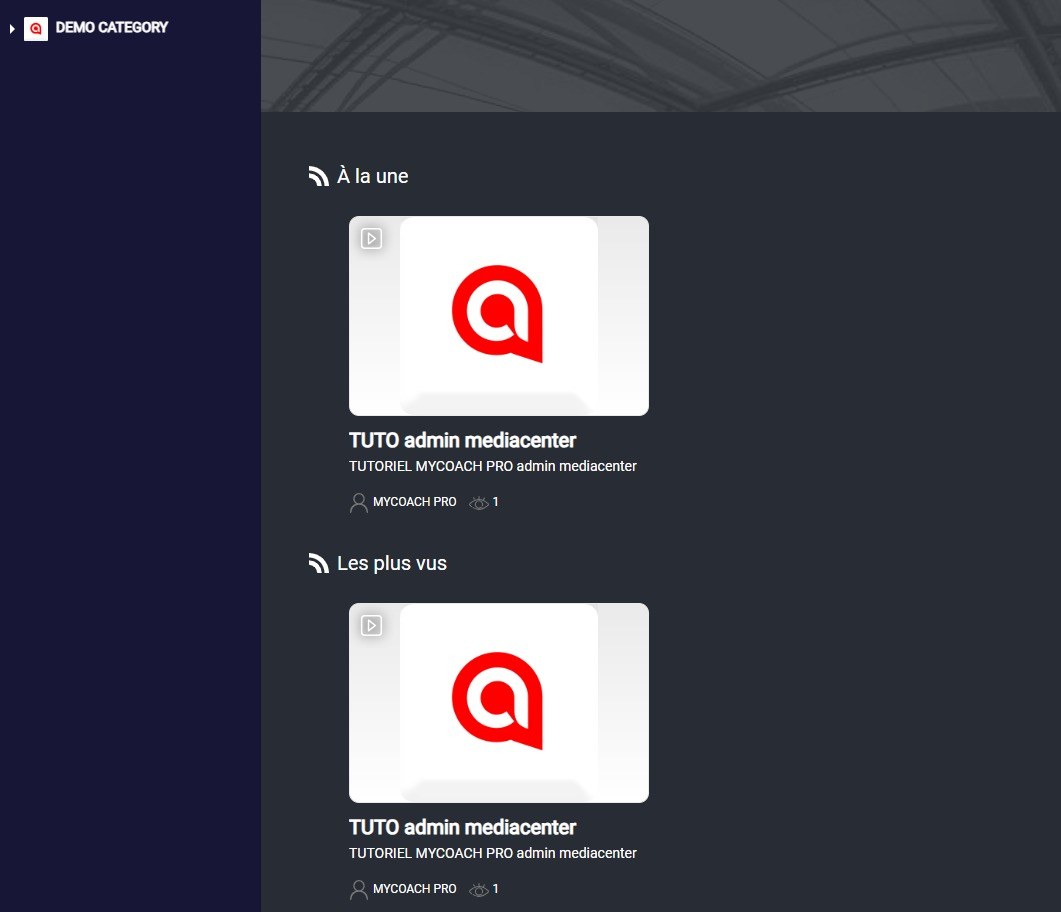
The Media Center documents
-
The document opens, with its title, author and date.
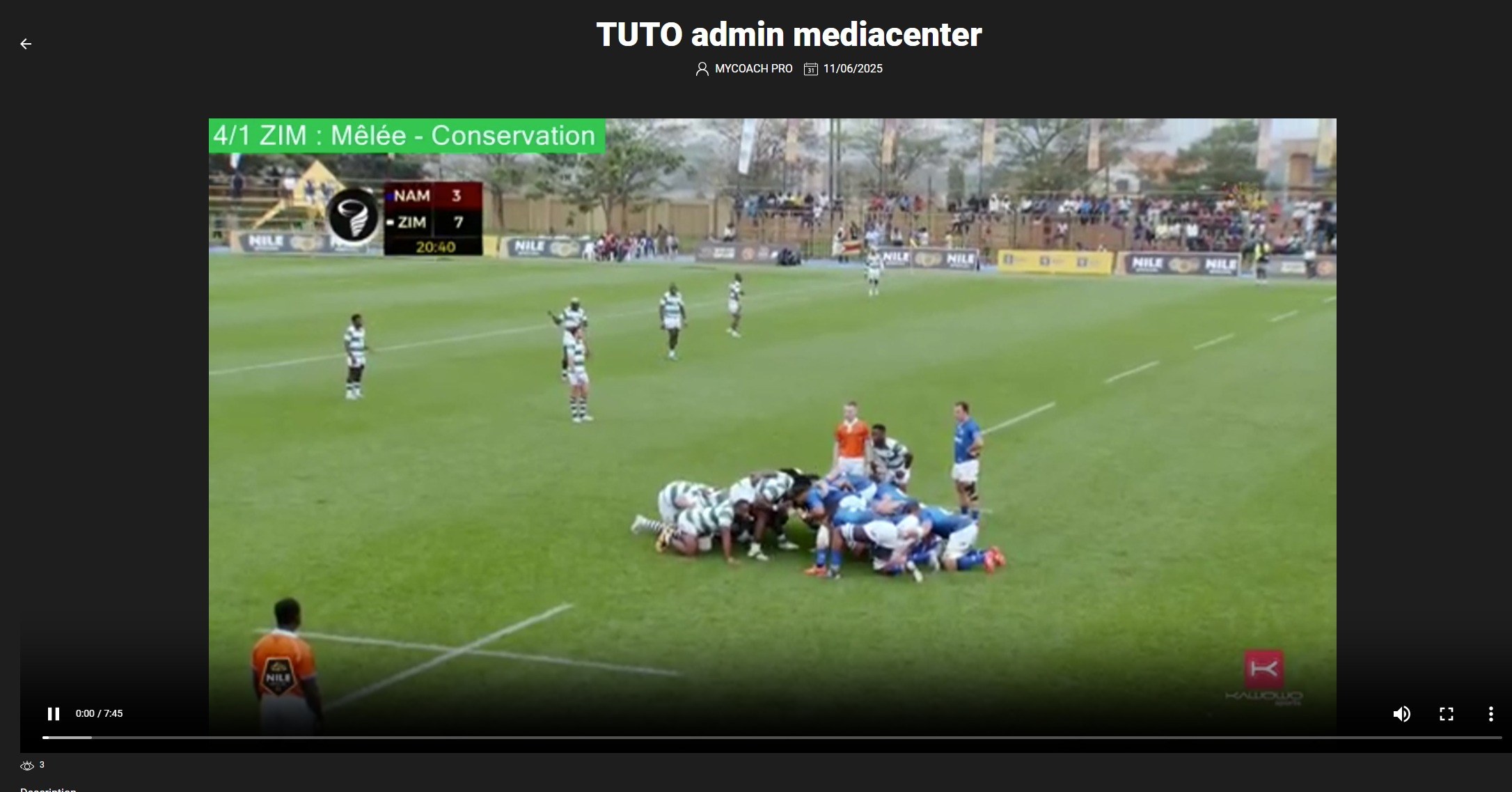
The document opened
Need help
Email support@mycoachpro.io with any questions about the Media Center.