Enter athletic data
Enter the values of your players' athletic tests from the Athletic Tracking module: add them test by test, or add all of a player's tests at once.
To import your data from a file, sync it using a connector.
Open the Athletic Tracking module
-
In the left-hand menu, expand the Performance module.
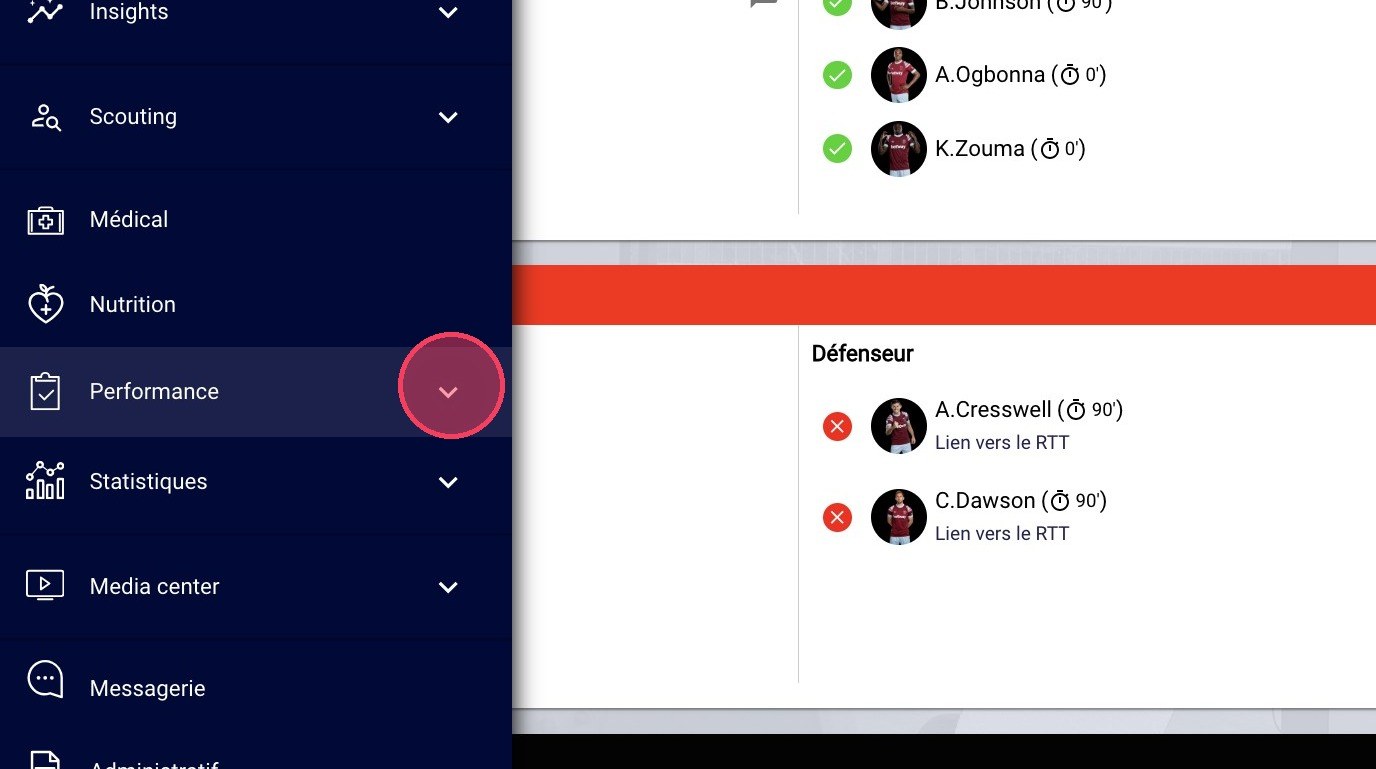
The Performance module
-
Click Athletic Tracking.
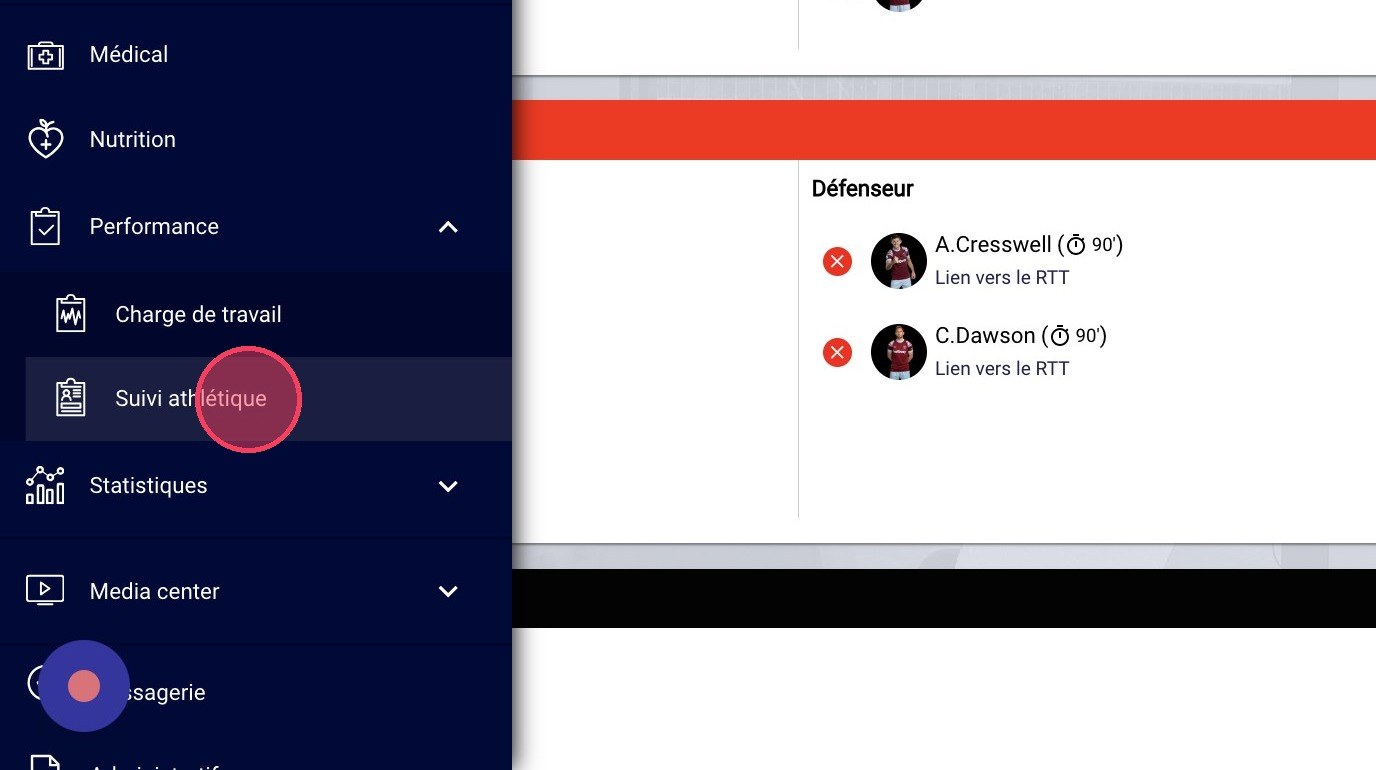
The Athletic Tracking submodule
Enter a value for a test
-
Type the player's value directly in the test field for today's date. For a past date, click the + button.
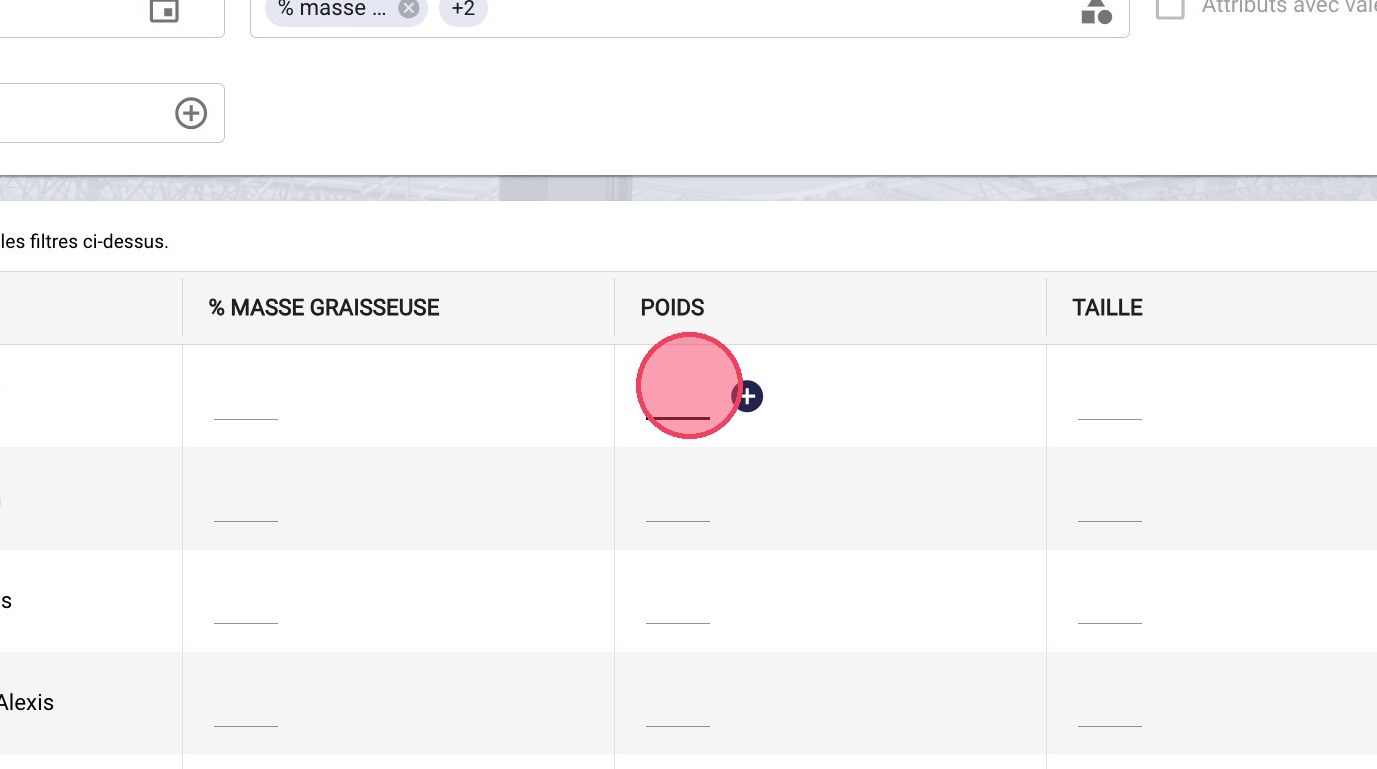
The input field and the + button
-
Choose the date in the calendar.
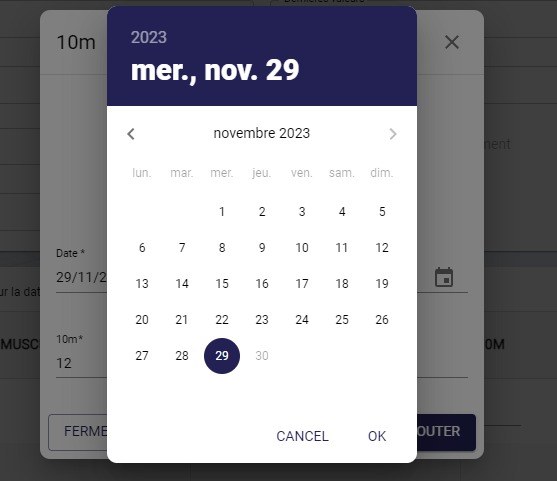
Choosing the date
-
Enter the value, then click ADD.
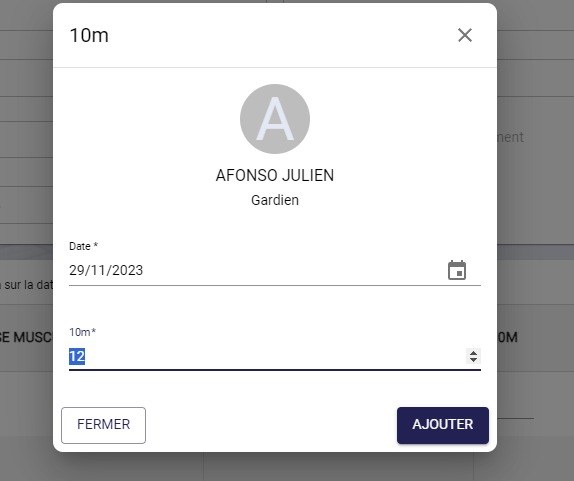
Entering the value
Enter all of a player's tests at once
-
Click the ADD VALUES button.
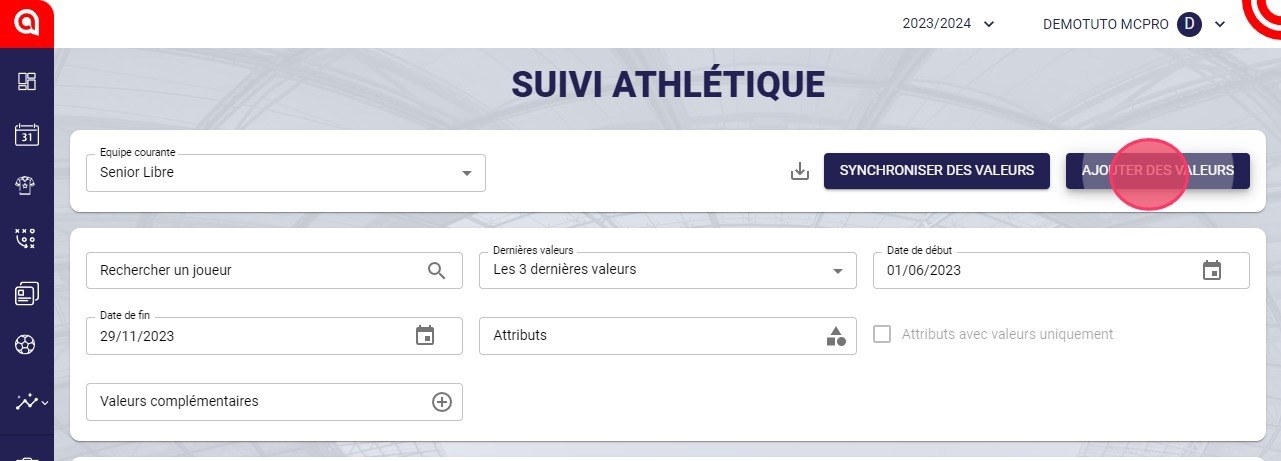
The Add values button
-
Click the calendar icon in the Date field.
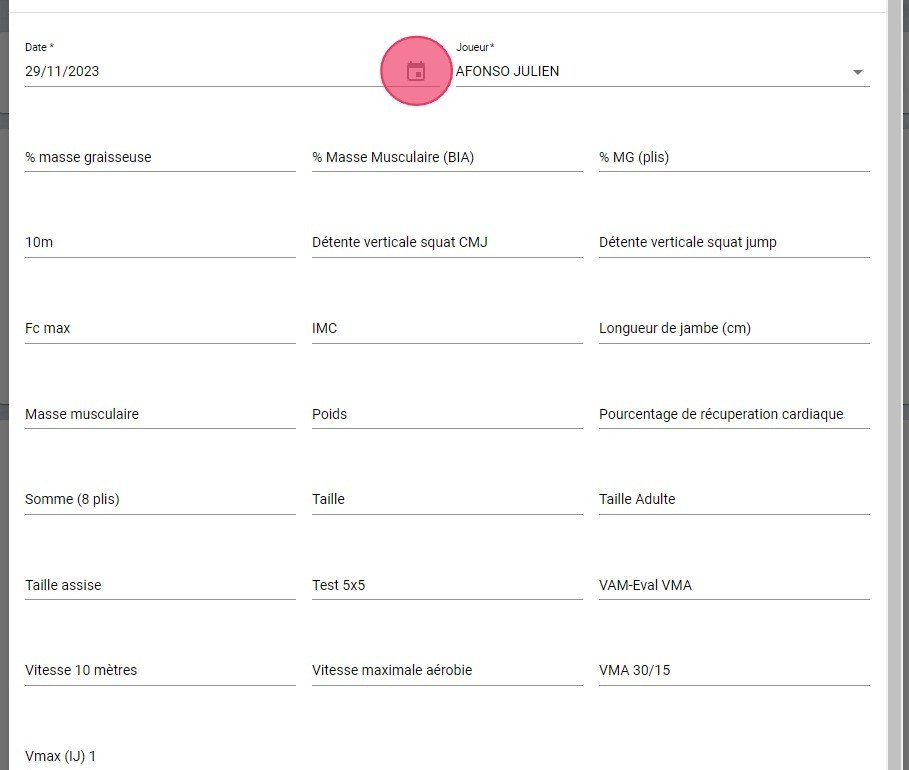
The calendar icon in the Date field
-
Choose the date of the tests.
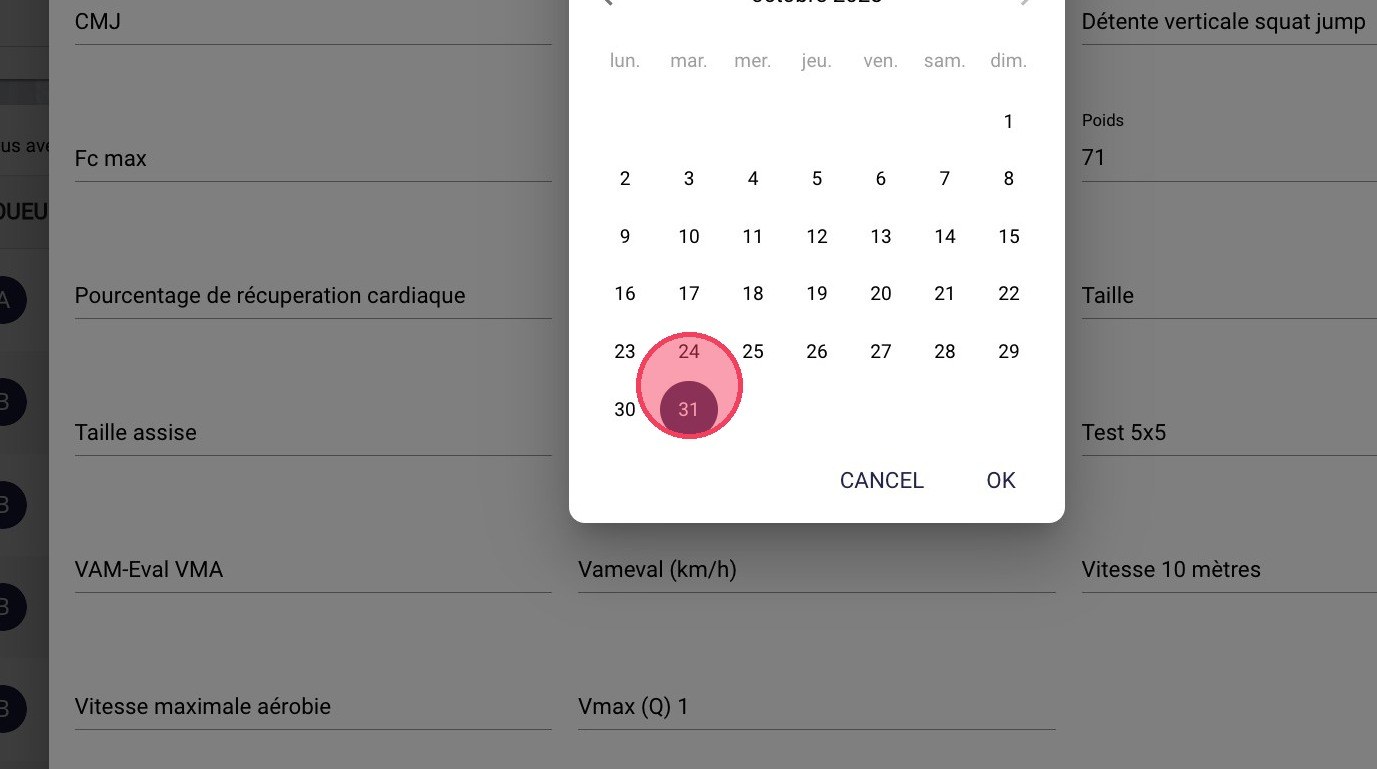
Choosing the test date
-
Enter the value of each test.
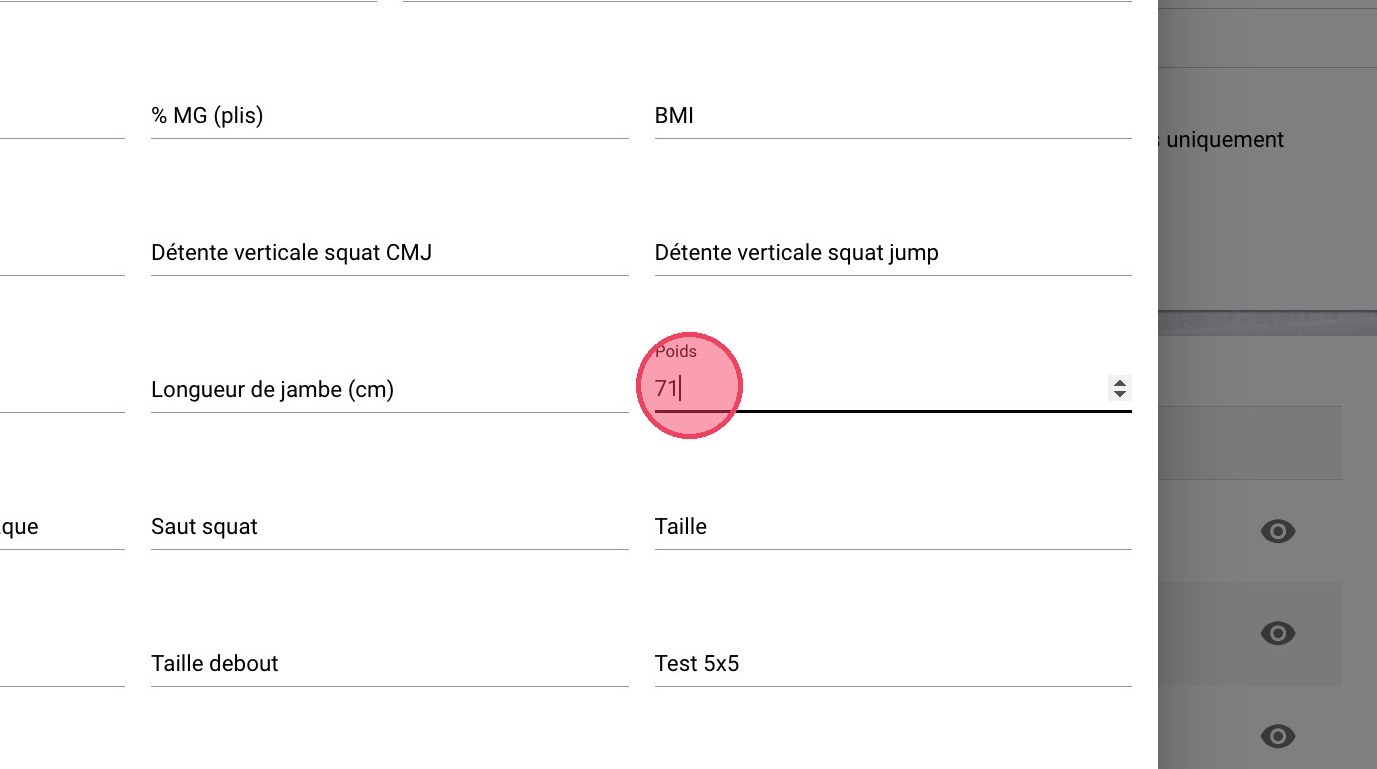
Entering the test values
-
Click SAVE.
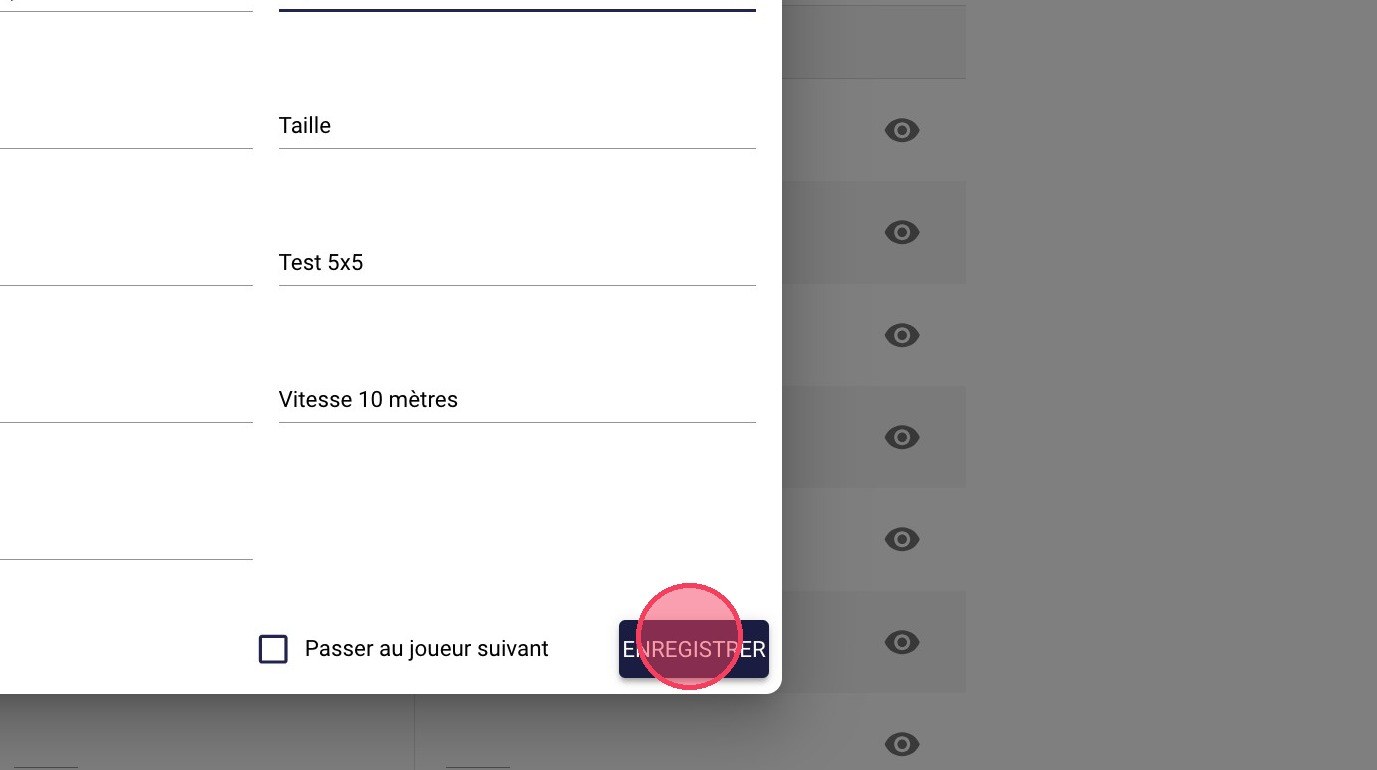
The Save button
Need help
Email support@mycoachpro.io with any questions about entering athletic values.