Sync nutrition data
Import your nutrition data from a .csv file, using a connector created in advance, instead of entering it value by value.
Open the sync
-
In the left-hand menu, click the Performance > Athletic Tracking module.
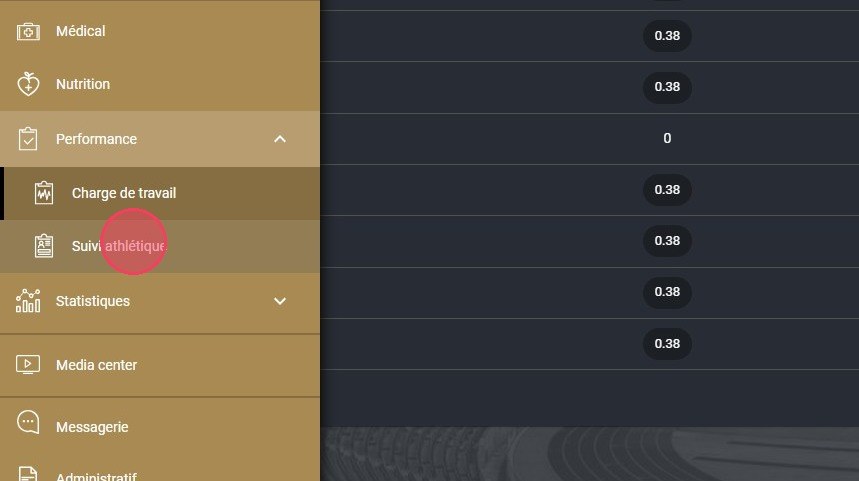
The Athletic Tracking module
-
Click the SYNC VALUES button.
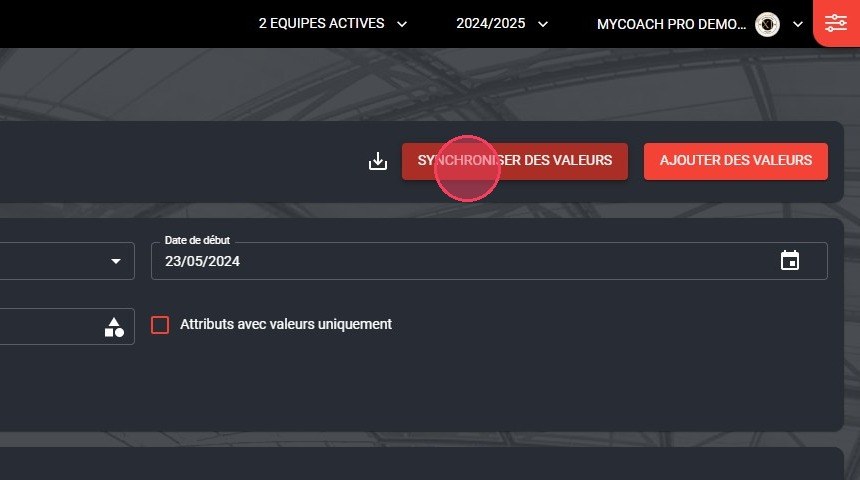
The Sync values button
PrerequisiteThe sync uses a connector created in advance.
Import the file
-
Choose the import date, then drag your .csv file into the area provided, or click to select it from your device.
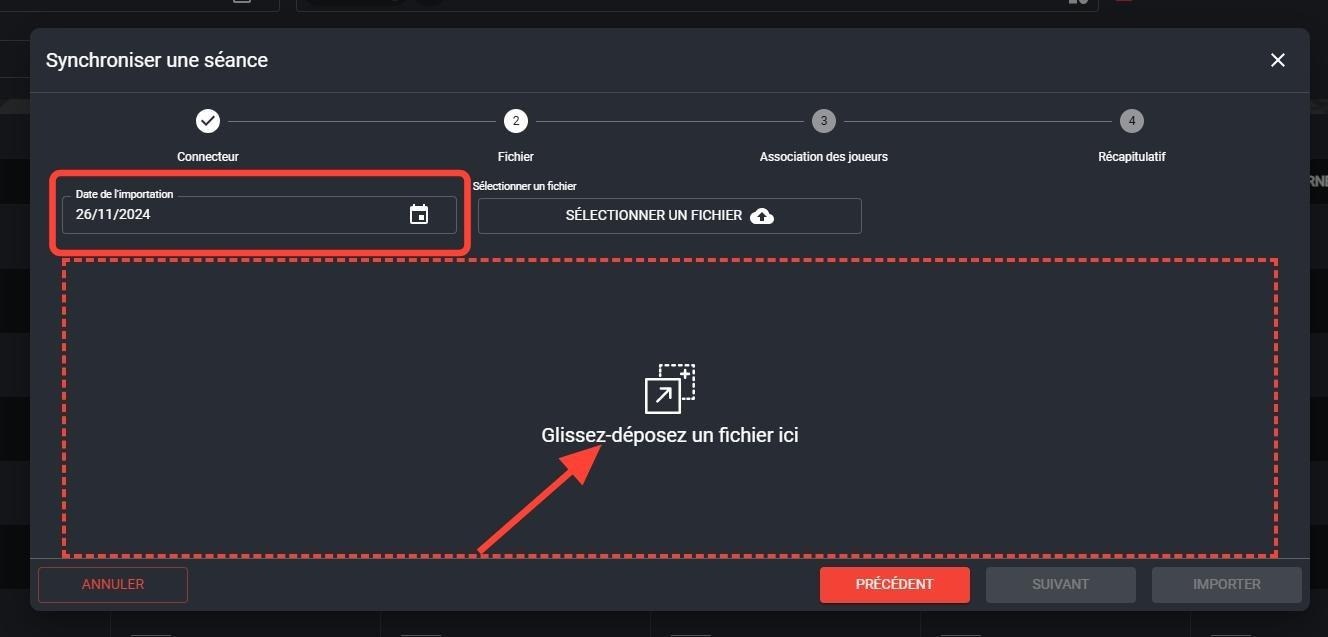
The import date and the file drop area
Earlier dataThe import date lets you sync data collected on an earlier date.
-
Choose the connector to use by clicking SELECT.
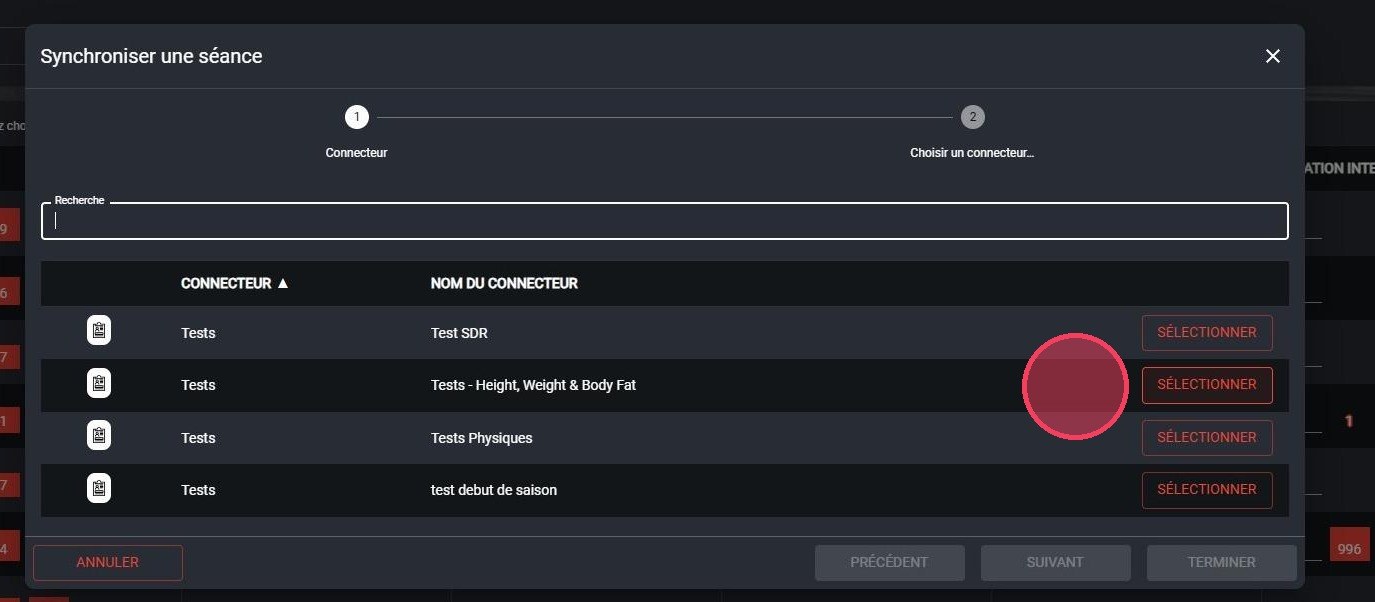
Choosing the connector
-
Check the match between the players in your file and those in MyCoach Pro.
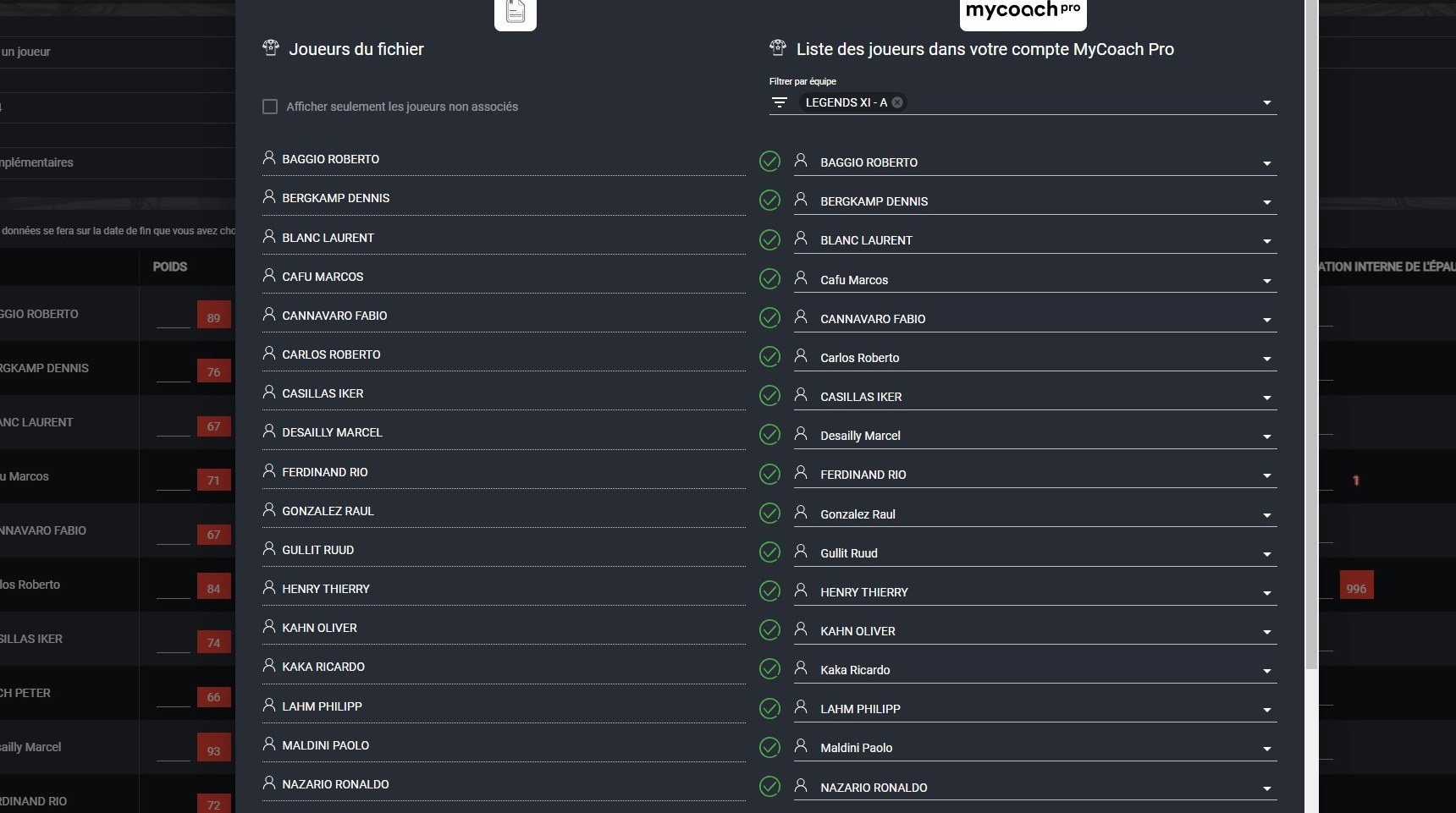
Player matching
-
Click IMPORT to finish importing your data.
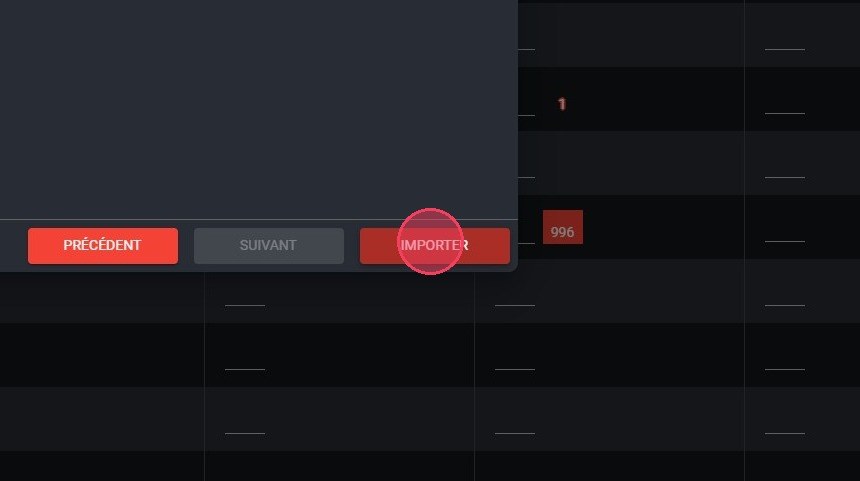
The Import button
To enter a few values by hand, see Add nutrition values.
Need help
Email support@mycoachpro.io with any questions about syncing nutrition data.