Import objective data into a session
Import a session's objective data (GPS) from your calendar: open the session's GPS tab, choose a connector, then import your file.
Open the session's objective data
-
From your calendar, click the session to display its shortcuts.
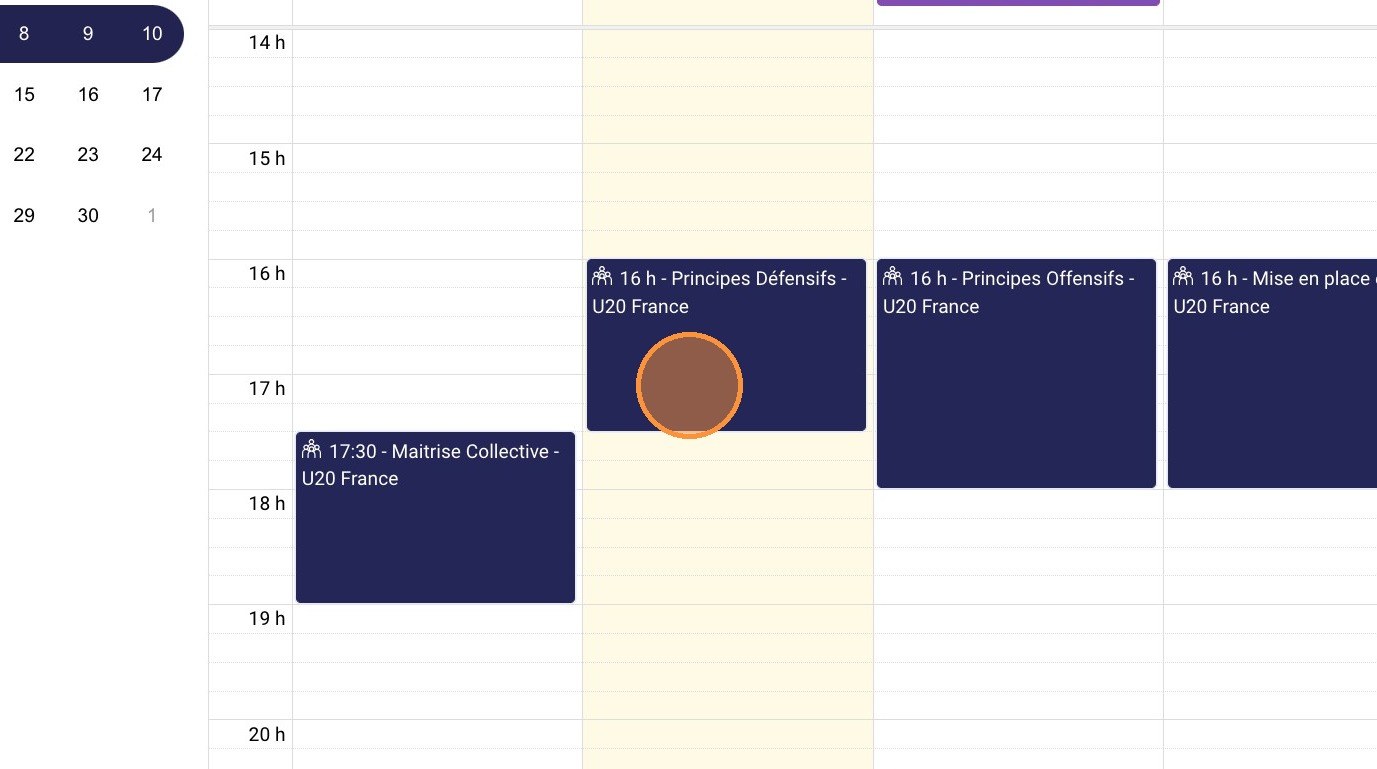
The session in the calendar
-
Select GPS to go directly to the session's Objective data tab.
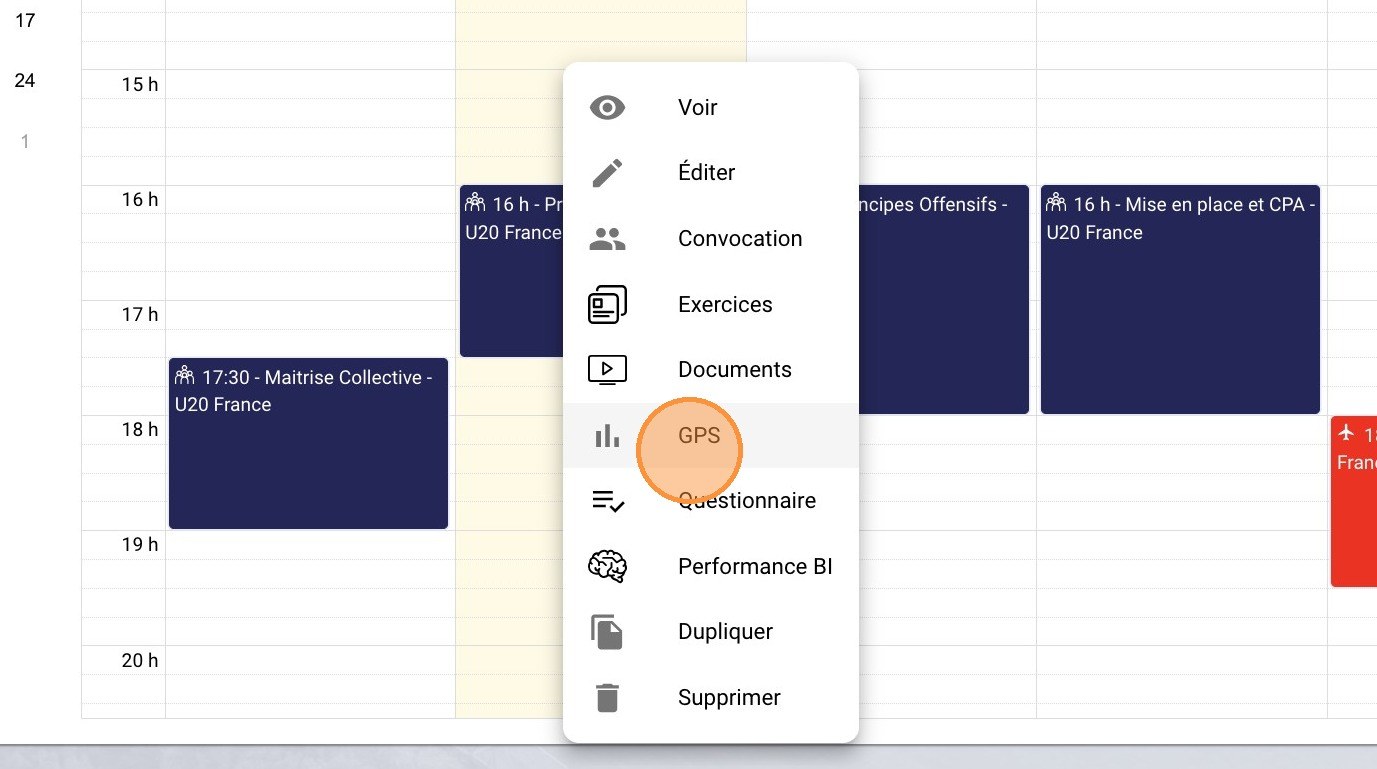
The GPS shortcut
Import the file
-
Click the SYNC A SESSION button.
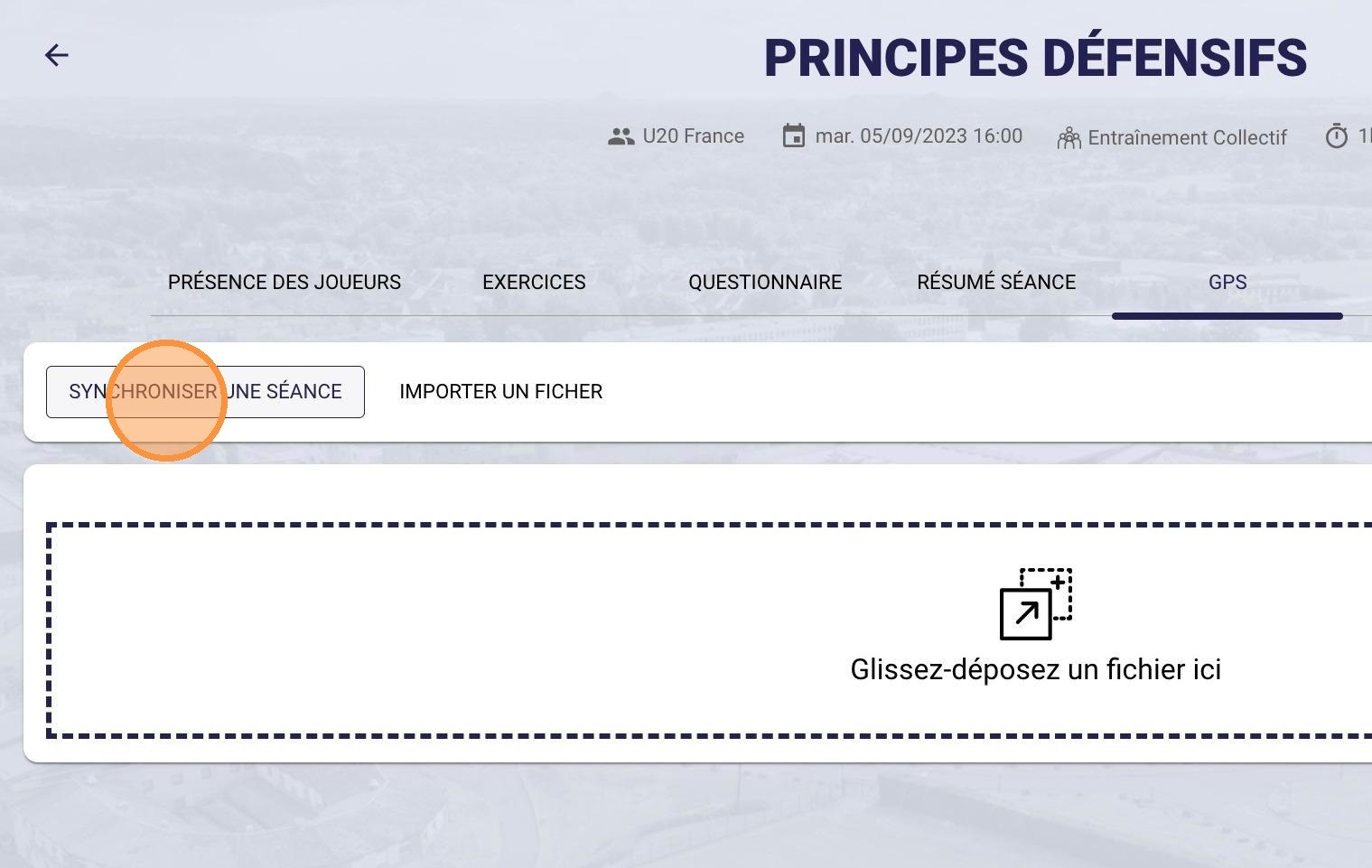
The Sync a session button
-
Click SELECT next to the connector you want to use.
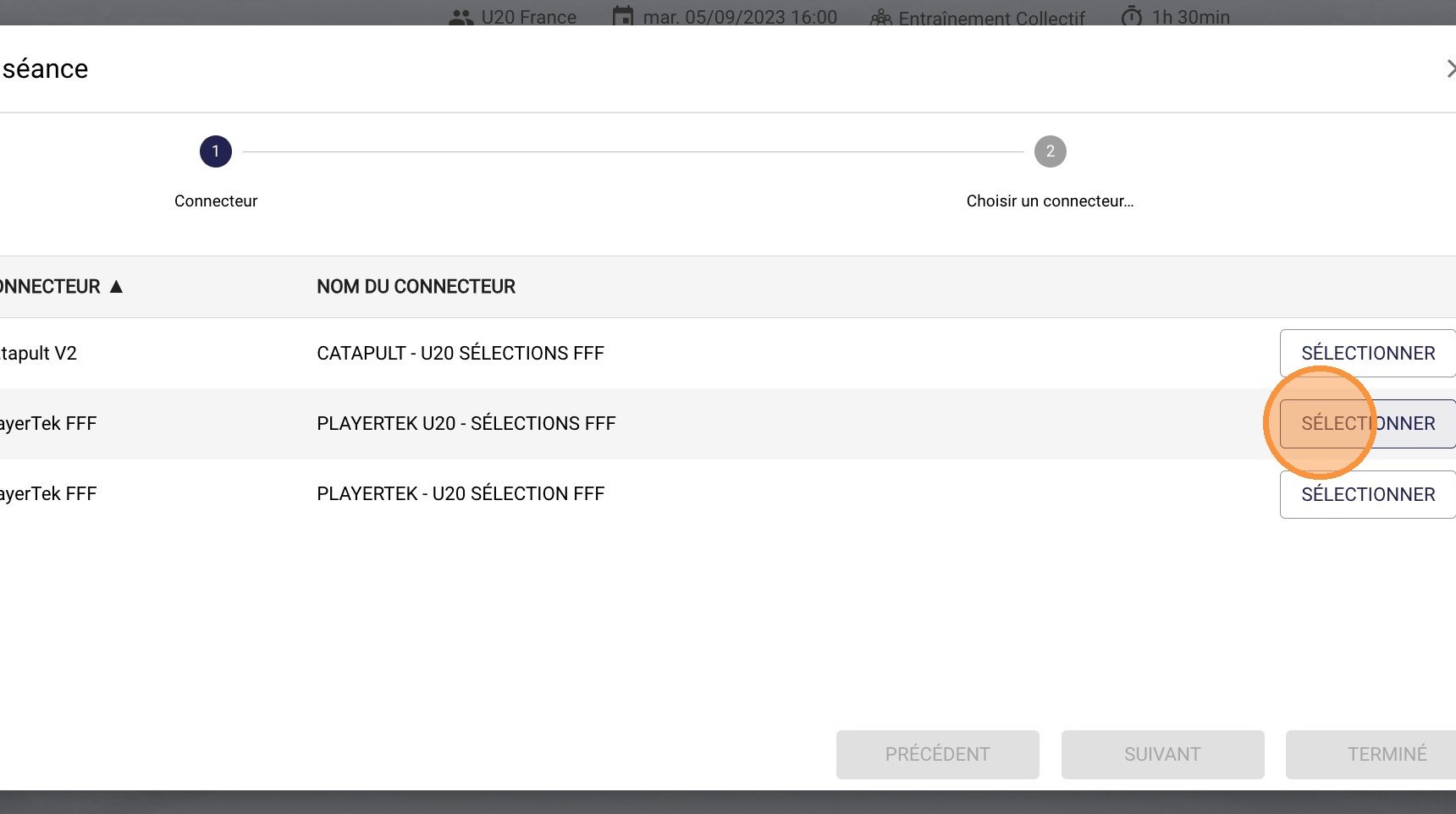
The connector selection
-
Drag and drop your file into the dotted area, or click inside it to browse and select the file to import.
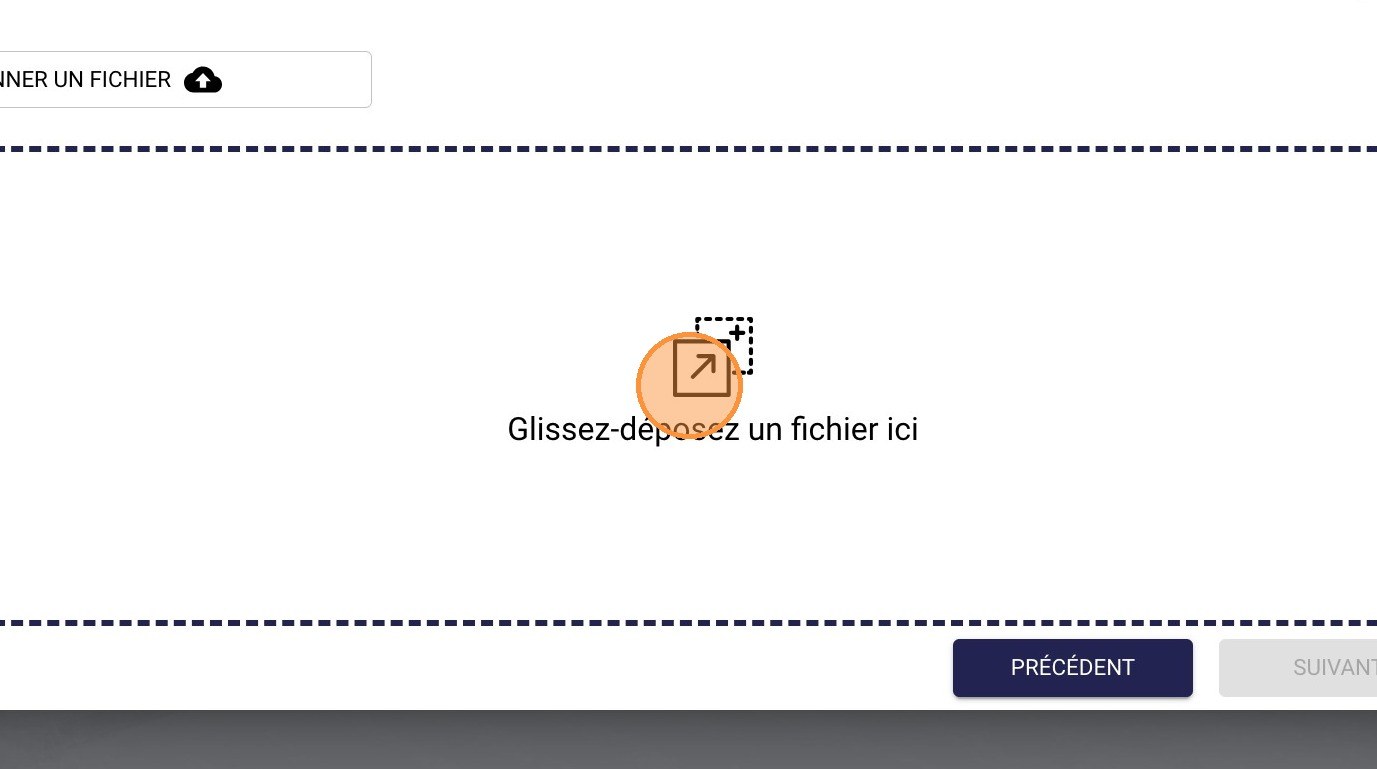
The file drop area
-
Click IMPORT to confirm importing the objective data into your session.
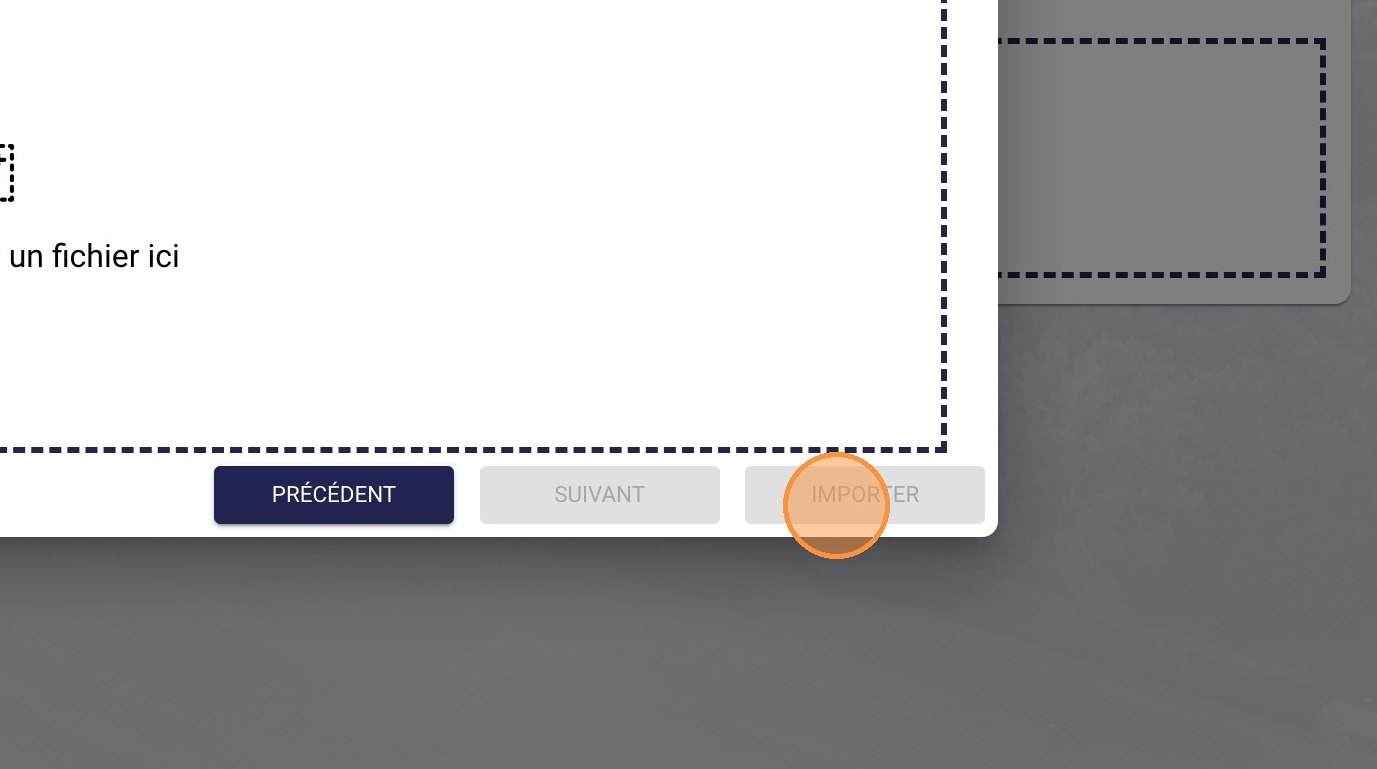
The Import button
Need help
Email support@mycoachpro.io with any questions about importing your objective data.