The season change
At the start of a new season, move your players from previous season teams to the current season from the Settings, then check your squad.
Move the players
-
Go to Settings > Season change.
-
Search for players in previous season teams, then click the + button to move them to the current season.
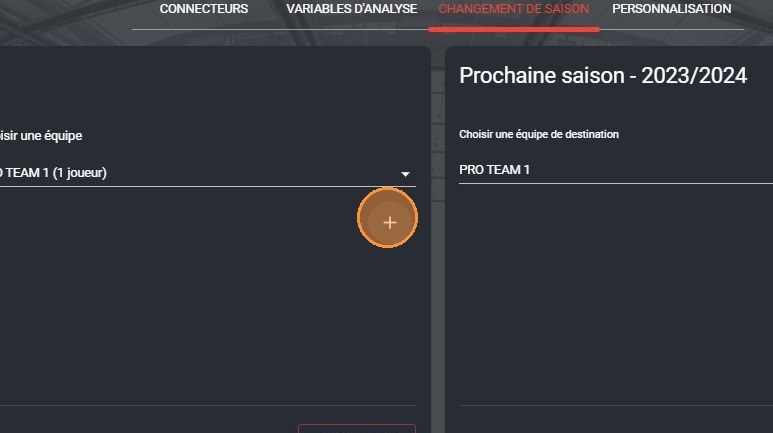
The + button to move players
-
Click SAVE.
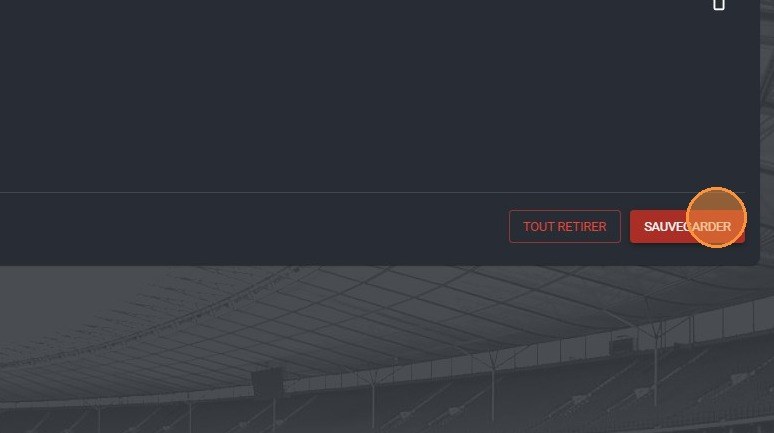
The Save button
Check the new season
-
Click the season in the navigation bar.
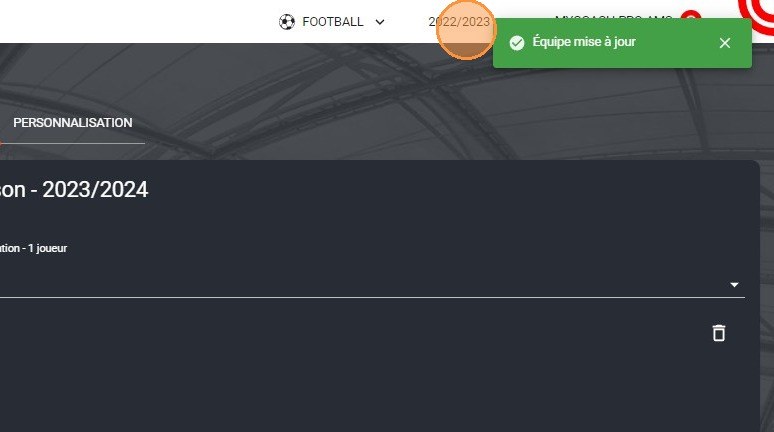
The season selector
-
Choose the new season, for example 2023/2024.
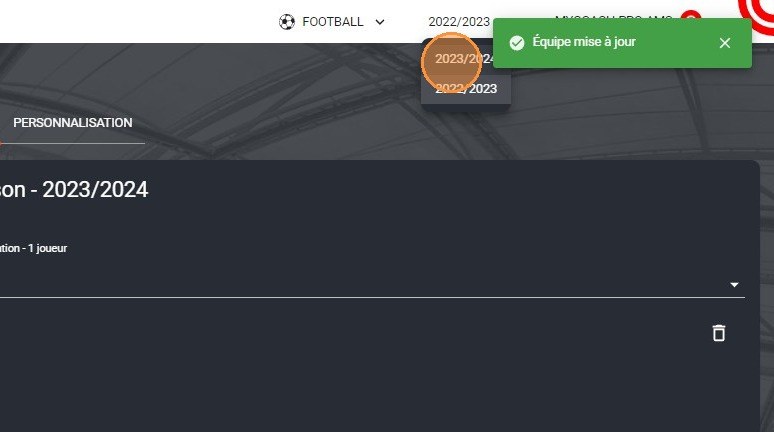
The new season selection
-
Click the PLAYERS module to check that your players are present in your squad.
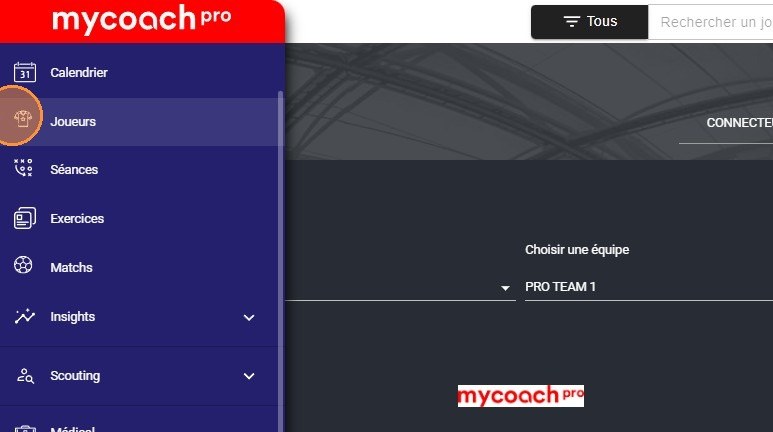
The Players module
Need help
Email support@mycoachpro.io with any questions about the season change.