Resynchronize notification token
No longer receiving MyCoach Pro notifications even though they are allowed on your phone? Resynchronize your notification token from the Diagnostic menu of the MyCoach Pro - AMS app.
Open the Diagnostic menu
-
Sign in to the MyCoach Pro - AMS app, then tap Menu.

The Menu button
-
Scroll down and, in the Other section, tap Diagnostic.
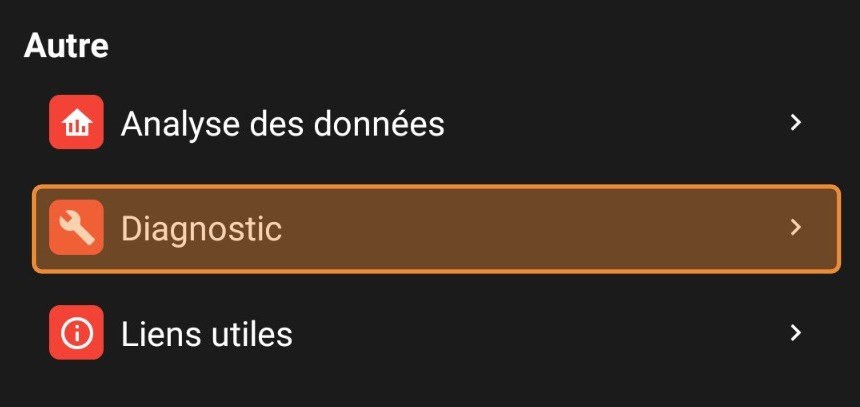
The Diagnostic entry
Resynchronize the token
-
Tap Resynchronize notification token.
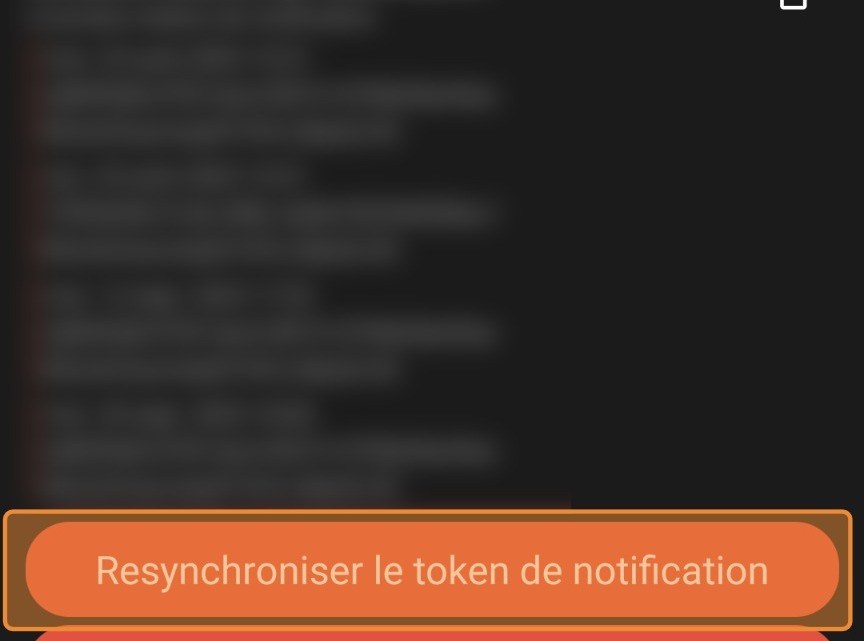
The Resynchronize notification token button
Still no notifications?
Follow the My players are no longer receiving notifications guide to check the phone's settings.
Need help
Email support@mycoachpro.io with any questions about mobile app notifications.