Add a game
Add a game from the Games module: fill in its date, teams, competition and form, then configure it.
Synchronized games
In most cases, your official calendars are synchronized with your MyCoach Pro teams: games are then created and synchronized automatically.
Open the form
-
From the Games module, click Add a Game.
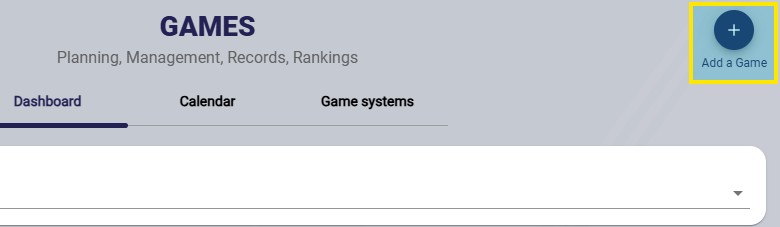
The Add a Game button
Save timeYou can also create a game from the Calendar, or more simply from the Shortcuts widget on the homepage, which lets you configure your most frequent actions.
Fill in the game details
-
Fill in the game details:
- the date and time;
- the game duration;
- the home and away teams, including your team. The opposing team can be created (it then joins your database) or be an official team if you have access to it;
- the competition: generic, created (it then joins your database) or official if you have access to it;
- the form: the default form for this type of event is preselected;
- the club facility, if used.
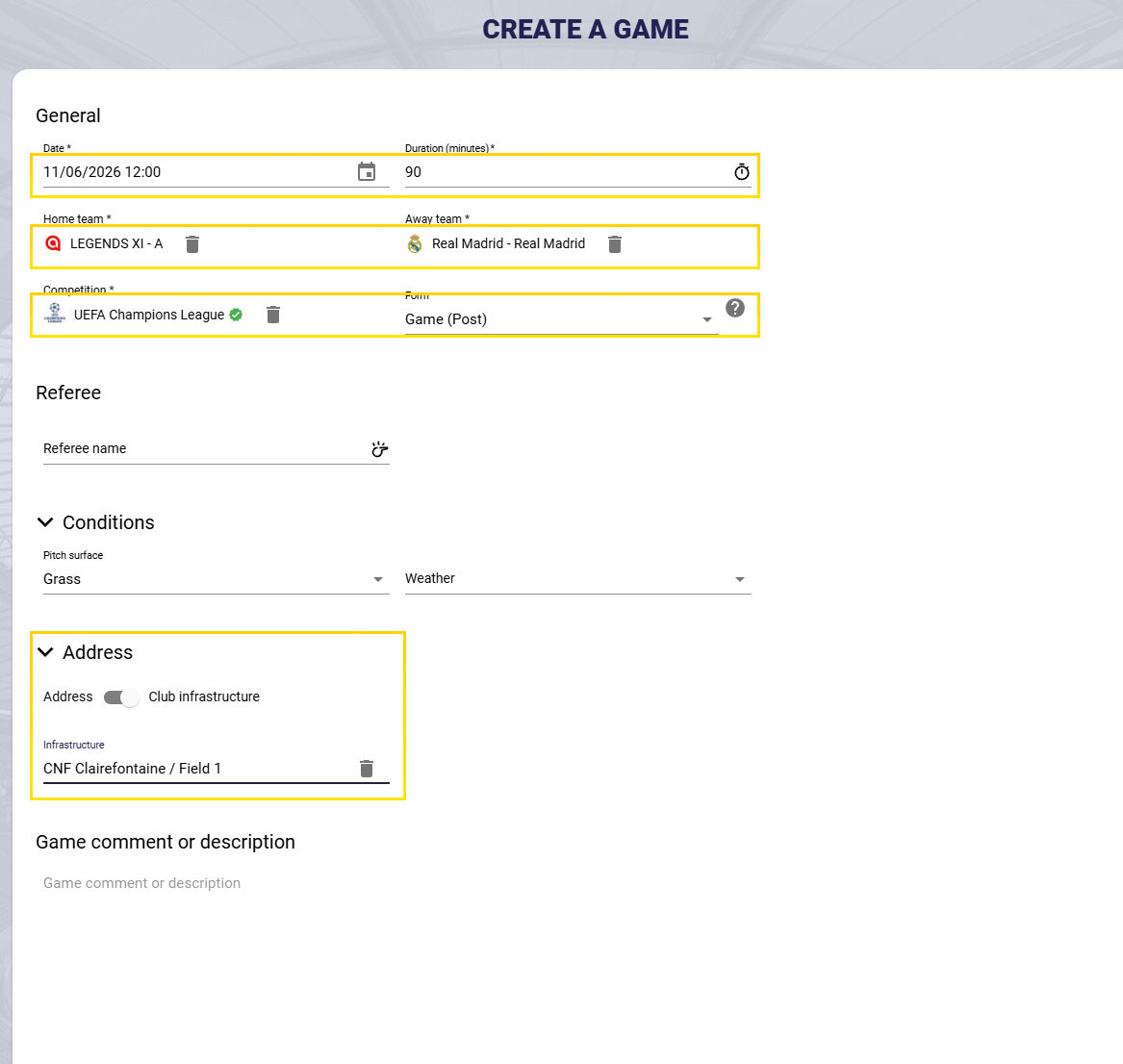
The game creation form
Configure the game
-
Once the game is created, configure it with lineups, periods and match events.
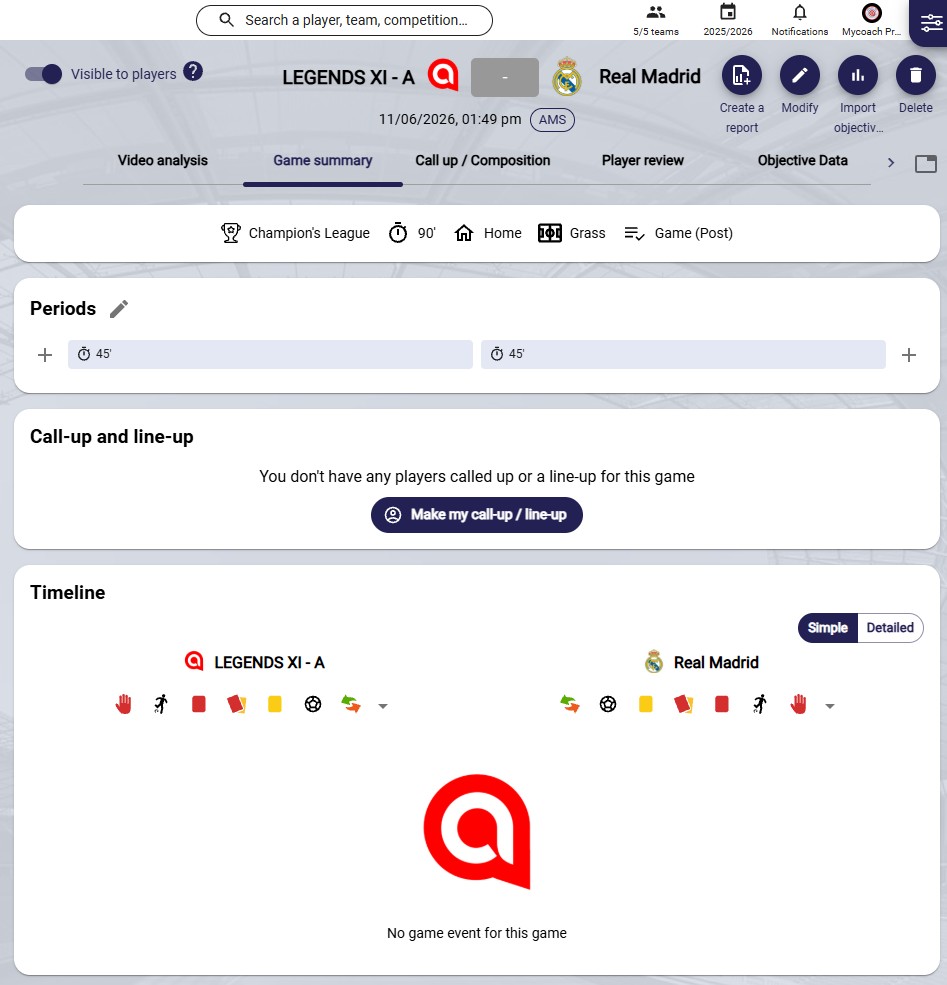
The game page
What next?
For details on each step, see Configure a match.
Need help
Email support@mycoachpro.io with any questions about adding games.