Widget: Shortcuts
The Shortcuts widget lets you create shortcuts from your Home page to ease your navigation on the platform or to pin actions you perform frequently.
You can add the widget multiple times, with up to 10 shortcuts per widget.
Add the widget
-
From the Home page, click Edit home.
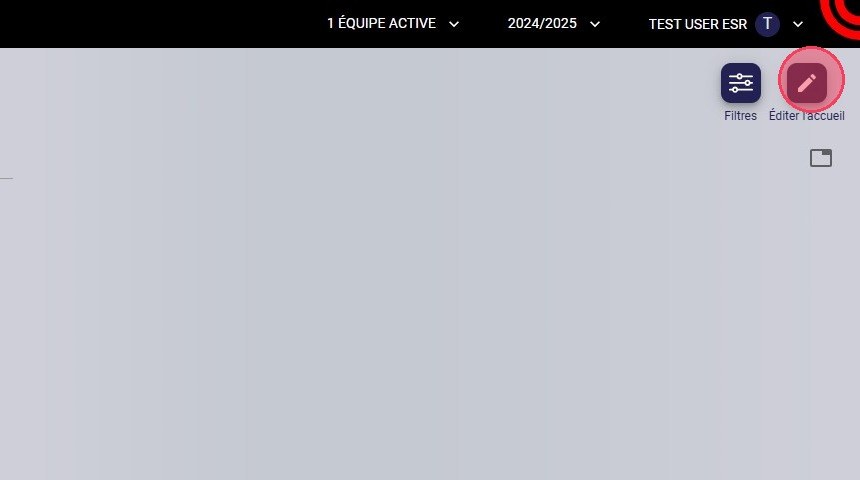
The Edit home button
-
Click the + button to display the list of widgets.
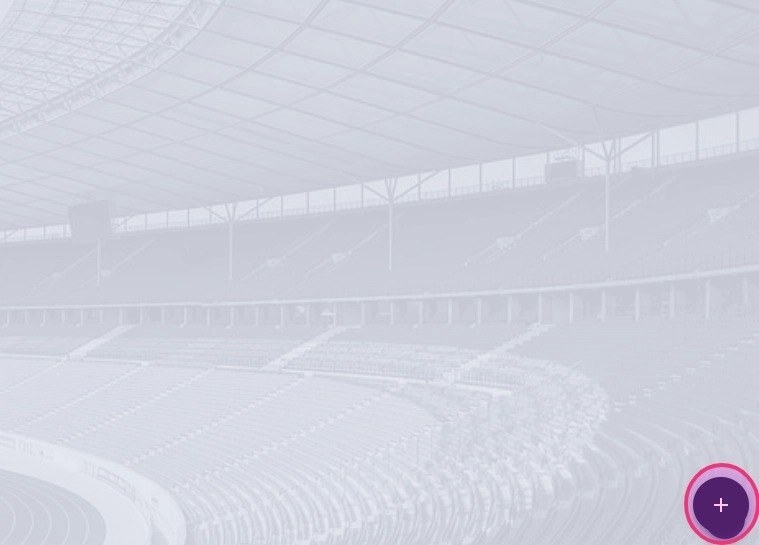
The + button
-
Select the Shortcuts widget.
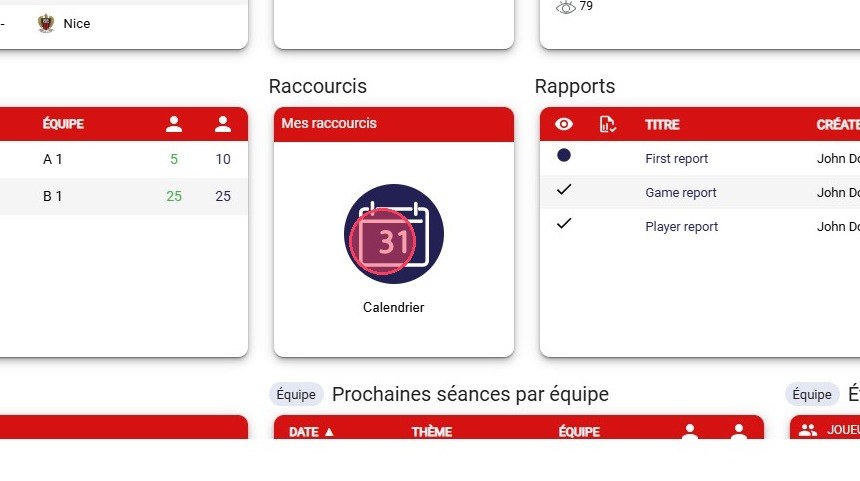
The Shortcuts widget
-
Click NEXT.
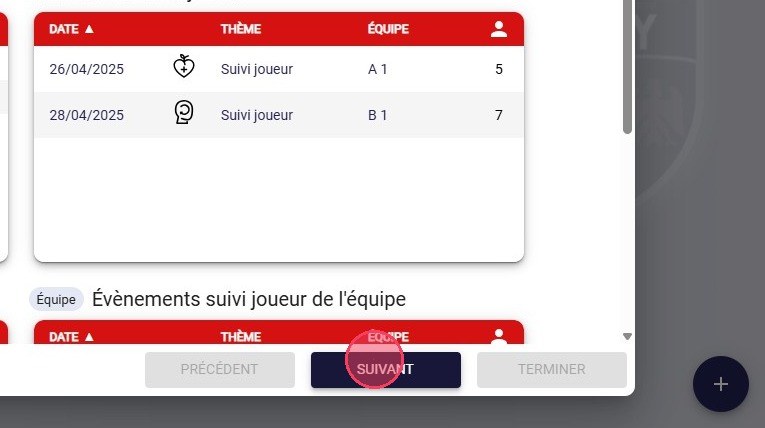
The Next button
Configure the shortcuts
-
Choose the Header colour and enter the Widget title.
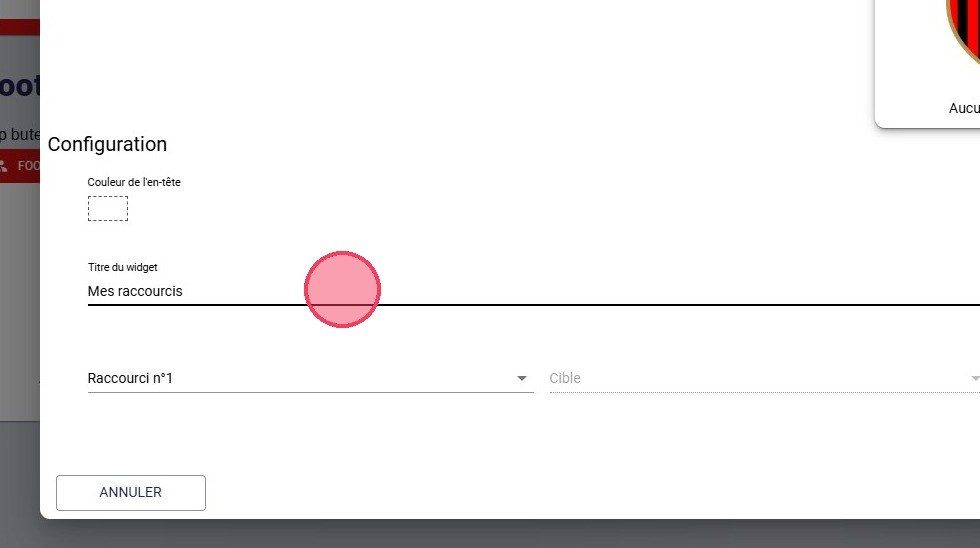
The widget configuration
-
For each shortcut, choose a Target: a specific module (such as the players calendar) or a specific action (such as creating an event).
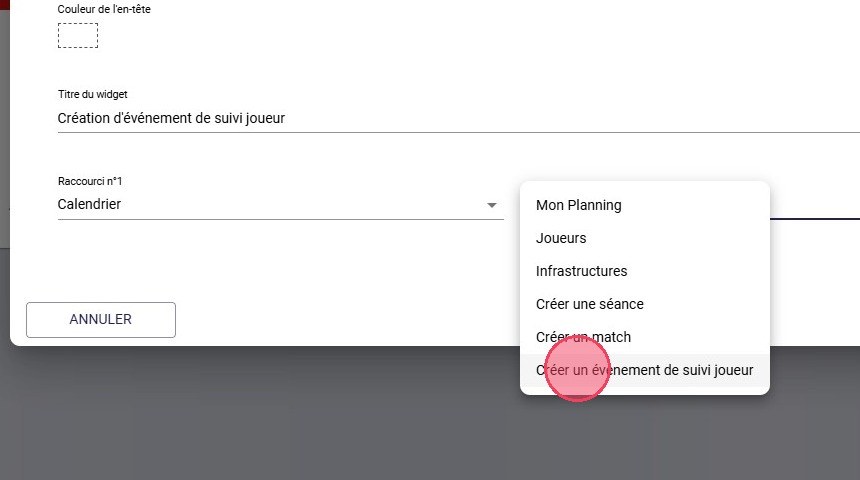
The list of targets
-
Click ADD A SHORTCUT to add more.
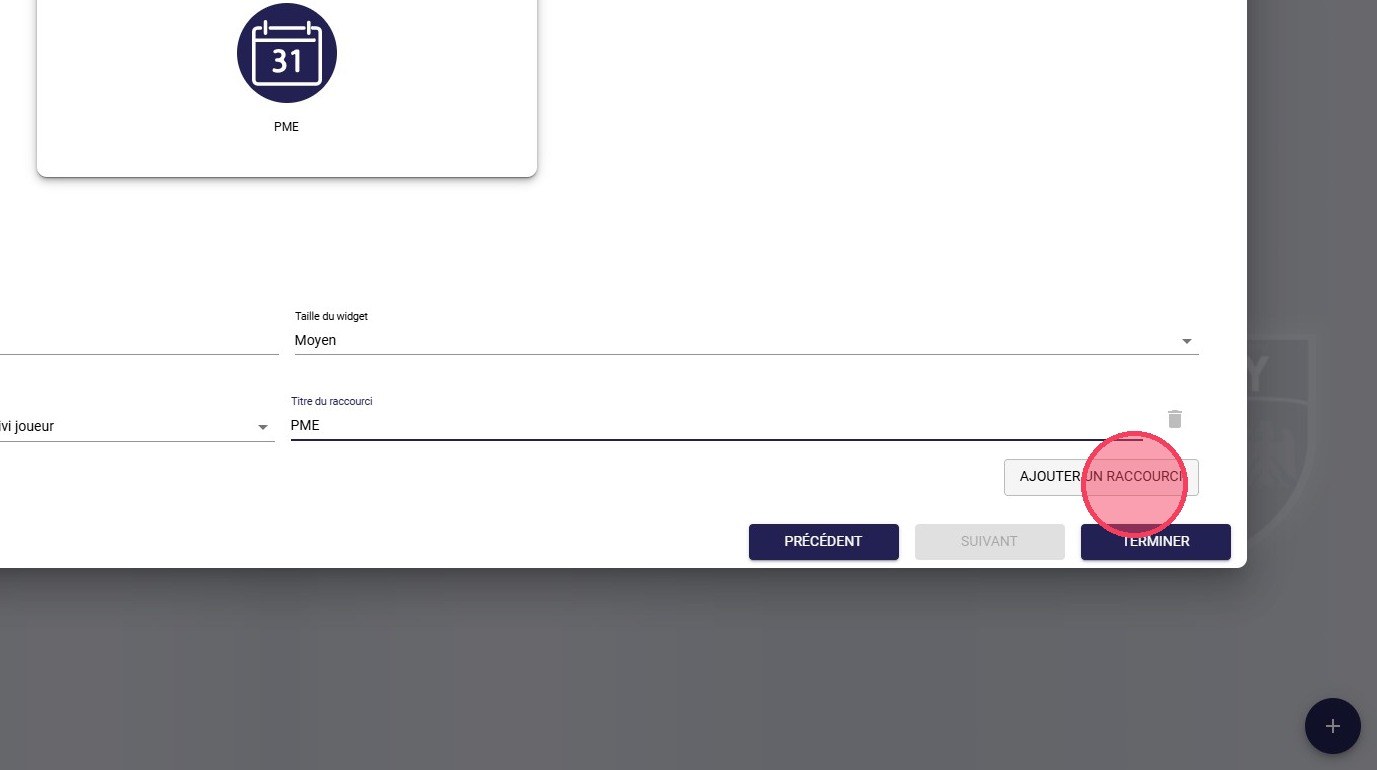
The Add a shortcut button
-
Configure the new shortcut (Shortcut no. 2, Target and Shortcut title) in the same way.
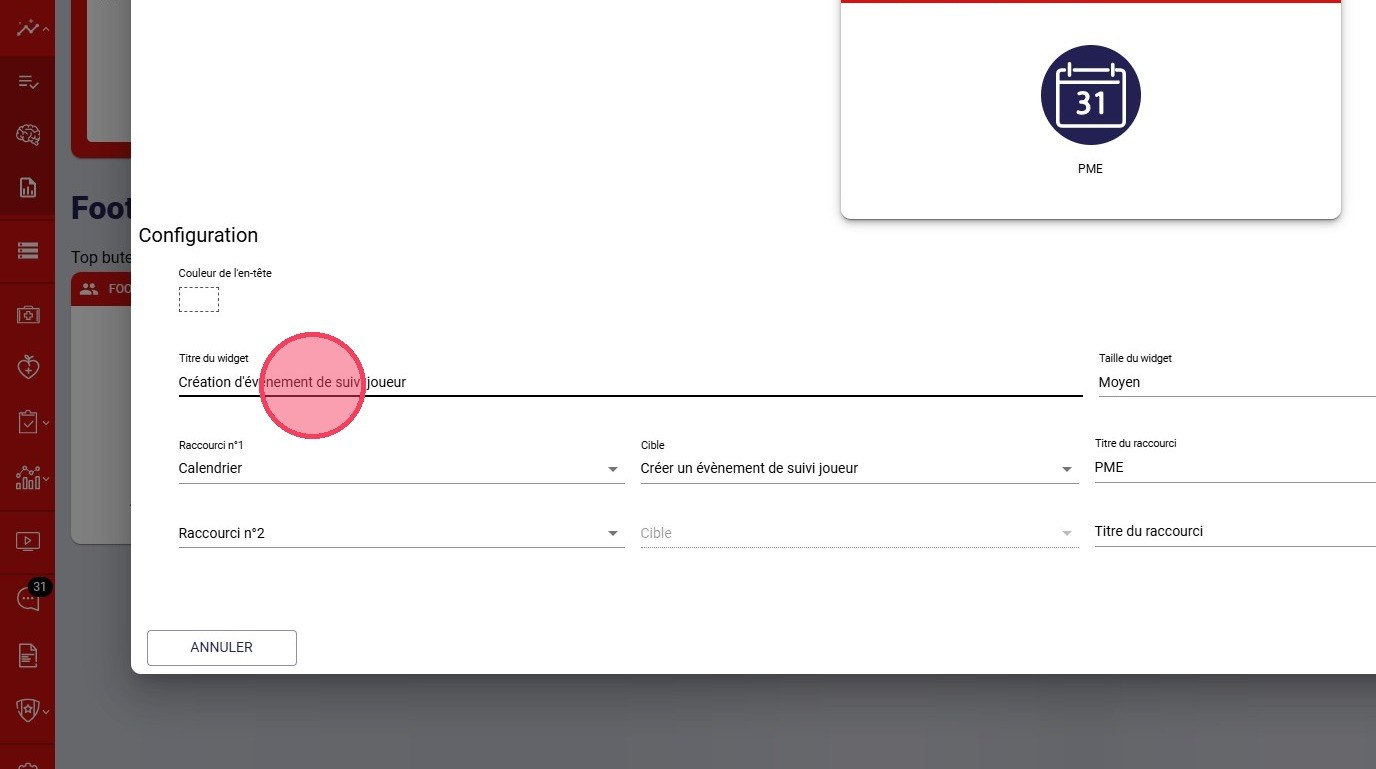
The new shortcut configuration
-
Once all your shortcuts are configured, click DONE.
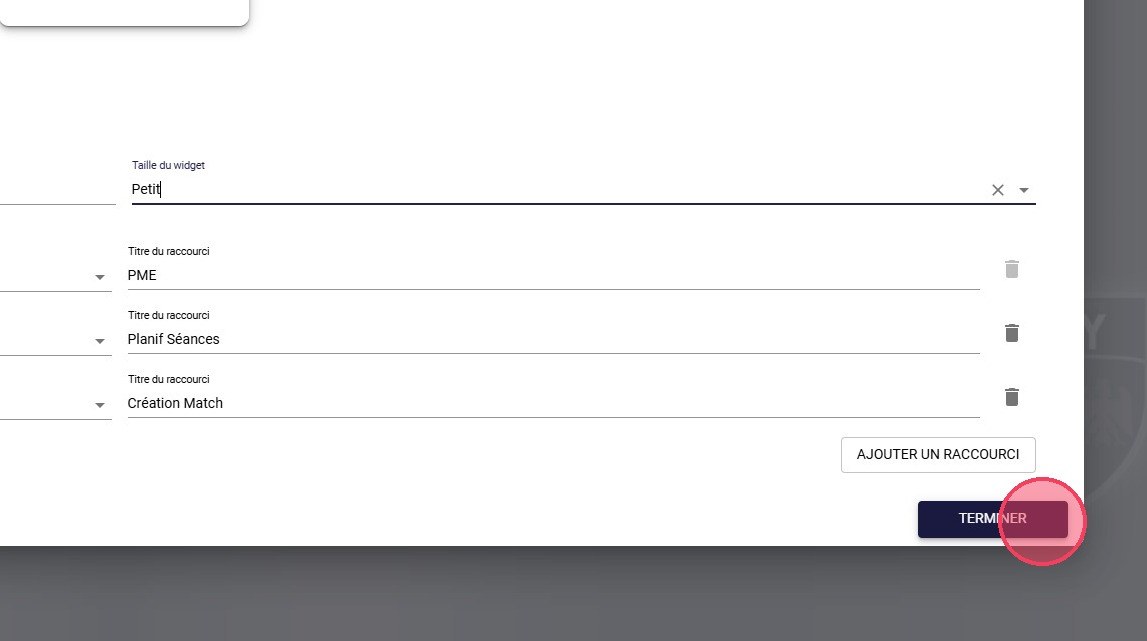
The Done button
-
Click Exit edit mode.
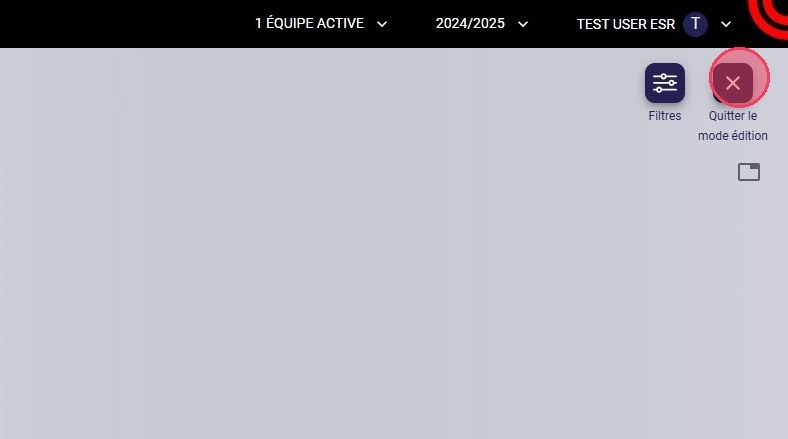
The Exit edit mode button
Use a shortcut
-
Click a shortcut in the widget.
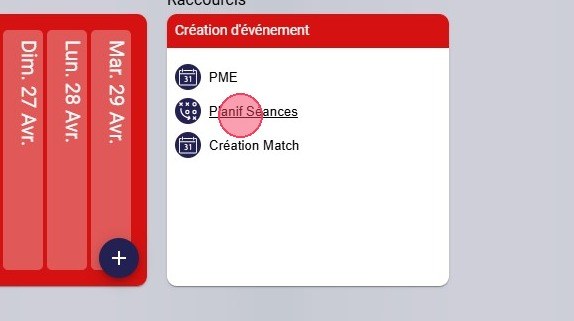
A shortcut in the widget
-
You land directly on the target page, here the training session planning.
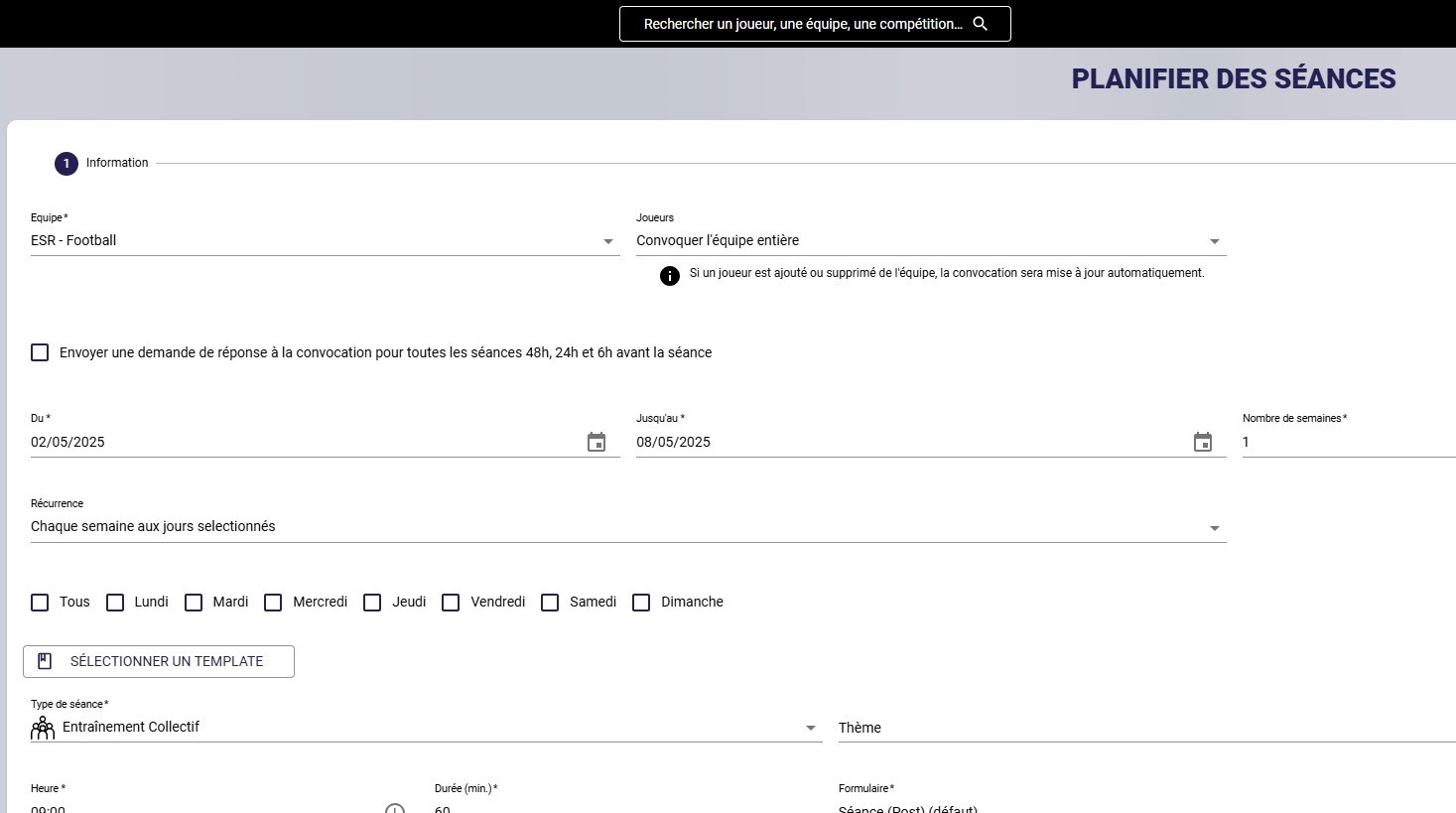
The Plan sessions page
To add or delete widgets, see Configuring your widgets.
Need help
Email support@mycoachpro.io with any questions about the Shortcuts widget.