Export a report as PPTX
Report BI reports can be exported in PPTX format, to be opened and shared in PowerPoint.
The process has two stages:
- Prepare the report: player, reference player and period.
- Export the report: download the PPTX file.
Prepare the report
-
In the menu, open the report in Report BI.
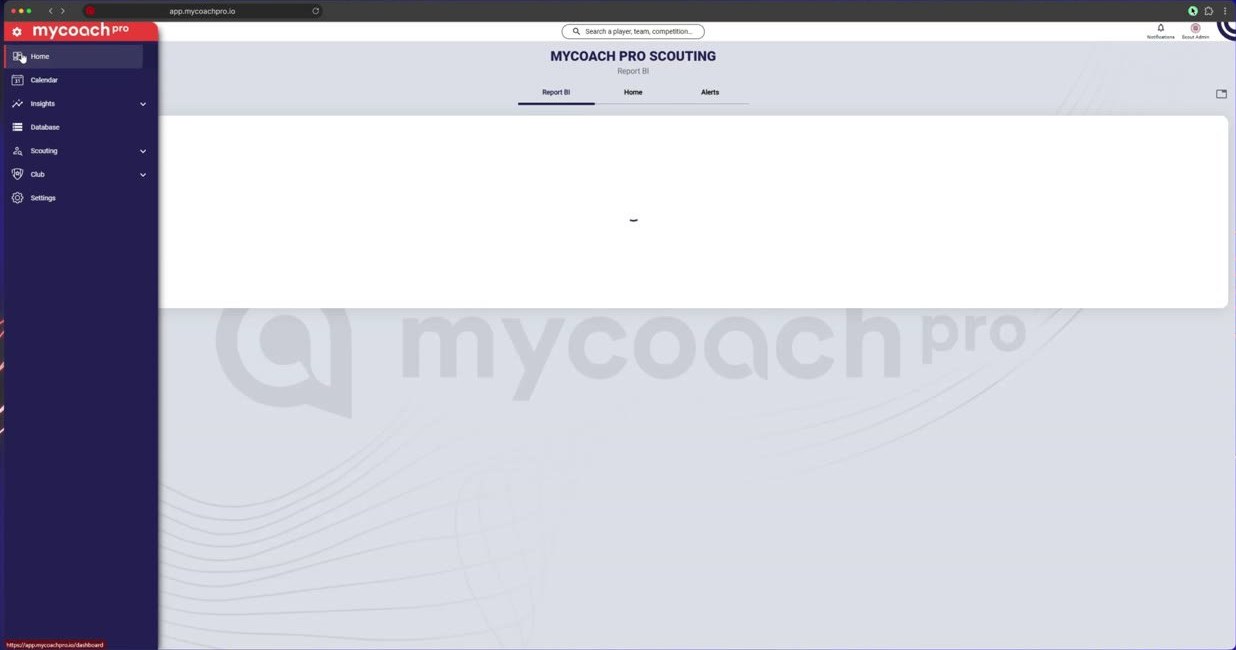
In the menu, open the report in Report BI
-
Click Add/remove players and choose the player.
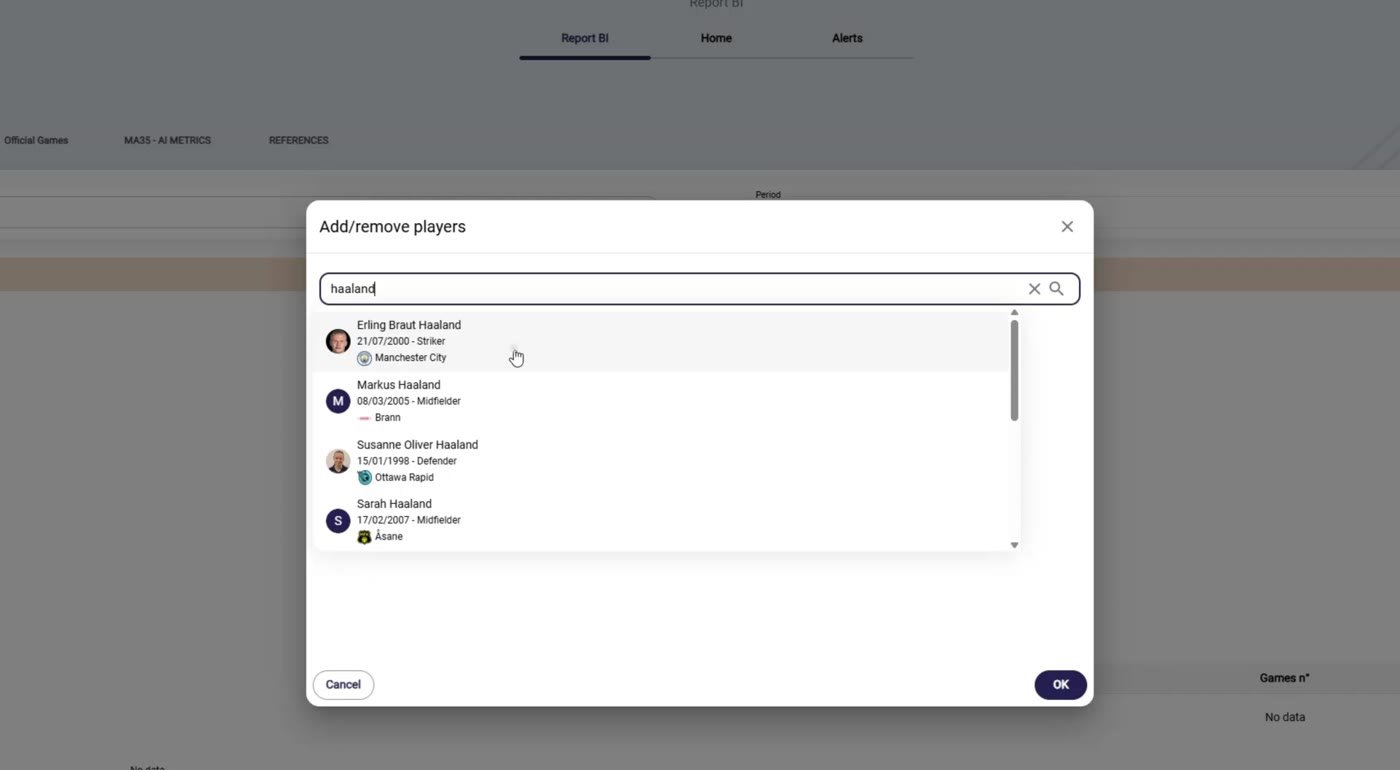
Click Add/remove players and choose the player
-
The player's report is displayed.
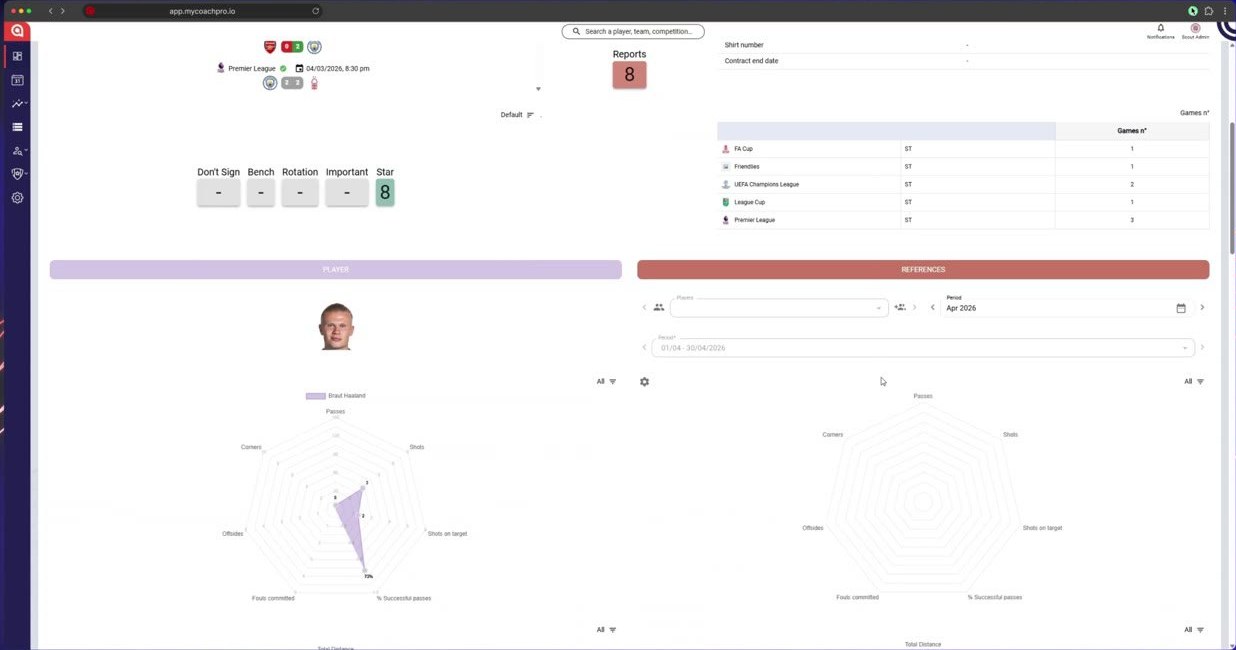
The player's report is displayed
-
Add a reference player for comparison.
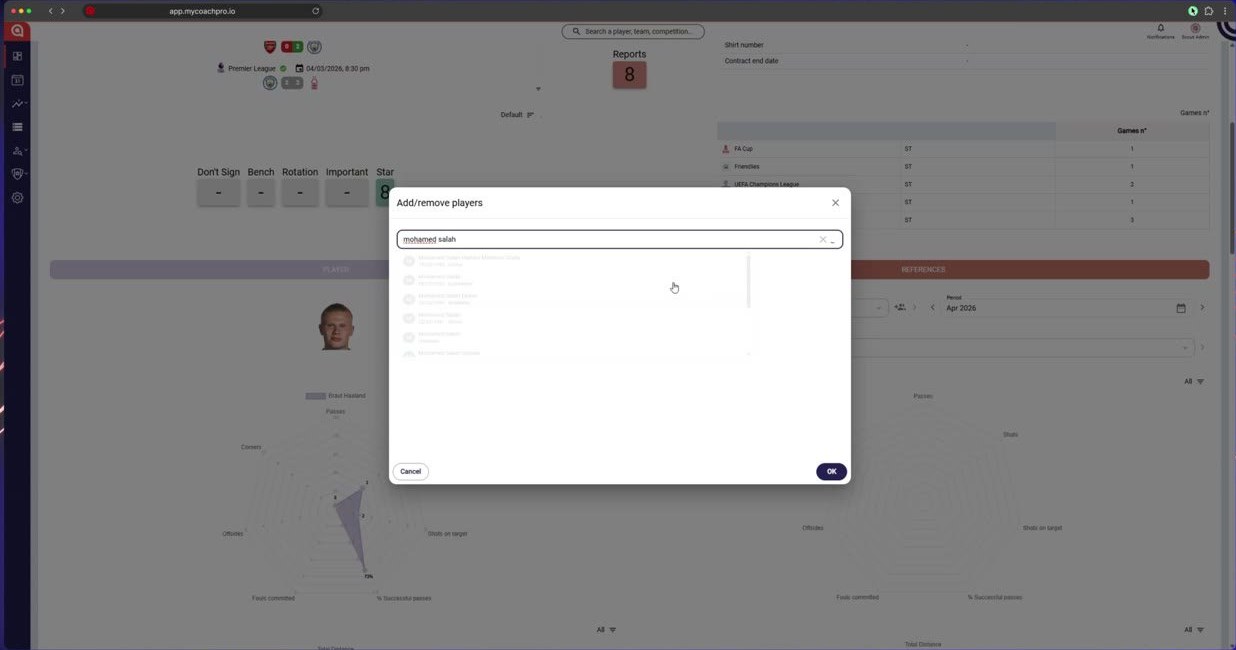
Add a reference player for comparison
-
Choose the period.
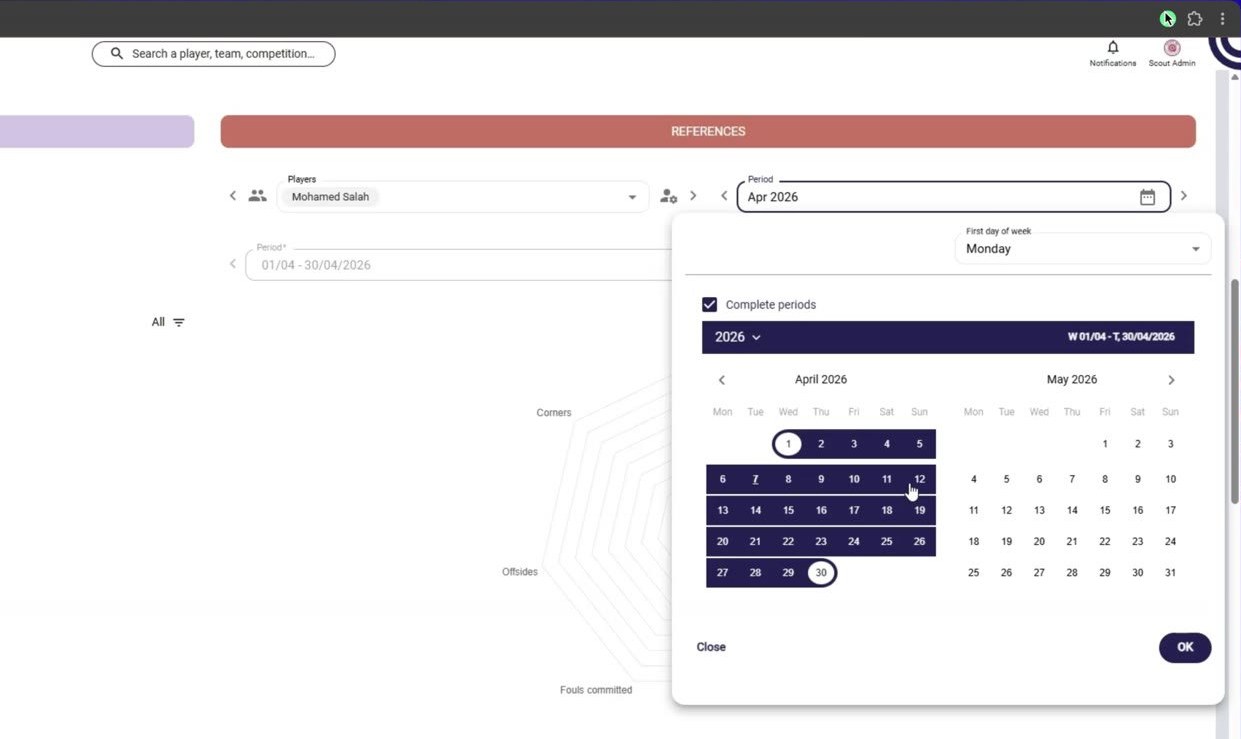
Choose the period
-
Browse the report.
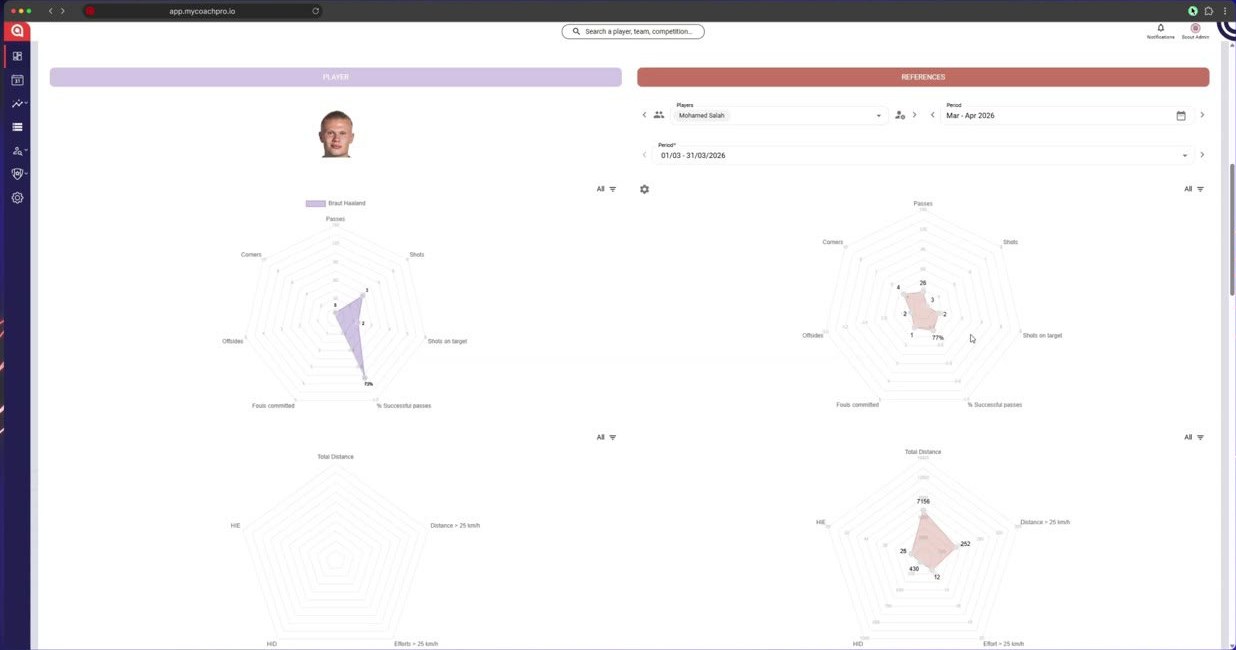
Browse the report
Export the report
-
Click PPTX to export the report.
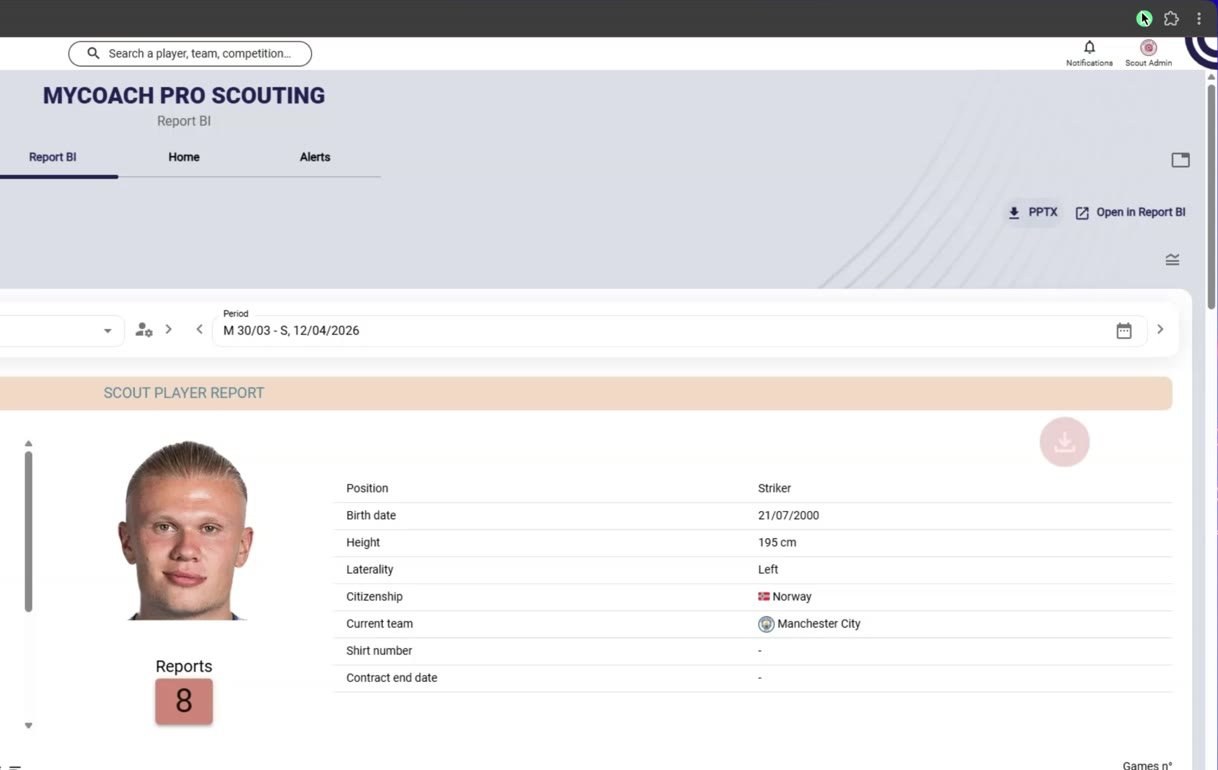
Click PPTX to export the report
-
The PPTX file is downloaded.
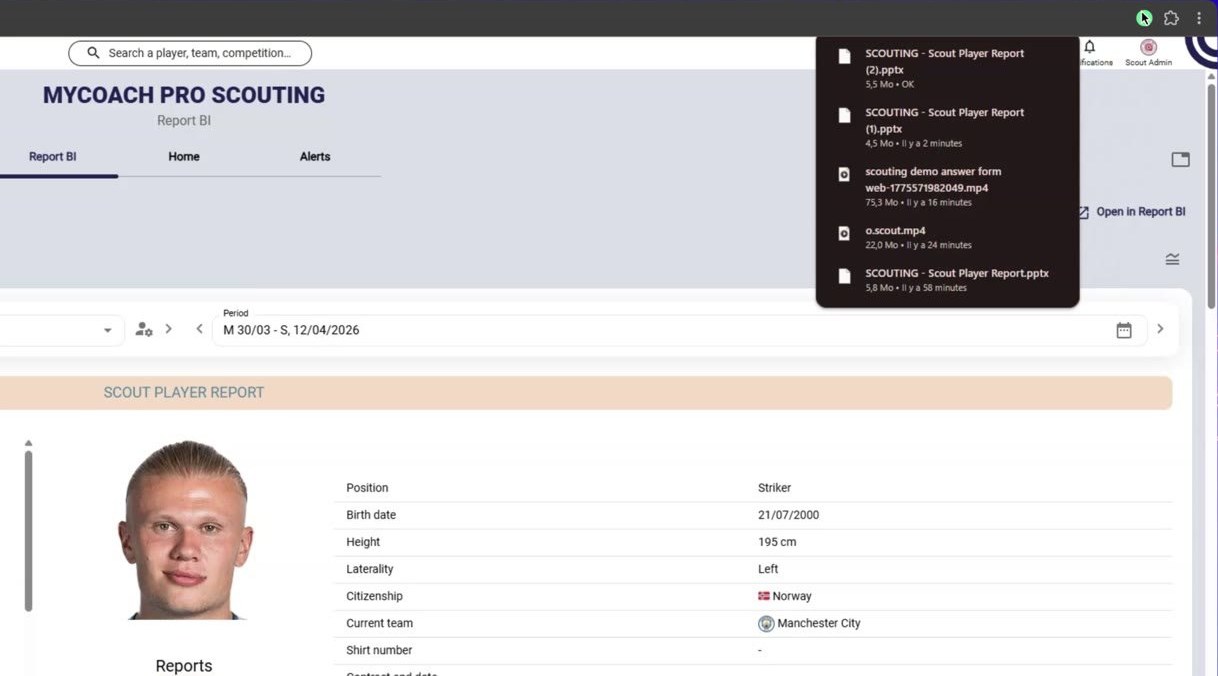
The PPTX file is downloaded
-
Open it in PowerPoint.
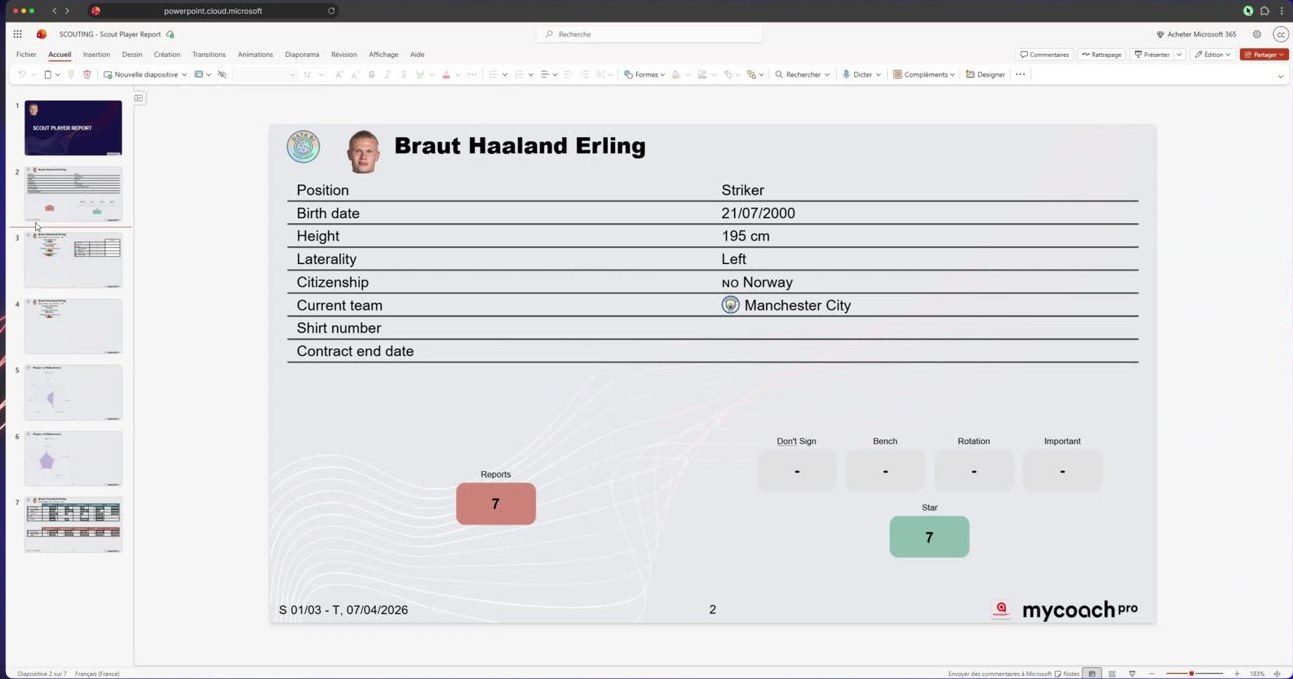
Open it in PowerPoint
Need help
Email support@mycoachpro.io with any questions about exporting reports.