Create a report and share it with your players
Create a report from a Report BI dashboard and share it with your players. A report can be created from several places in MyCoach Pro; this example starts from Home, in the REPORT BI tab.
Create the report
-
Click the Report BI dashboard from which you want to create a report.
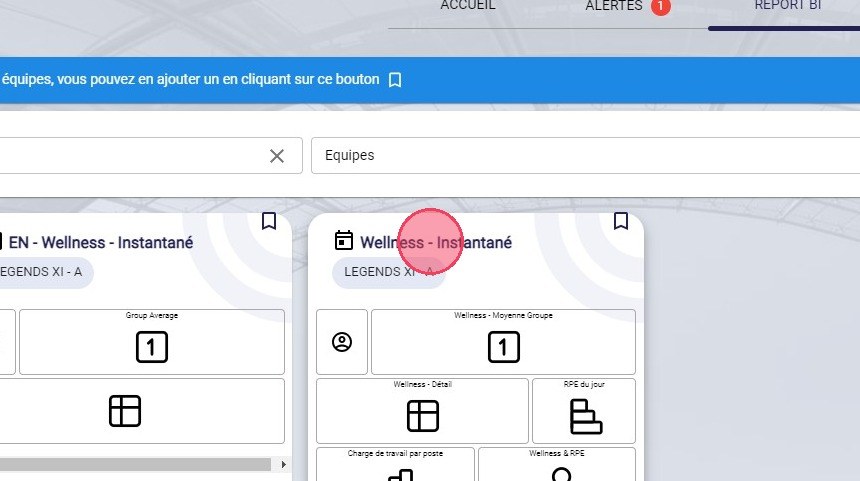
The Report BI dashboard
-
Once the dashboard has loaded with the desired data, click CREATE A REPORT.
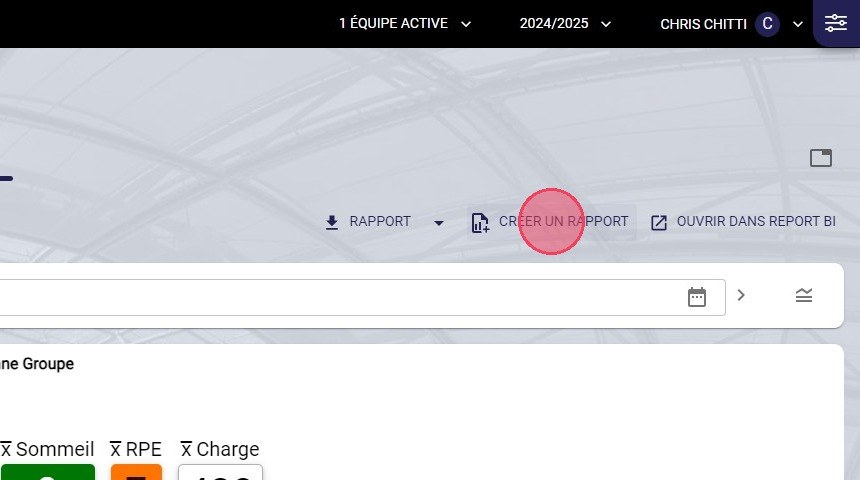
The Create a report button
-
If needed, choose a Report status and edit its Title.
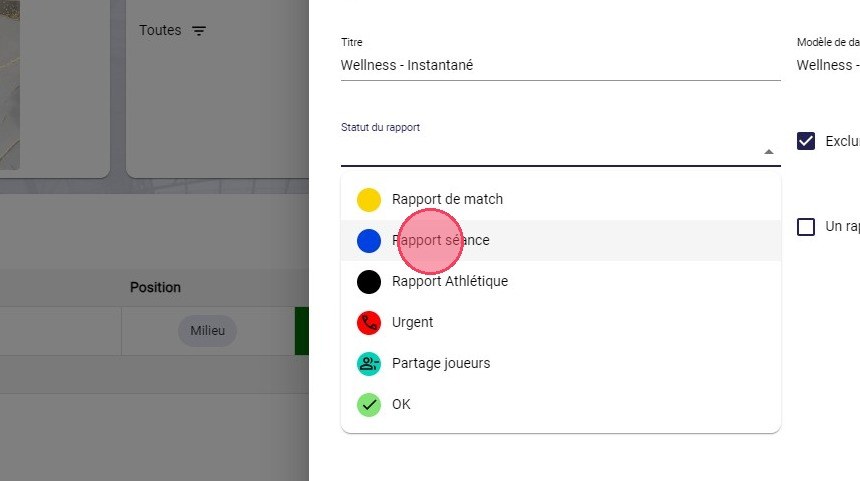
The report status
OptionalThe status and title are not mandatory. The statuses offered are the ones you have created.
Share the report with players
-
Tick One report per player to generate an individual report for each player who has data on this dashboard.
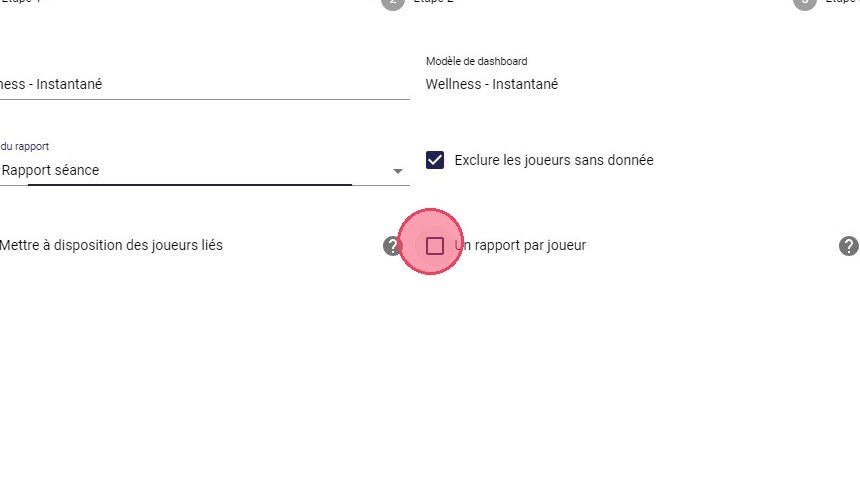
The One report per player option
-
Tick Make available to linked players to send the report to the players who have data on this dashboard.
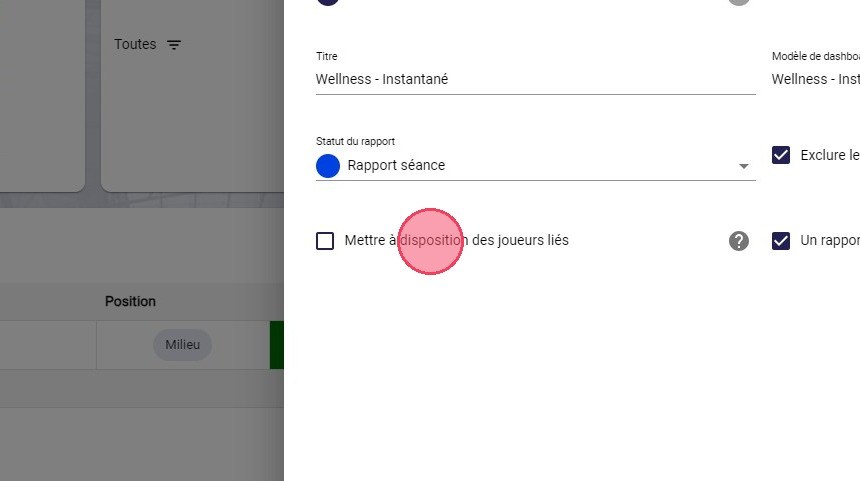
The Make available to linked players option
Data privacyIf you tick this option without ticking One report per player, each player will see the other players' data.
-
Click NEXT twice.
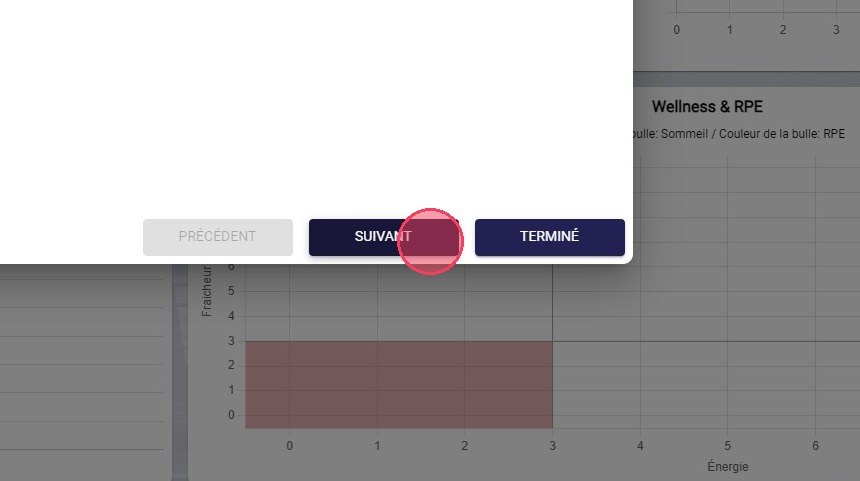
The Next button
-
Click DONE.
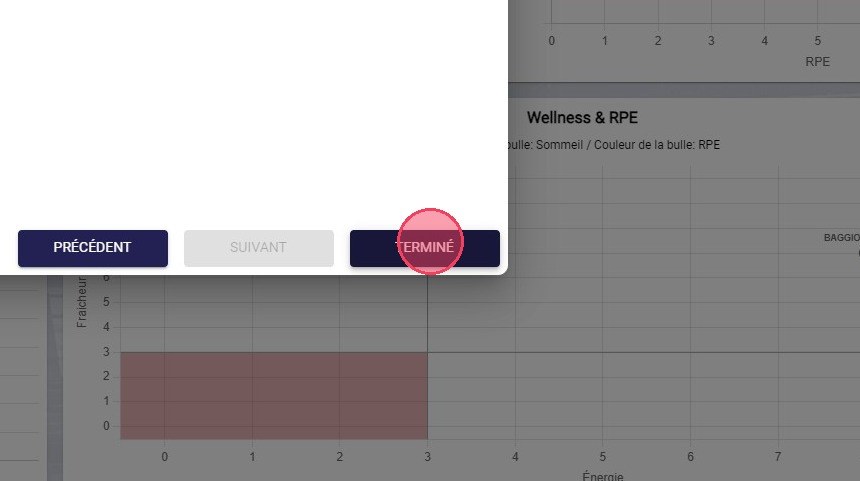
The Done button
Need help
Email support@mycoachpro.io with any questions about creating and sharing reports.