Create a shortlist
A shortlist groups together the players followed by the recruitment team. You create it from the Shortlists page of the Scouting module, with or without a lineup on the pitch, then add players position by position.
The process has two stages:
- Create the shortlist: lineup, name and options.
- Add players: in each position on the pitch.
Create the shortlist
-
In the Scouting menu, open Shortlists.
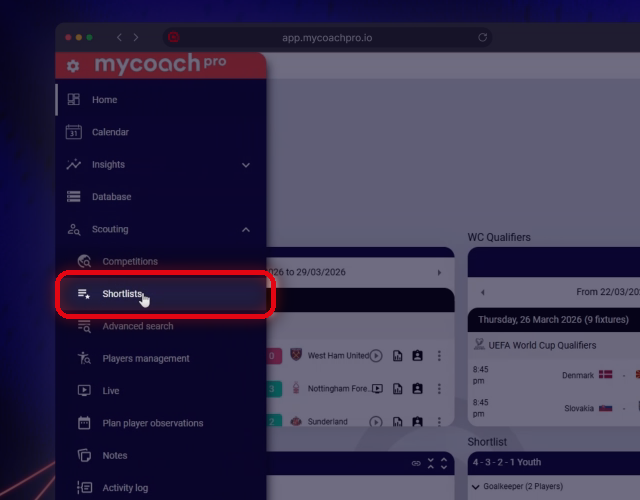
The Shortlists entry in the Scouting menu
-
Click Add a shortlist.
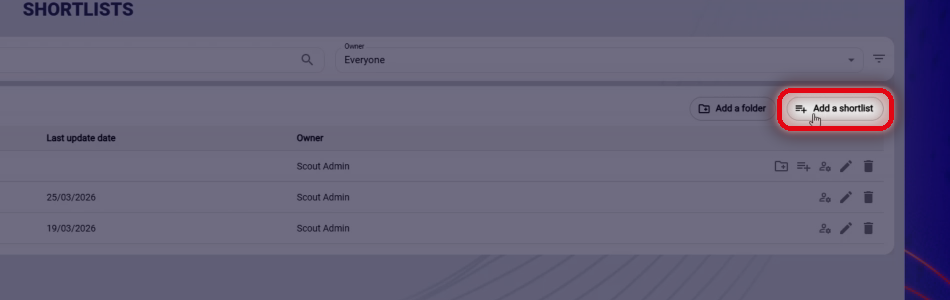
The Add a shortlist button
-
In the Lineup field, choose the shortlist's lineup on the pitch, or No lineup.
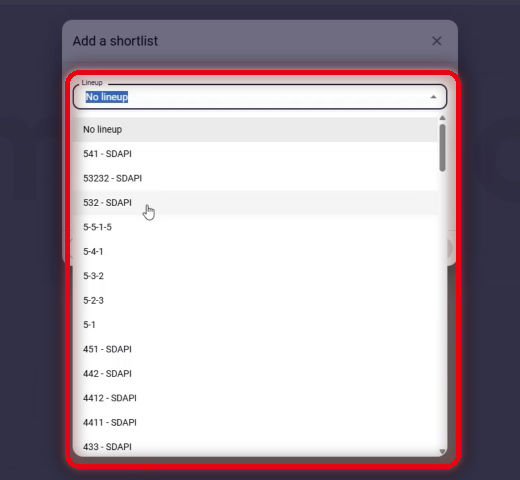
The list of lineups
-
Enter the Shortlist name.
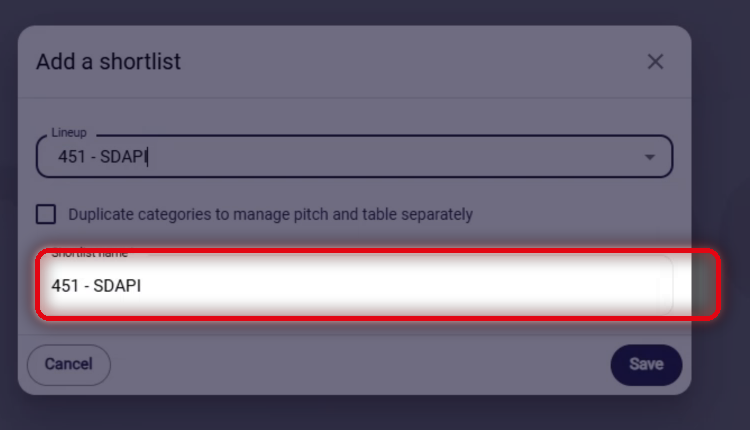
The Shortlist name field
-
If needed, tick the Duplicate categories to manage pitch and table separately option.
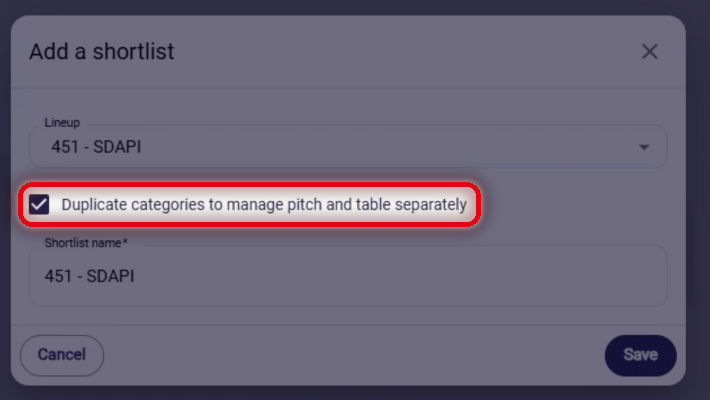
The category duplication option
-
Click Save.
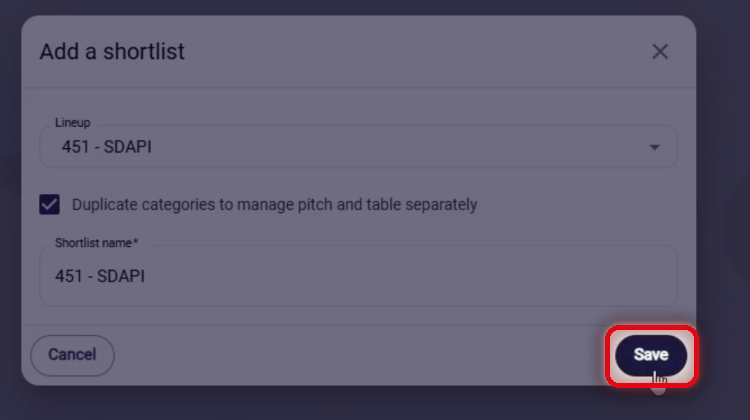
The Save button
-
The shortlist appears in the list. Click it to open it.
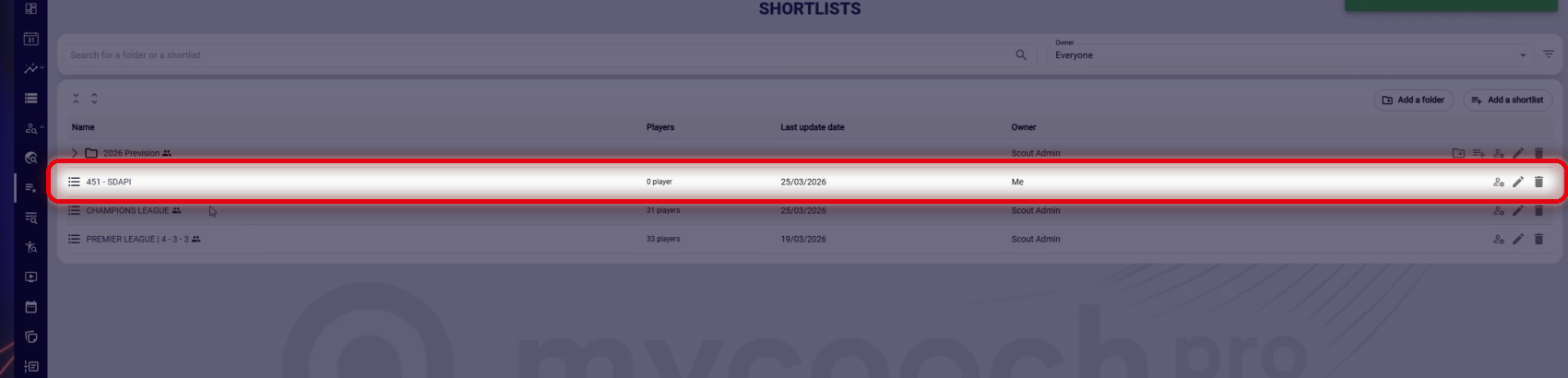
The new shortlist in the list
Add players
-
On the pitch, click Add a player in the position you want.
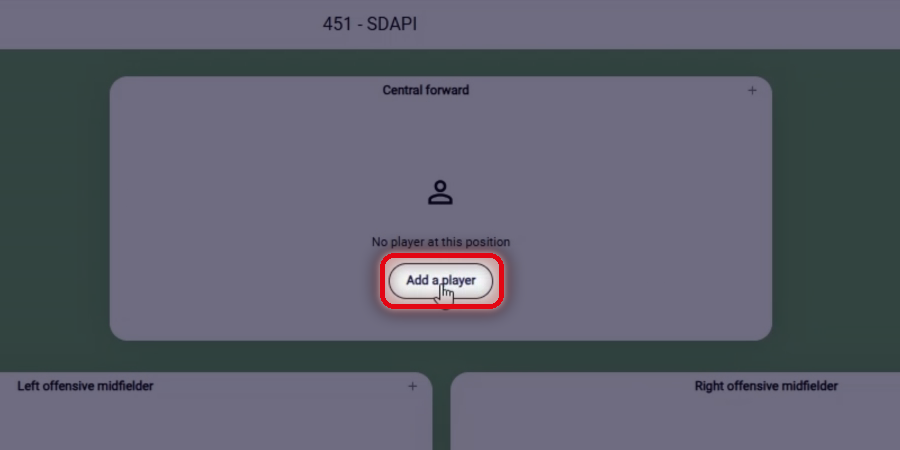
The Add a player button in a position
-
Search for the player, then add them from the results.
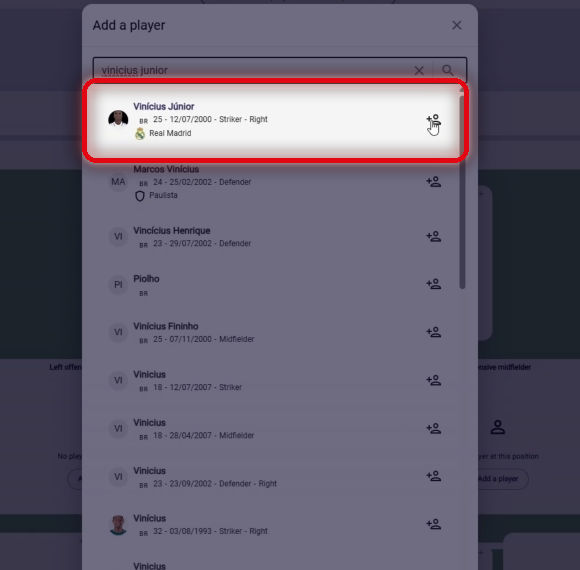
Searching for and adding the player
-
The player appears in the position.
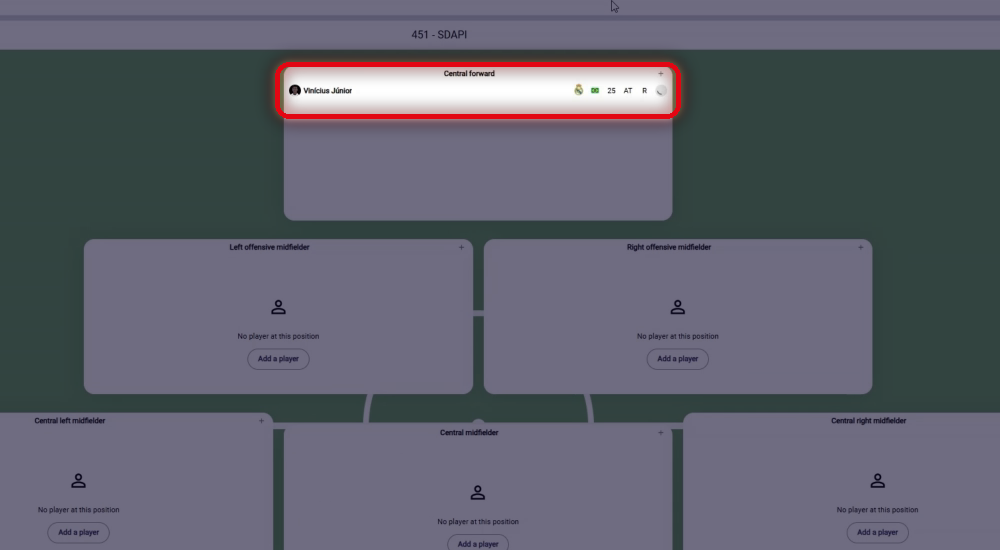
The player added in the position
To create a new version of a shortlist without changing the original, duplicate it.
Need help
Email support@mycoachpro.io with any questions about shortlists.