Add a new staff member
Add a staff member from the Club module: fill in their details, then choose the teams they will have permissions on, their role and their additional permissions.
Open the form
-
From the menu, click the Club icon.

The Club icon
-
Click the Add button.
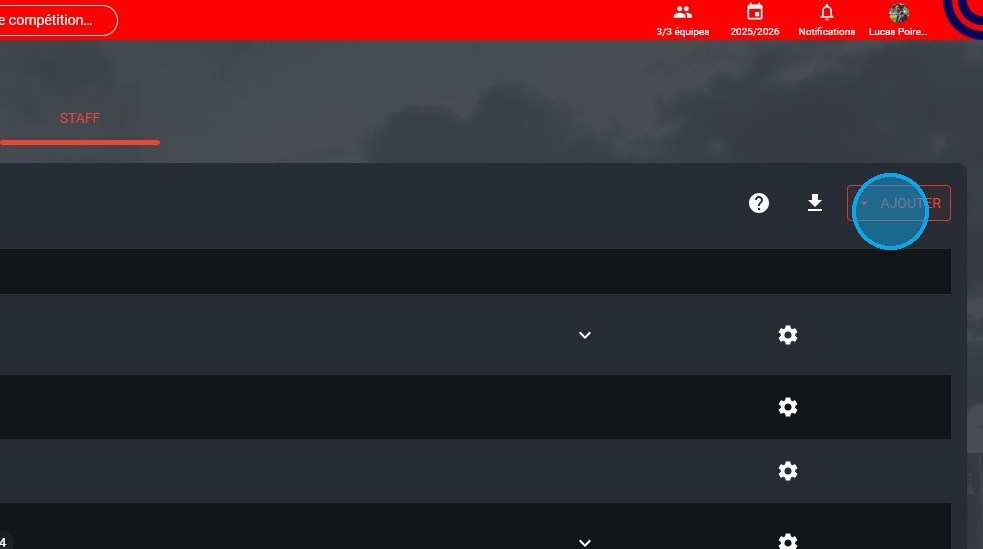
The Add button
-
Select Add staff.
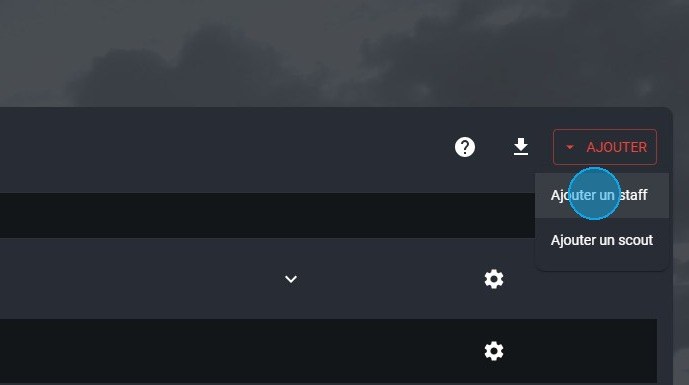
The Add staff option
Fill in the user's details
-
Enter the new staff member's Login username.
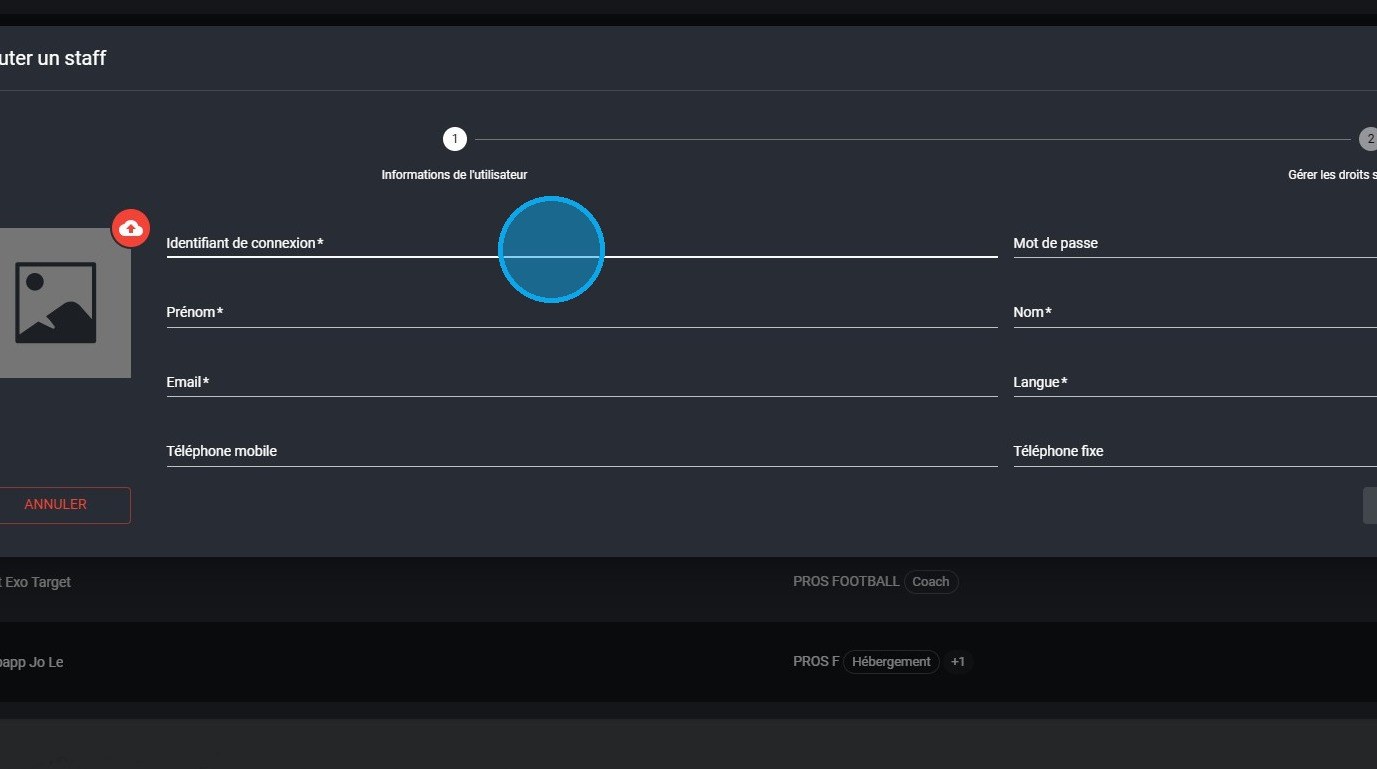
The Login username field
-
Fill in the other fields: Password, First name, Last name, Email and Language.
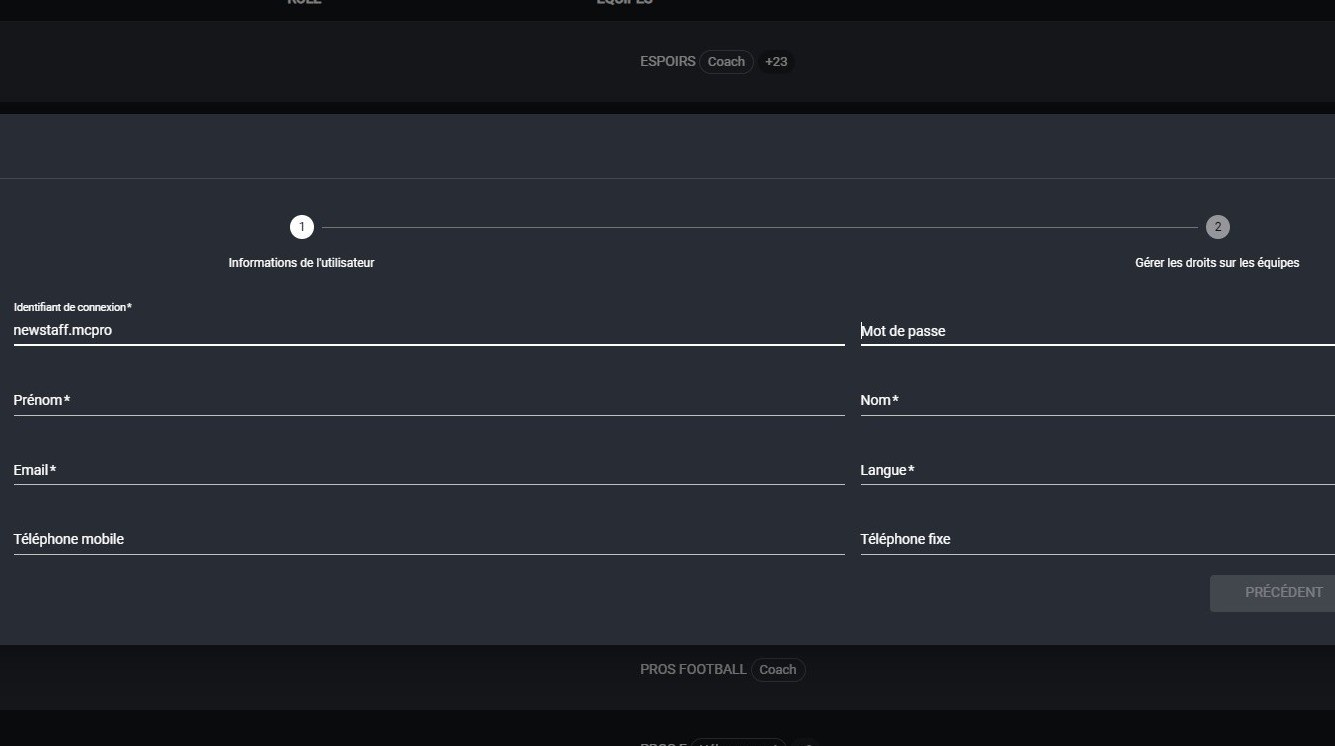
The user details
Required fieldsFields marked with an asterisk are mandatory.
-
Click Next.
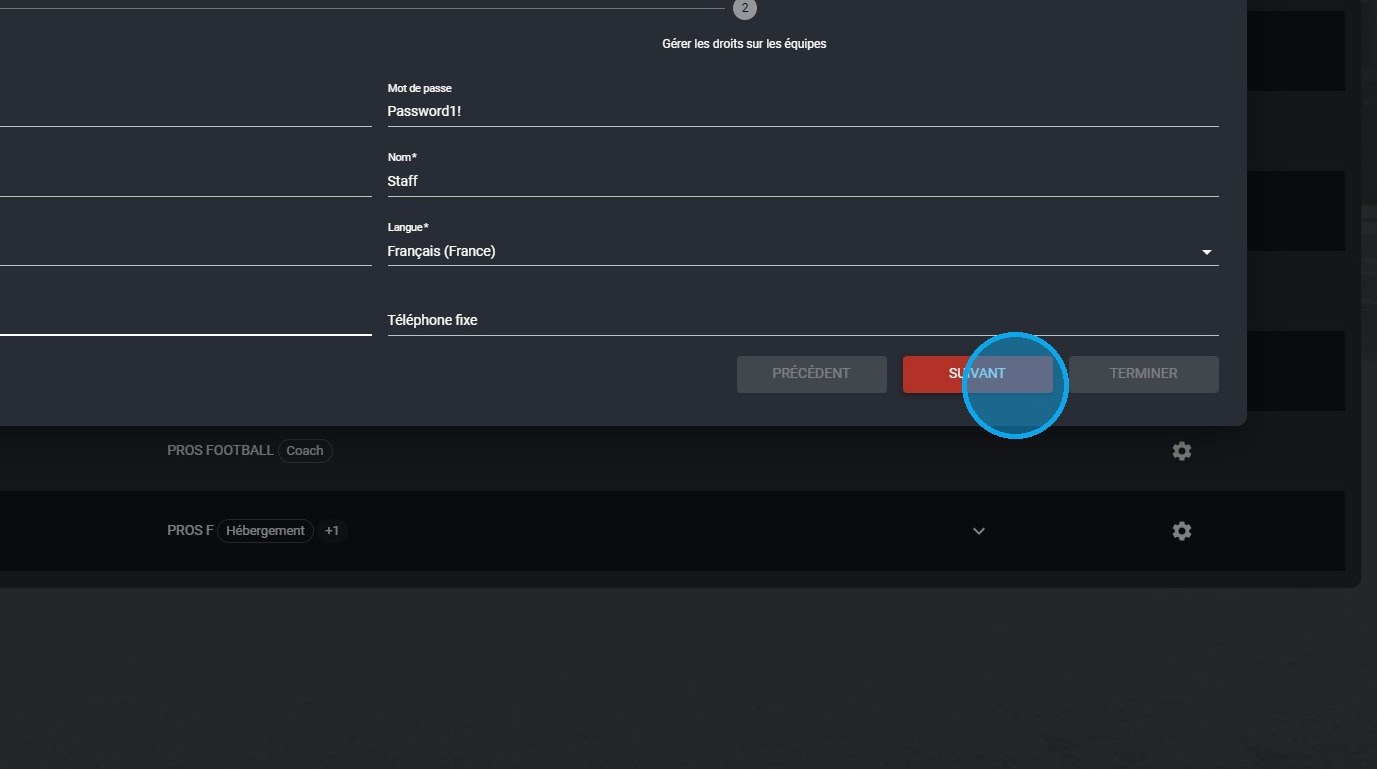
The Next button
Manage team permissions
-
Search for the teams on which you want to grant permissions to this new user.
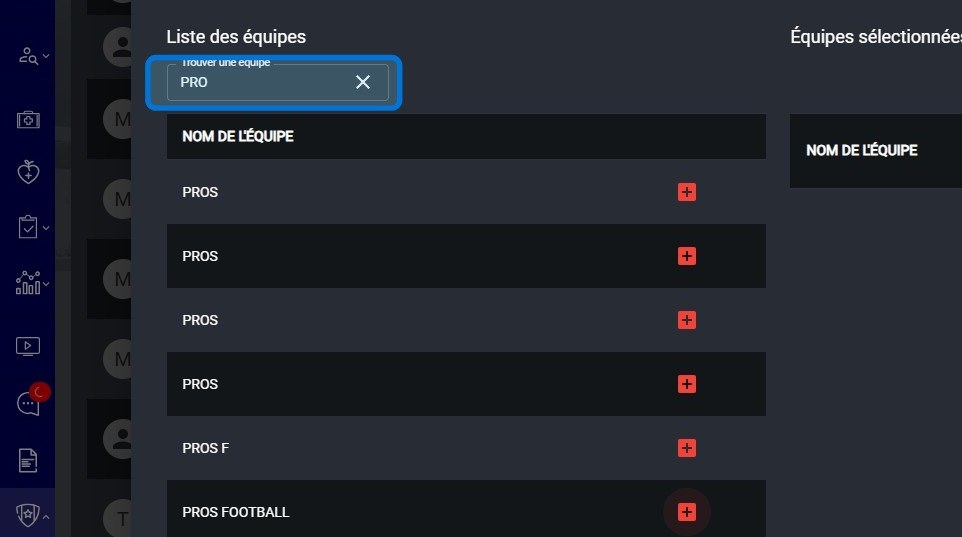
The team search
-
Click the + button to add a team to the new staff member's permissions.

The + button to add a team
-
In the Role list, select the staff member's role.
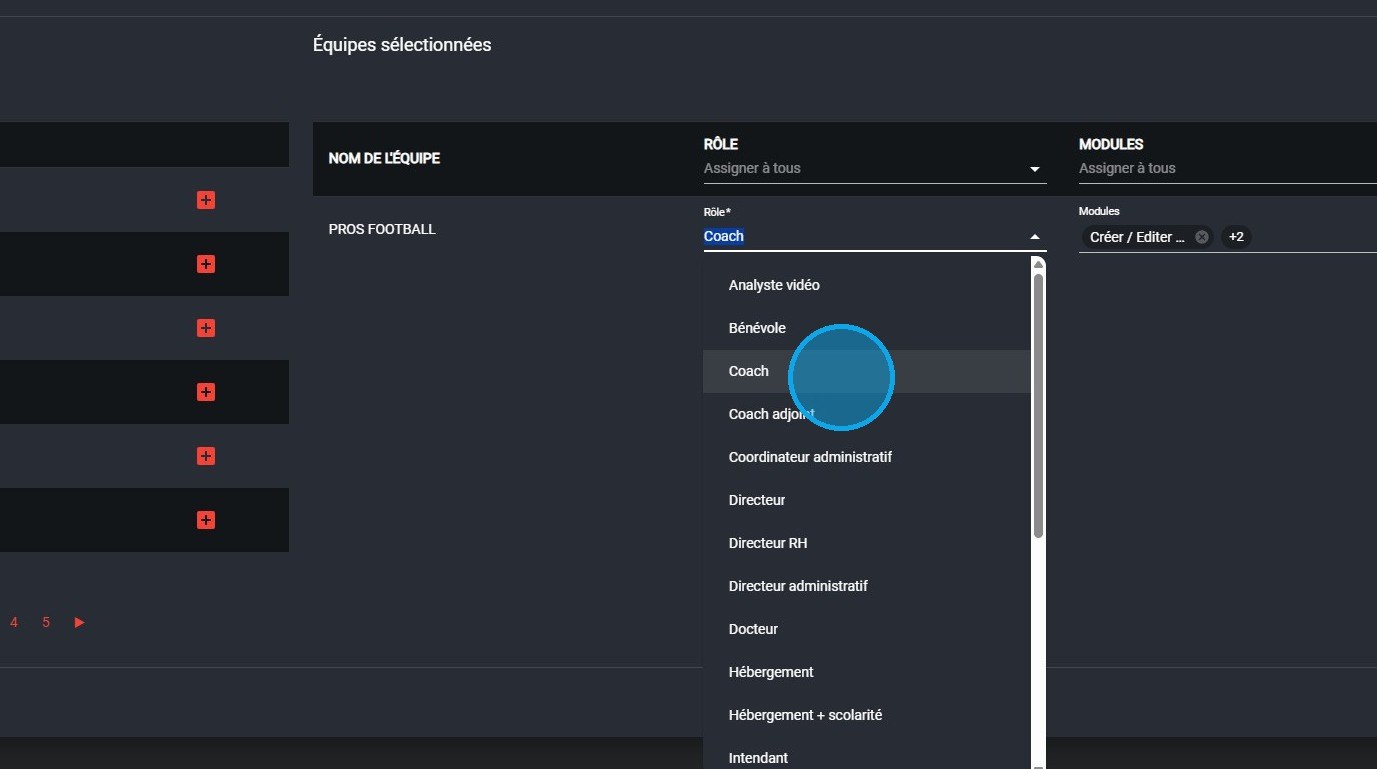
The list of roles
RolesA role assigns default permissions.
-
Then, in the Modules list, select the additional permissions.
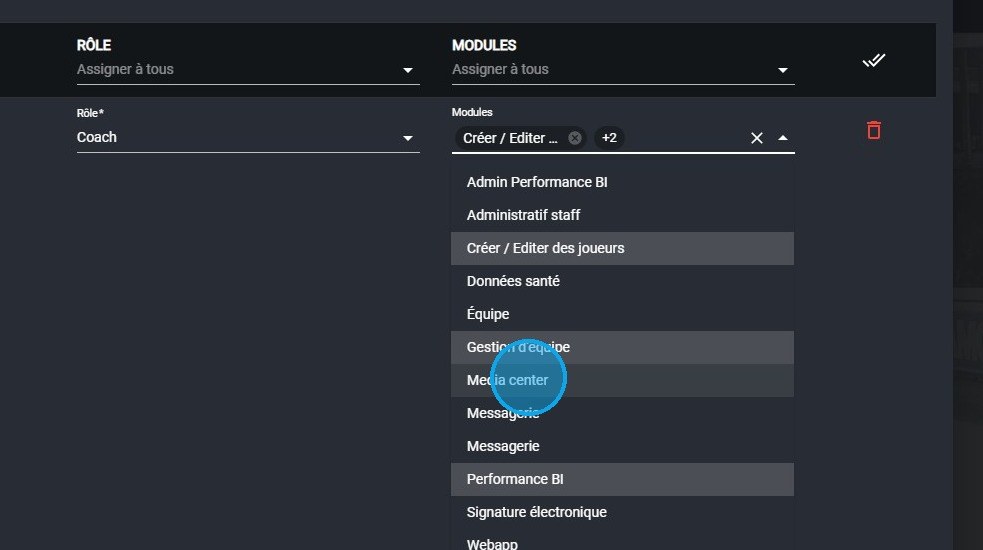
The additional permissions selection
-
Click Finish once the permissions are set.
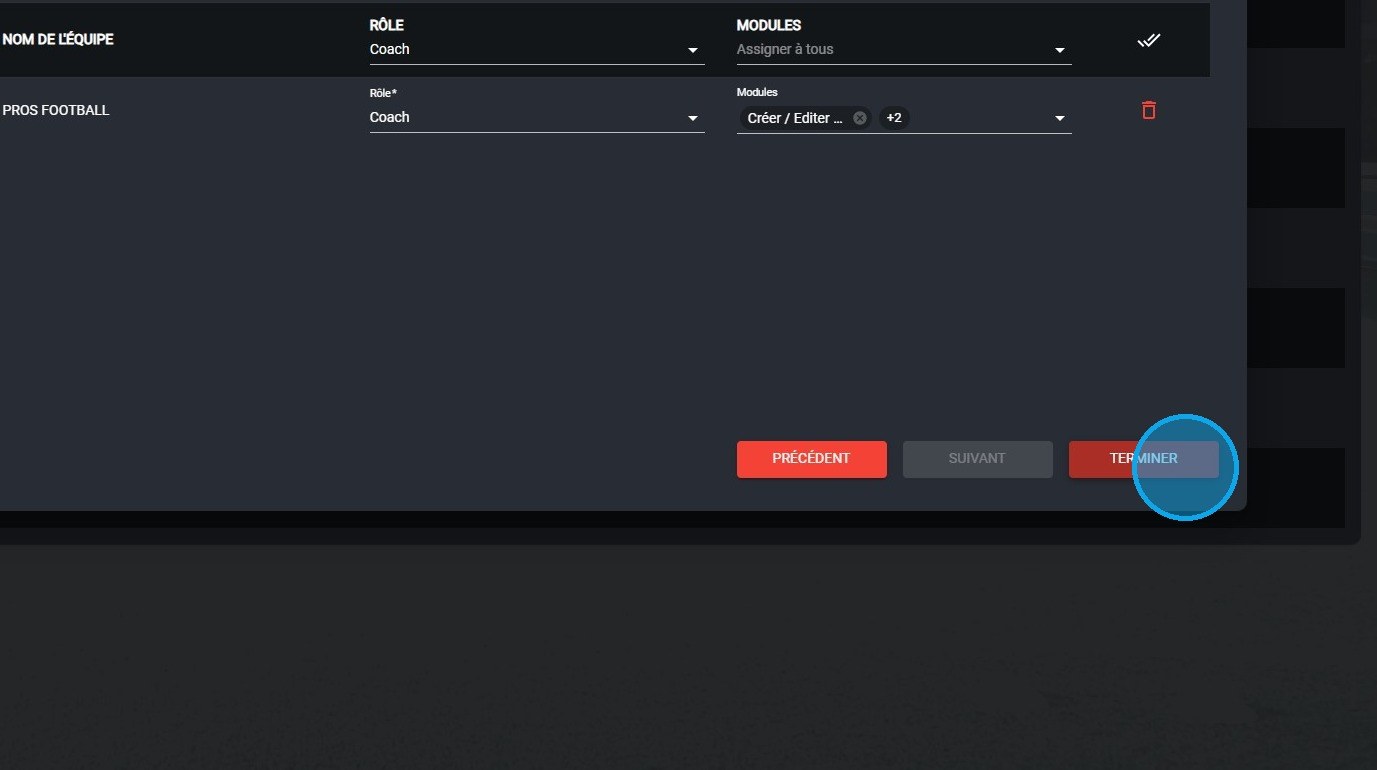
The Finish button
View role permissions
-
Click the ? button to display the roles overview.
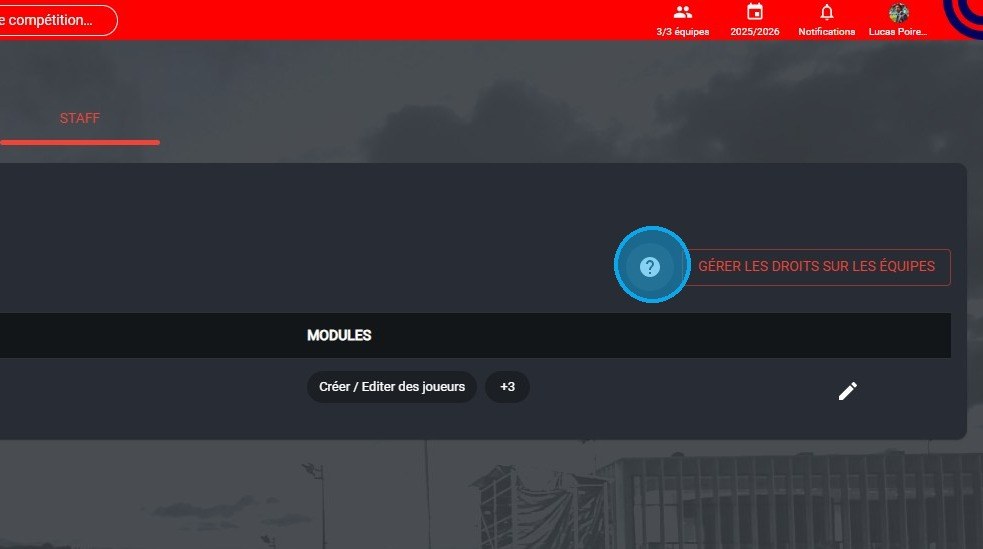
The ? button
-
Click a role, for example Coach, to see its permissions.
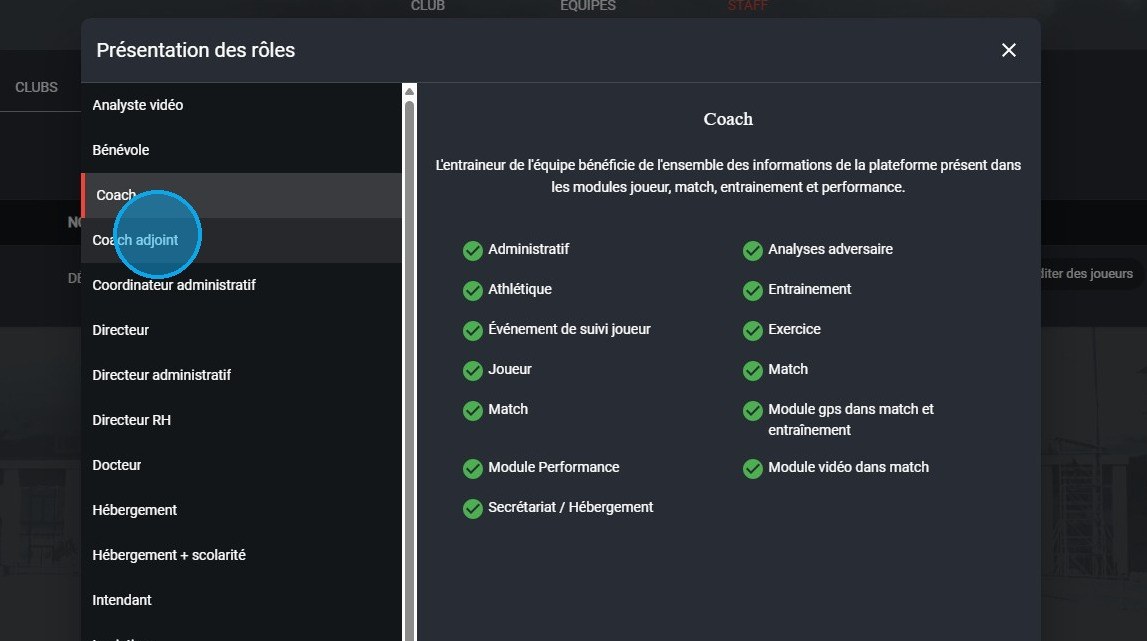
The roles overview
To remove all permissions from a user, see Remove all permissions from a user.
Need help
Email support@mycoachpro.io with any questions about adding staff members.