Widget: Calendar
The Calendar widget gives you a quick overview of the schedule for the coming days from the Home page, starting from today. You can choose the number of days displayed and open scheduled events directly.
Discover the widget
-
The Calendar widget shows today's sessions and the coming days as tabs.
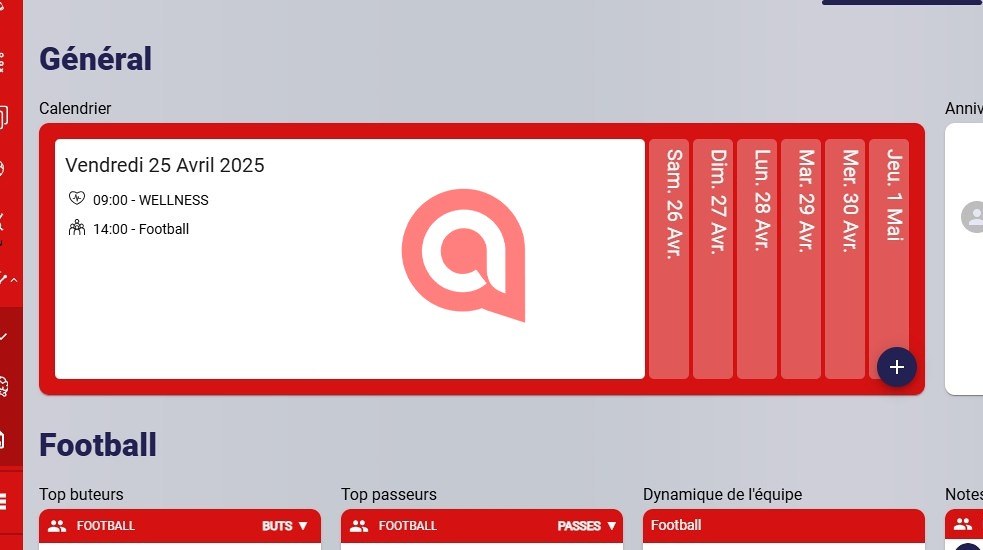
The Calendar widget
Set the number of days
-
Click the Edit home button.
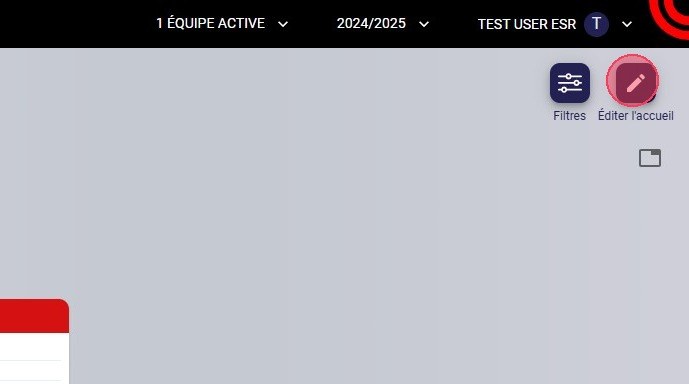
The Edit home button
-
Click the pencil icon of the Calendar widget to configure it.
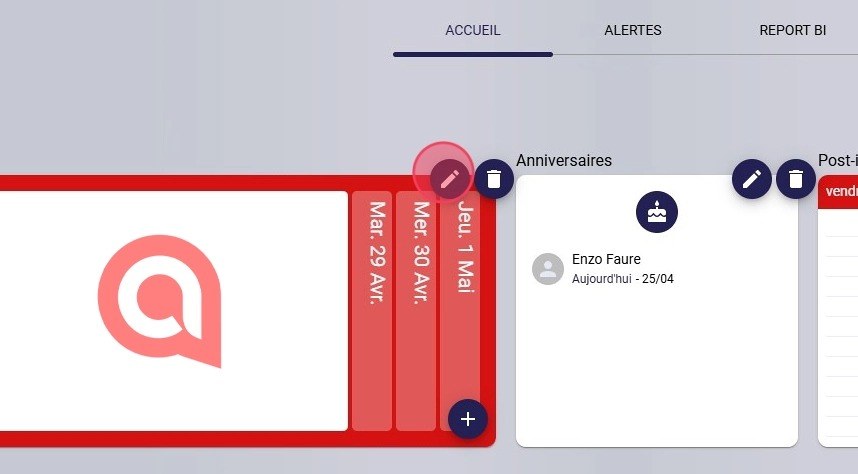
The widget configuration icon
-
In Number of days to display, enter a value between 1 and 7.
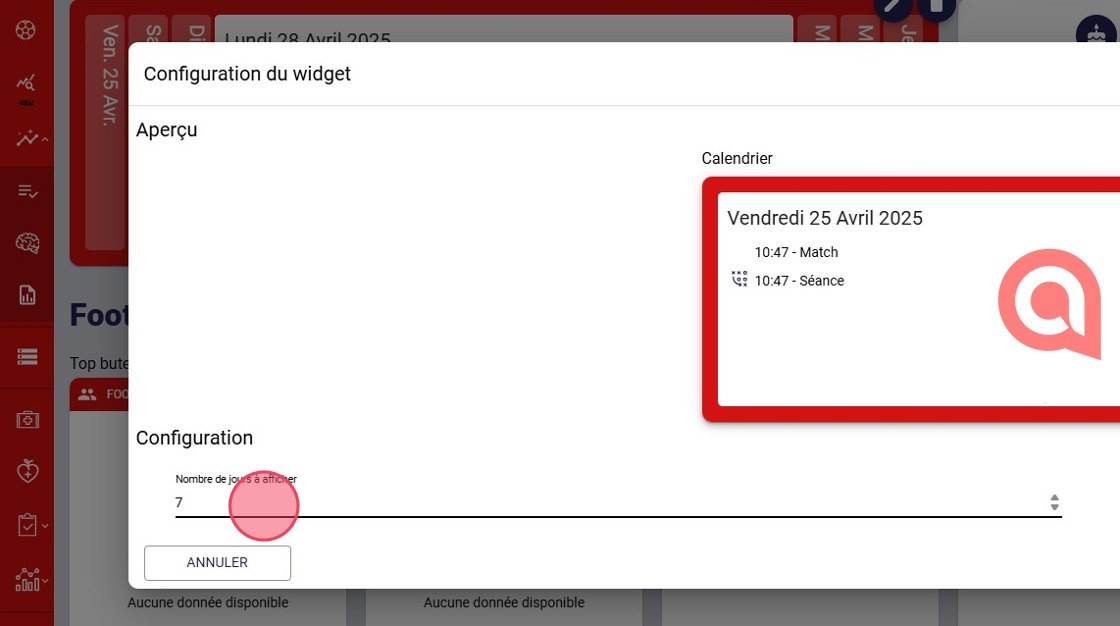
The Number of days to display field
7 days maximumThe widget can display a maximum of 7 days.
-
Click DONE to save the change.
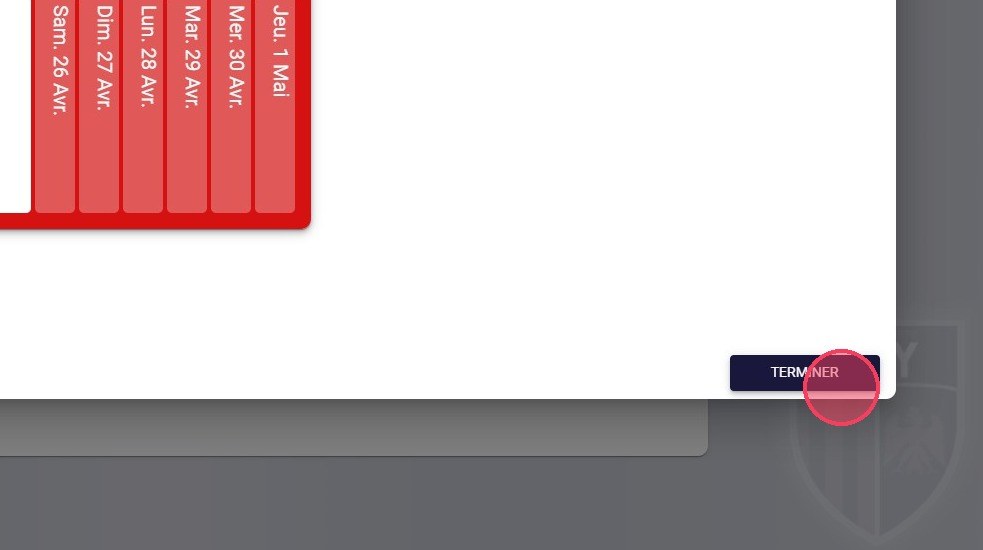
The Done button
View the schedule
-
Click a date to display all sessions scheduled for that day.
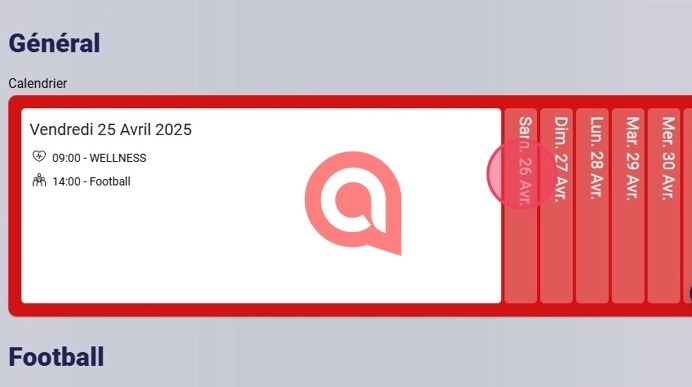
A date tab
-
Click an event to open it.
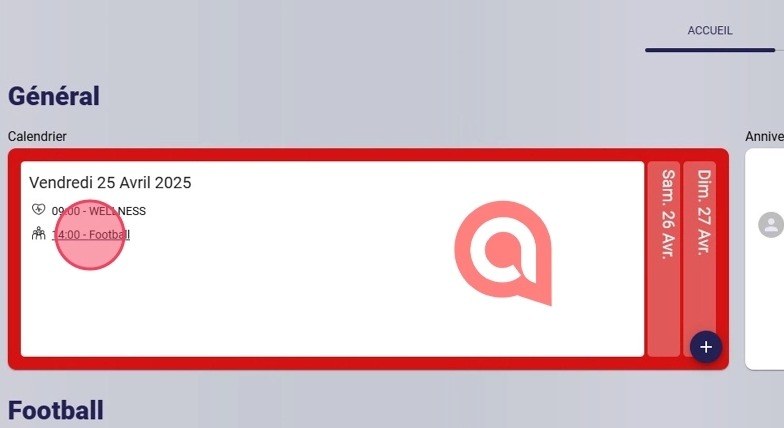
An event in the widget
-
You are redirected to the selected event's page.
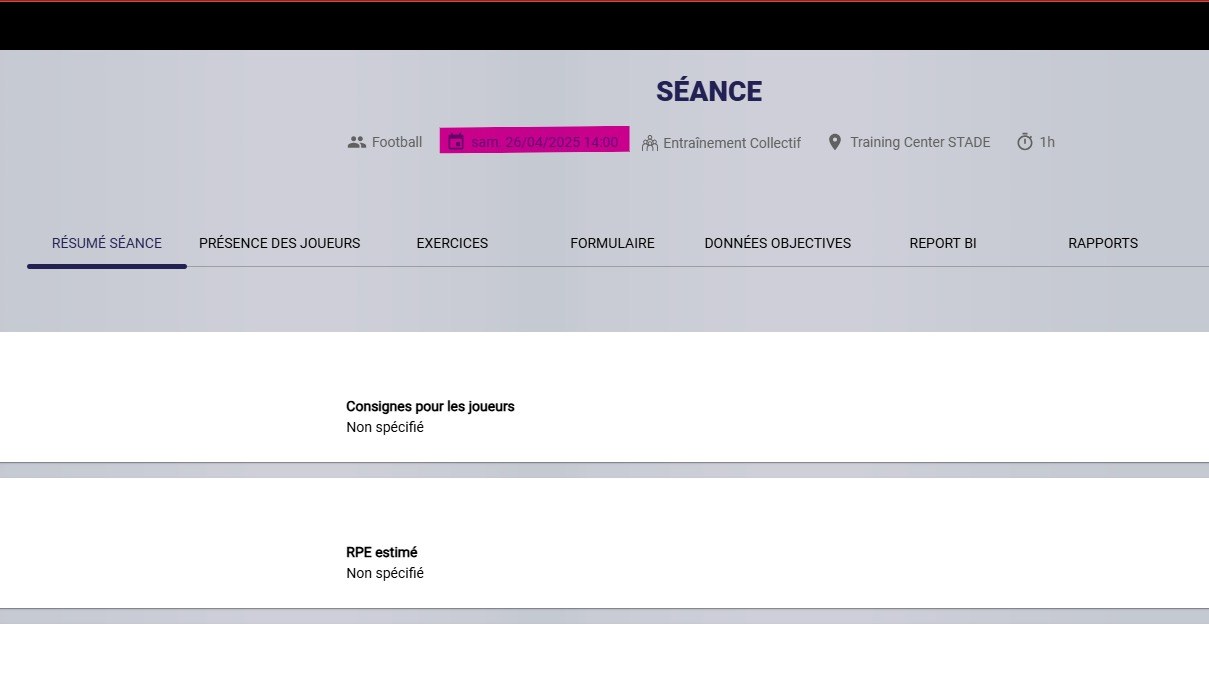
The event page
To add or delete widgets, see Configuring your widgets.
Need help
Email support@mycoachpro.io with any questions about the Calendar widget.