Widget: Fitness Status
The Fitness Status widget shows the status of every player in the squad on the Home page. From this widget, you can change an athlete's fitness status, add a medical note or open their RTT plan.
Display the widget
-
From the Home page, click the Filters button.
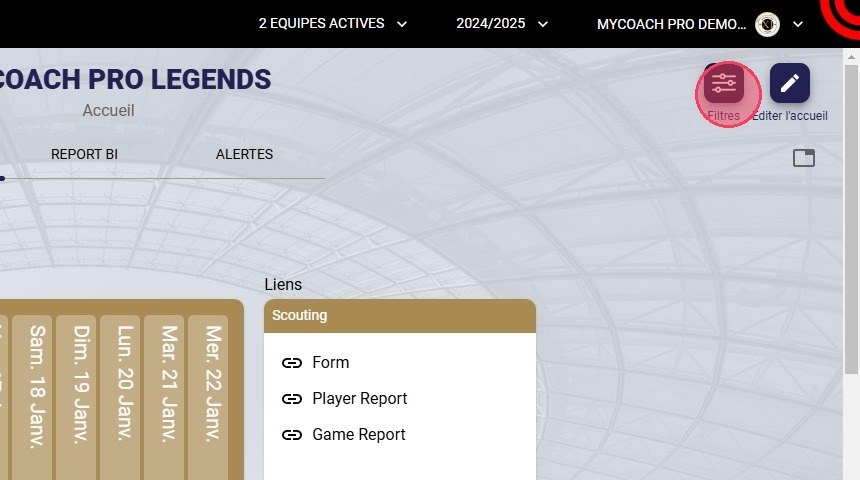
The Filters button
-
Under Advanced, check the View fitness statuses box.
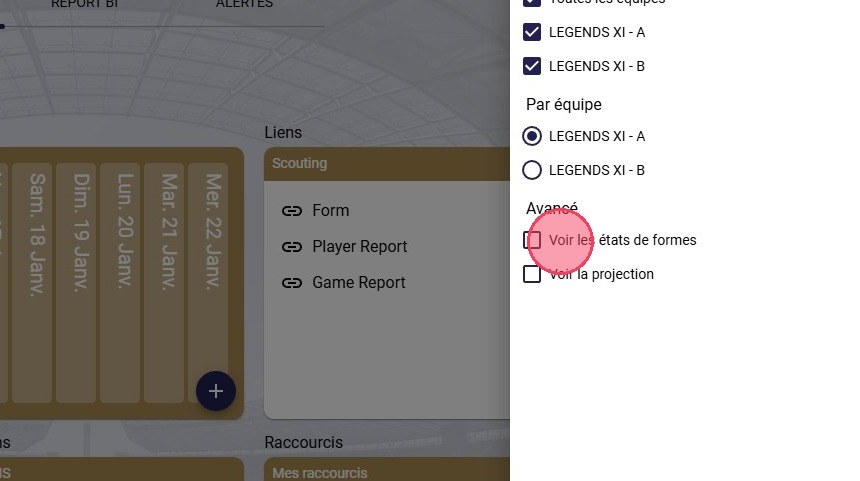
The View fitness statuses box
-
Under By team, select the team to display if you have more than one.
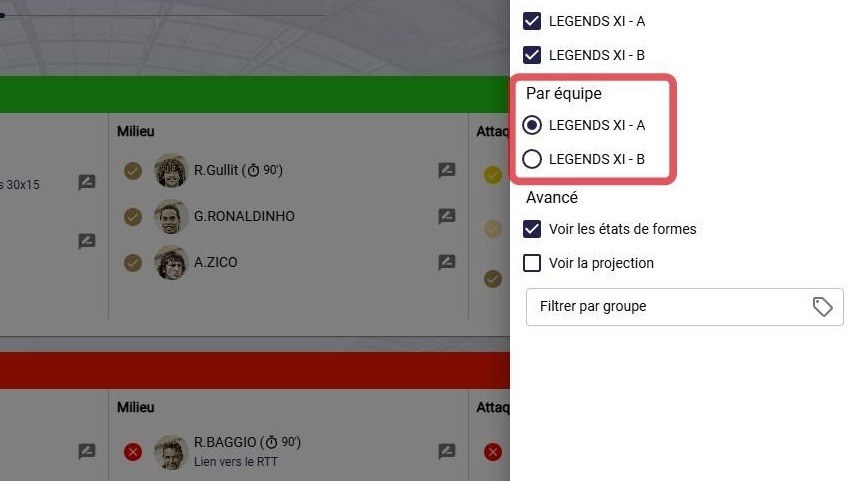
The team selection
-
The widget shows the statuses of all squad members, sorted by position.
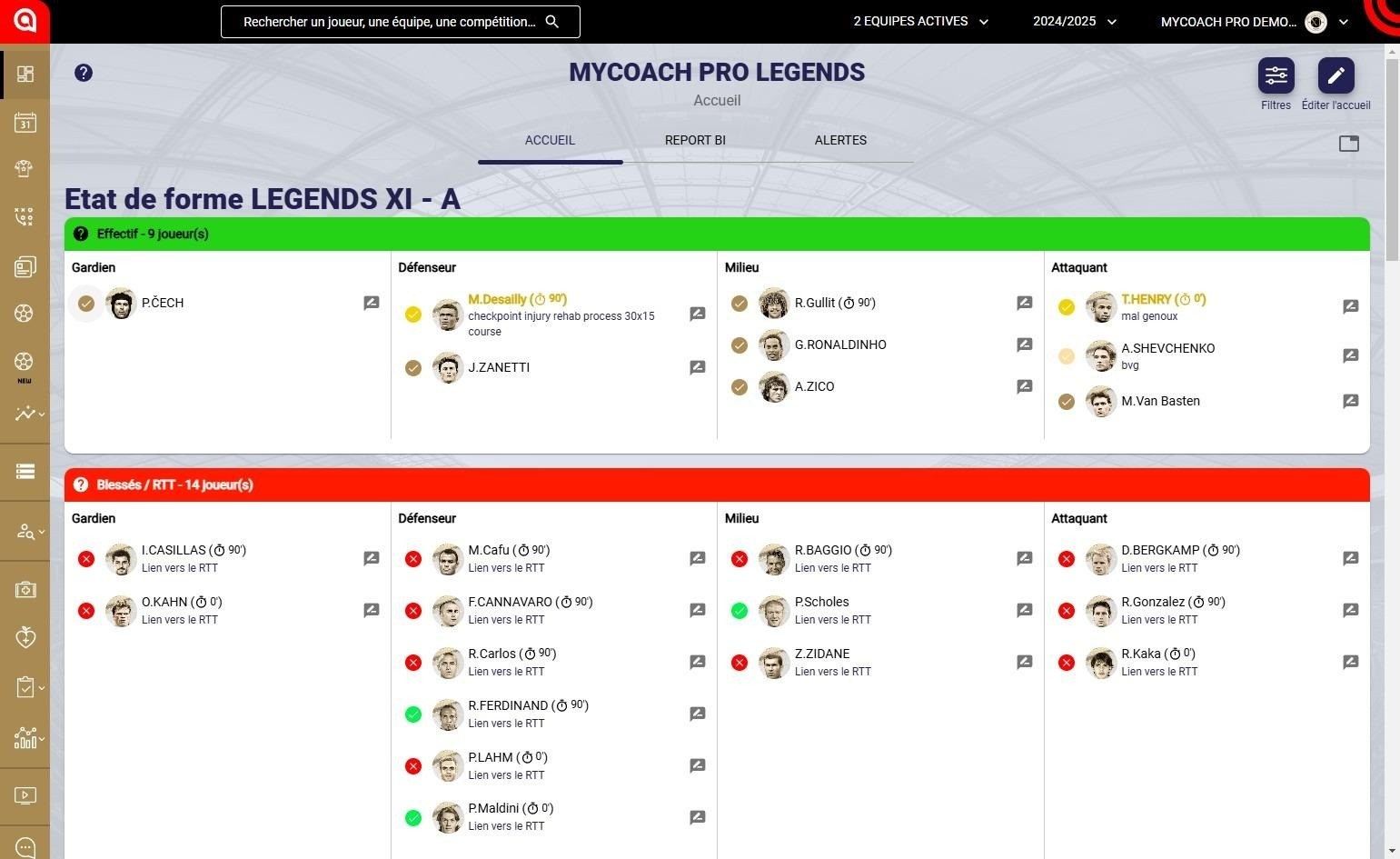
The Fitness Status widget
Change an athlete's fitness status
-
Click the status dot to the left of the athlete's name.
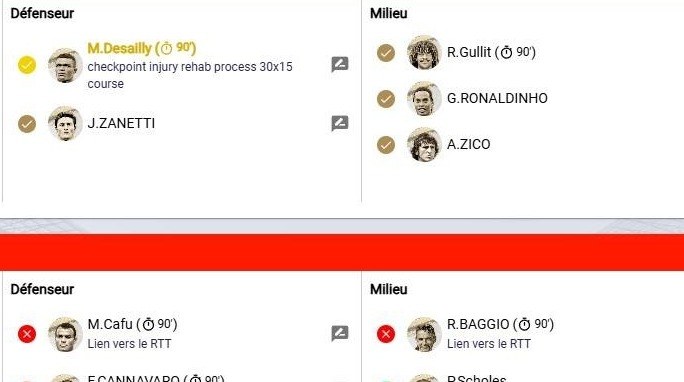
The status dots
-
Click the New current fitness status field.
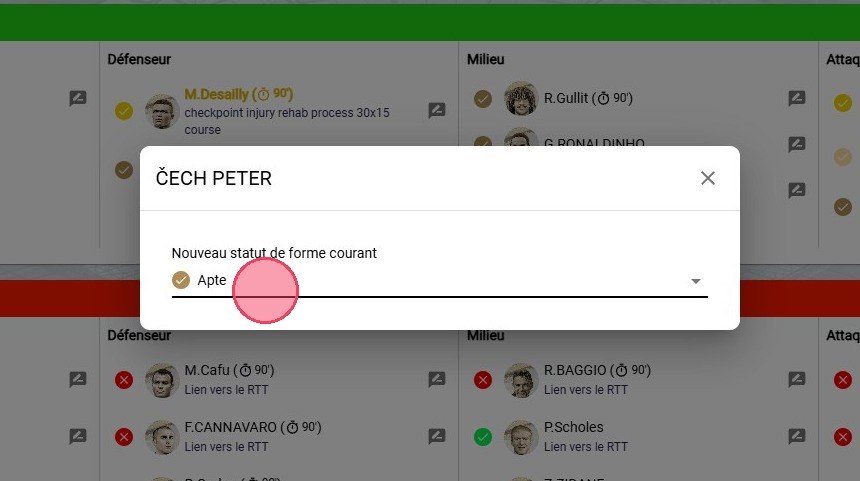
The New current fitness status field
-
Choose the new fitness status from the list (Injured, Sick, Fit, etc.).
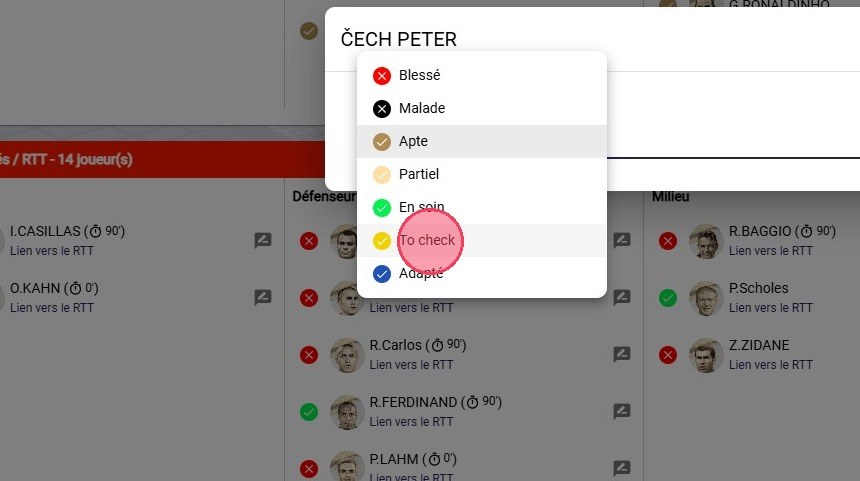
The list of fitness statuses
Add a medical note
-
Click the comment button to the right of the athlete.
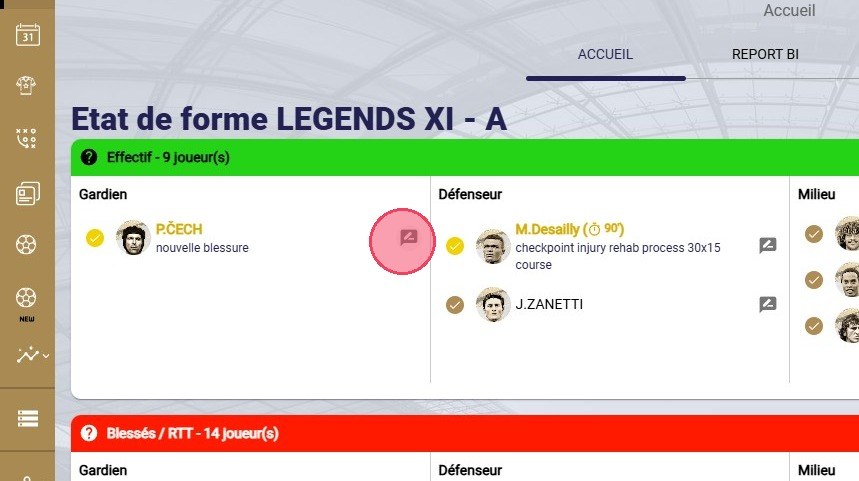
The comment button
-
Type your comment, then click ADD.
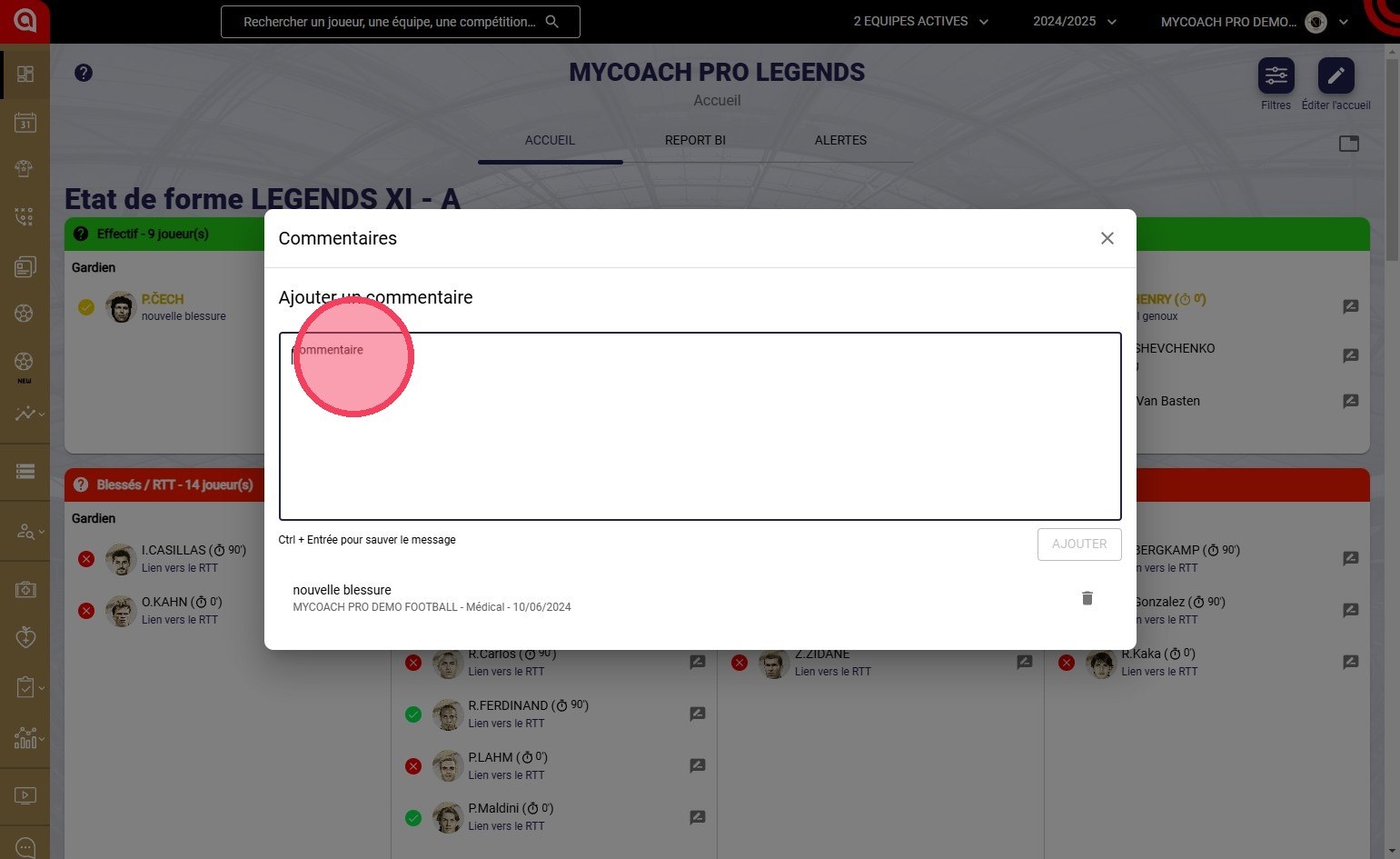
The Comments window
Keyboard shortcutPress Ctrl + Enter to save the comment.
Open the RTT plan
-
Click RTT Link under an athlete's name.
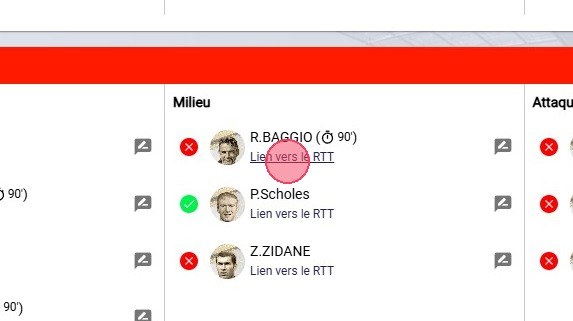
The RTT Link
-
The selected athlete's RTT plan opens.
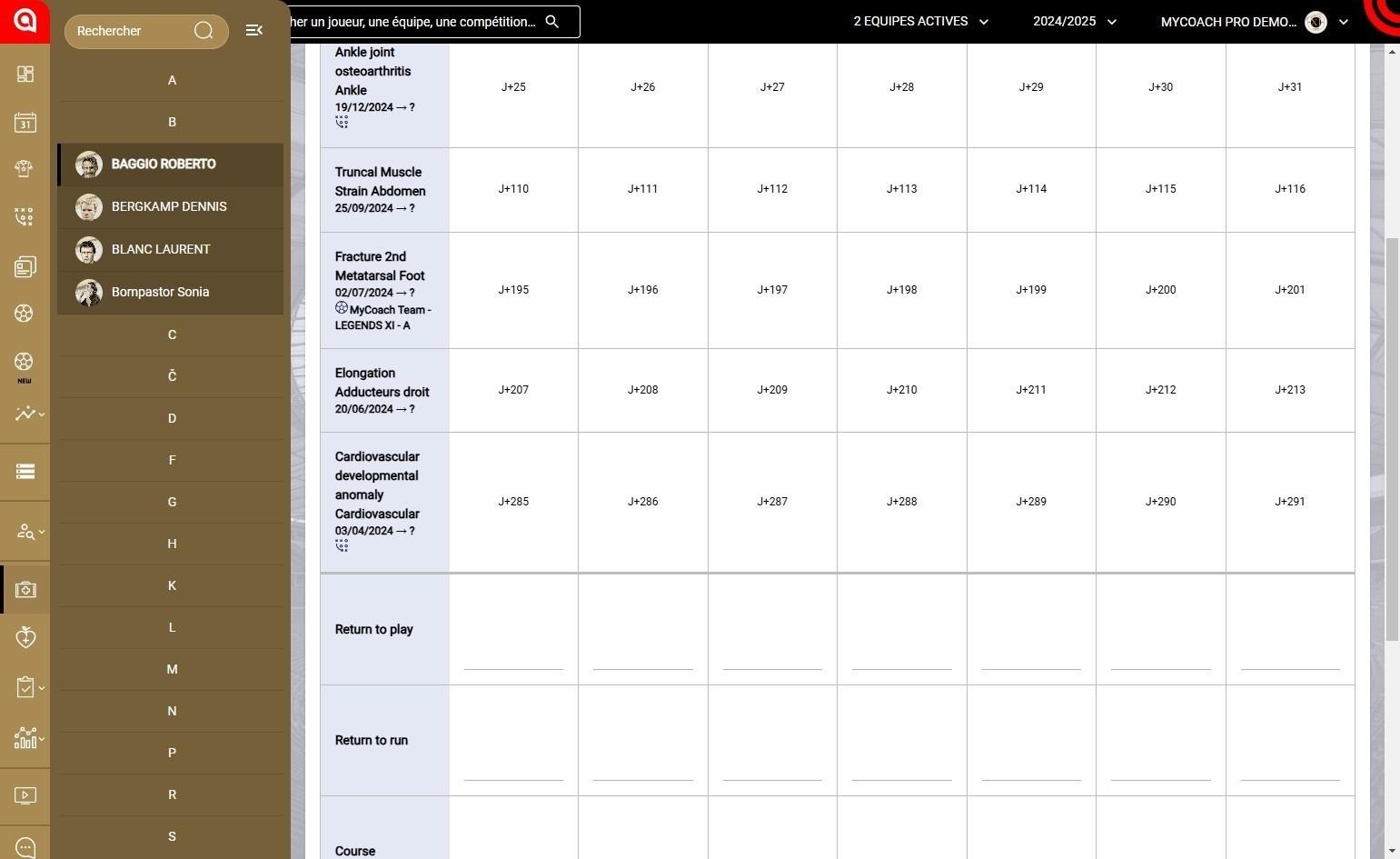
The athlete's RTT plan
To add or delete widgets, see Configuring your widgets.
Need help
Email support@mycoachpro.io with any questions about the Fitness Status widget.