Move a player to another team
Move a player from one team to another from their profile. You can keep the data from their time in the previous team.
Move a player step by step
-
Click the Players module.
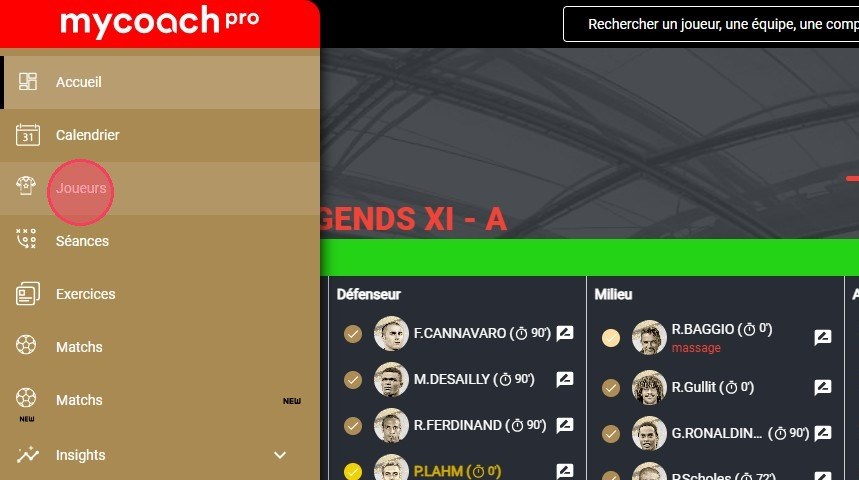
The Players module
-
Click the player you want to move.
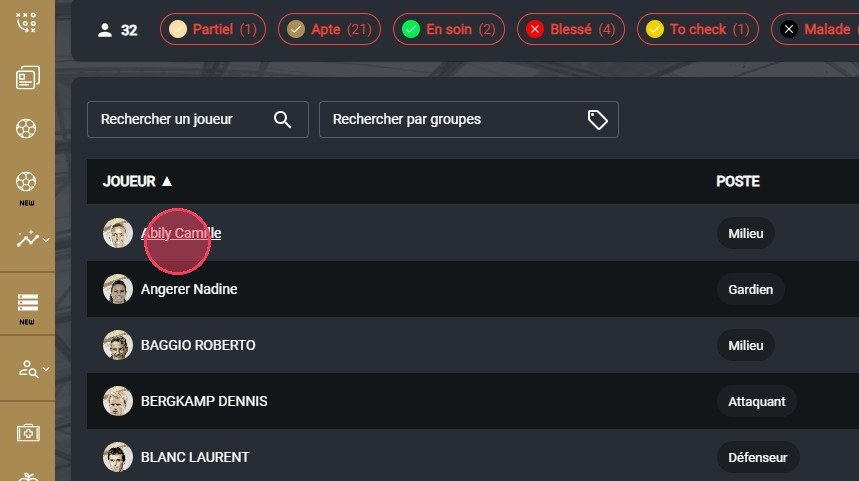
Selecting the player
-
On their profile, click the Actions button.
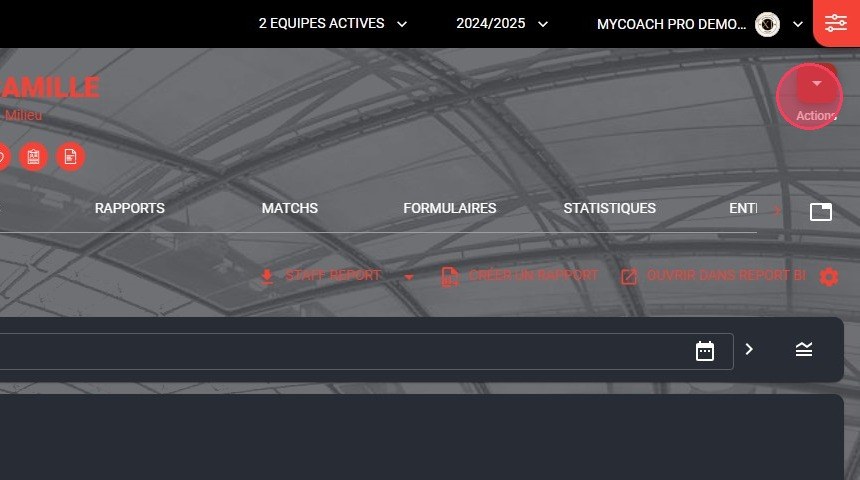
The Actions button
-
Choose the Change team option.
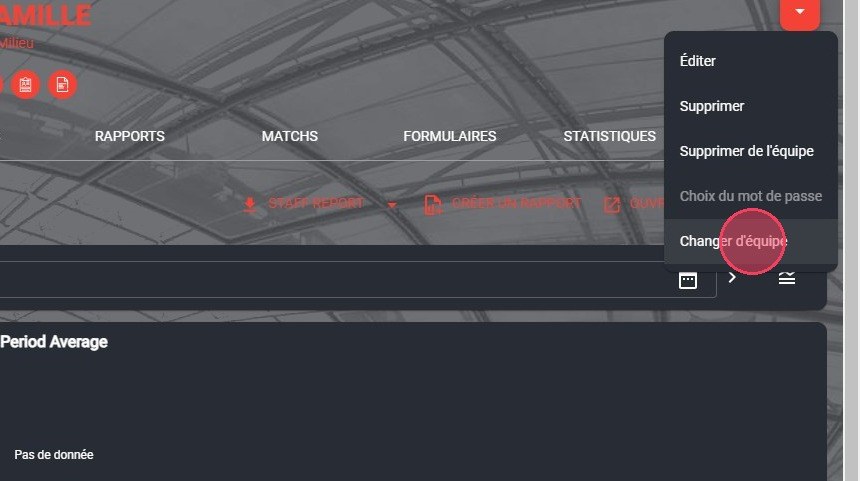
The Change team option
-
Choose the source team and the destination team.
Tick the checkbox if the player should keep the data from their time in the previous team.
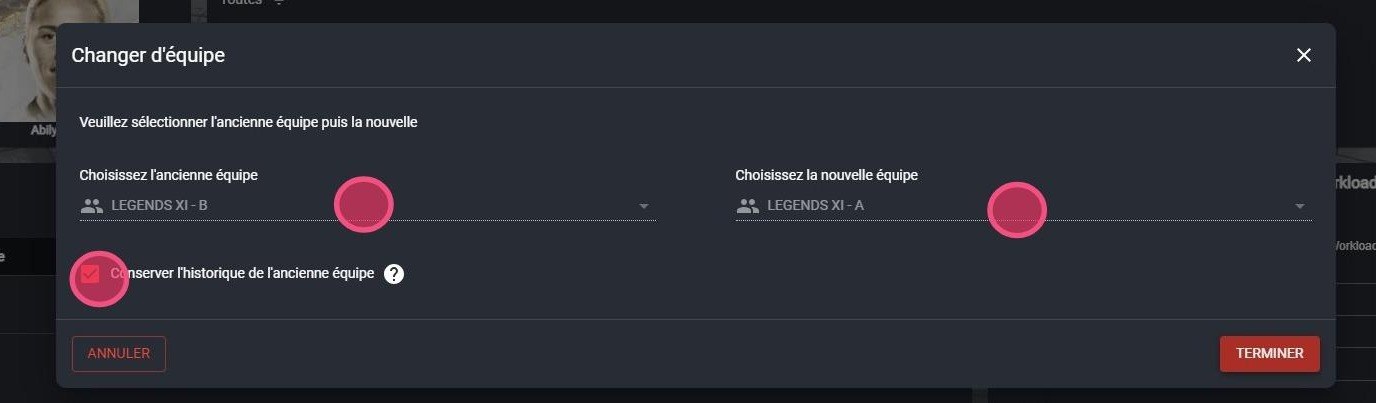
Choosing the teams
Only two teamsIf you only have access to two teams, the choice is already locked.
-
Click DONE.
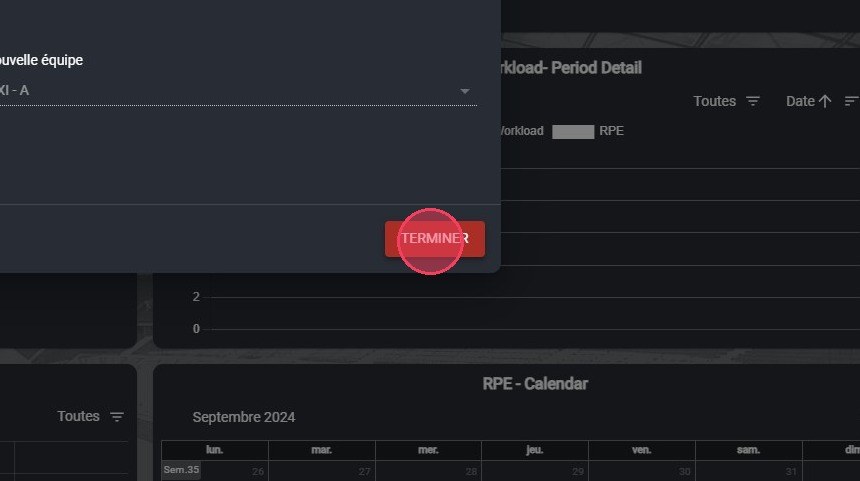
The Done button
Need help
Email support@mycoachpro.io with any questions about moving players between teams.