Edit a player
Update a player's profile from the Players module: contact details, personal or sports information.
Edit a player step by step
-
Click the Players module.
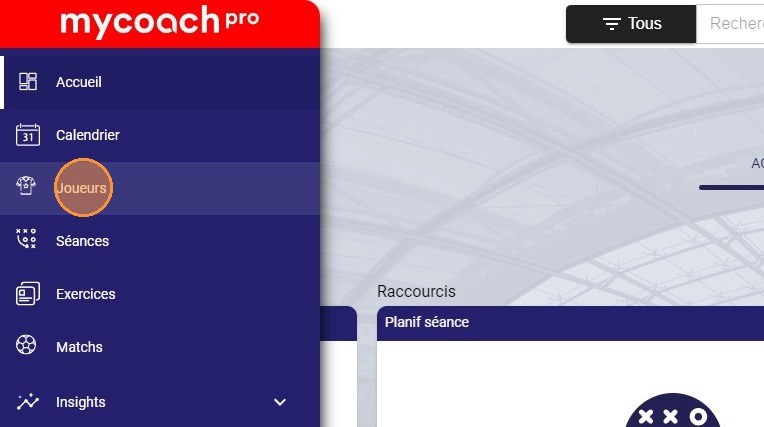
The Players module
-
Select the player you want to edit.
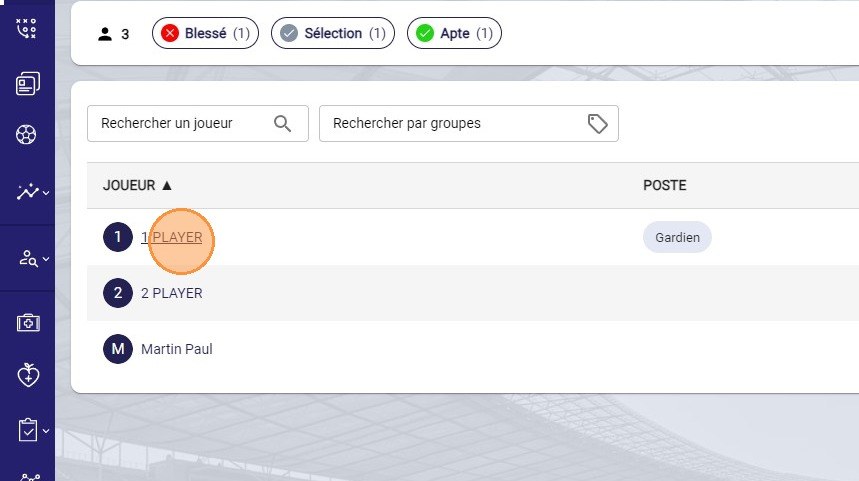
Selecting the player
-
Click the Actions button and choose the Edit option.
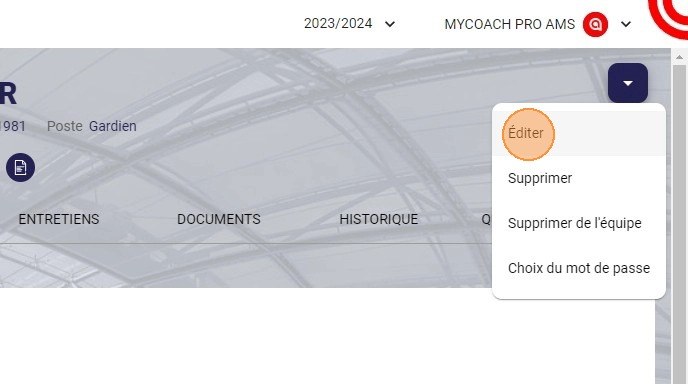
The Edit option in the Actions menu
-
Update the information you want, for example the email address.
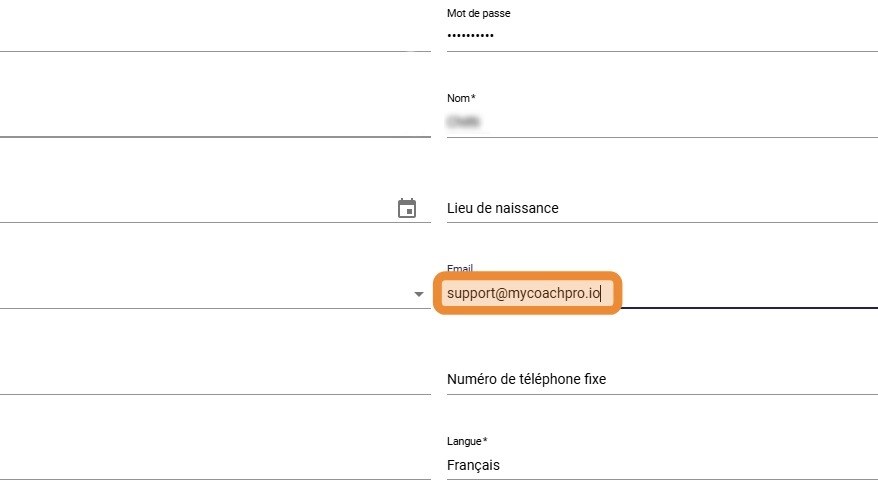
Updating the email address
-
Click DONE to save your changes.
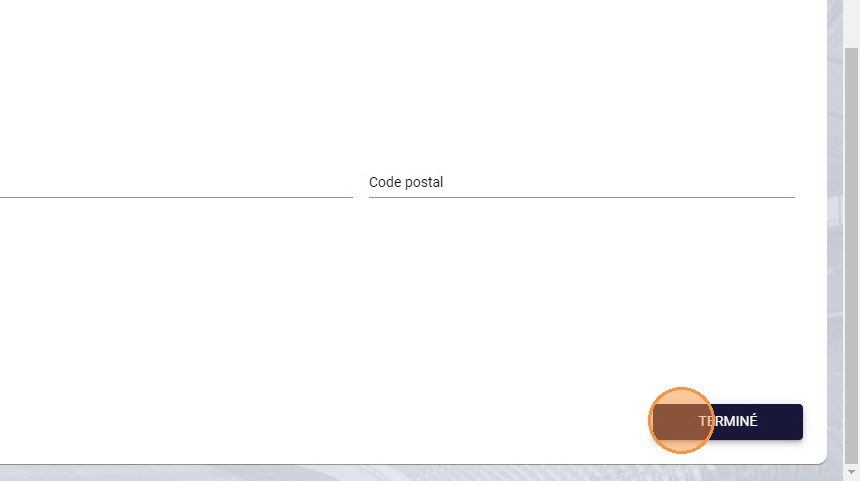
The Done button
Need help
Email support@mycoachpro.io with any questions about editing players.