Create a player
Add a player to your squad from the Players module: fill in their details and position, then choose the modules they will have access to.
Open the form
-
Click the Players module.
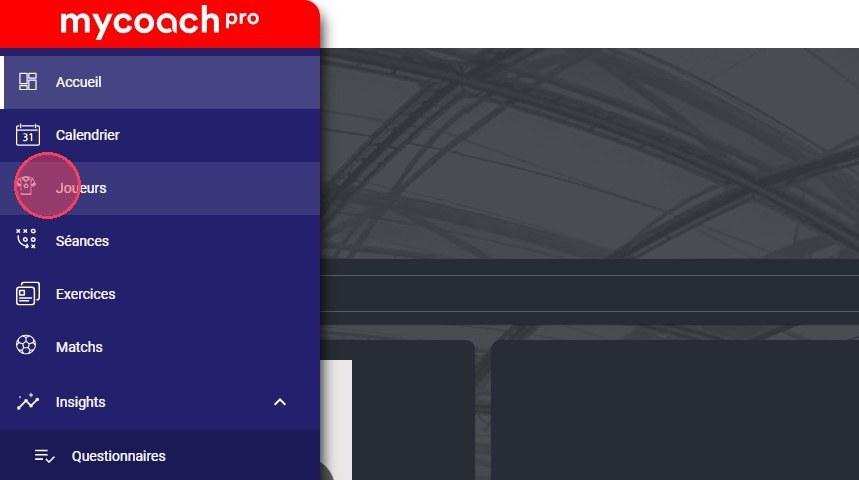
The Players module
-
Click the Add a player button.
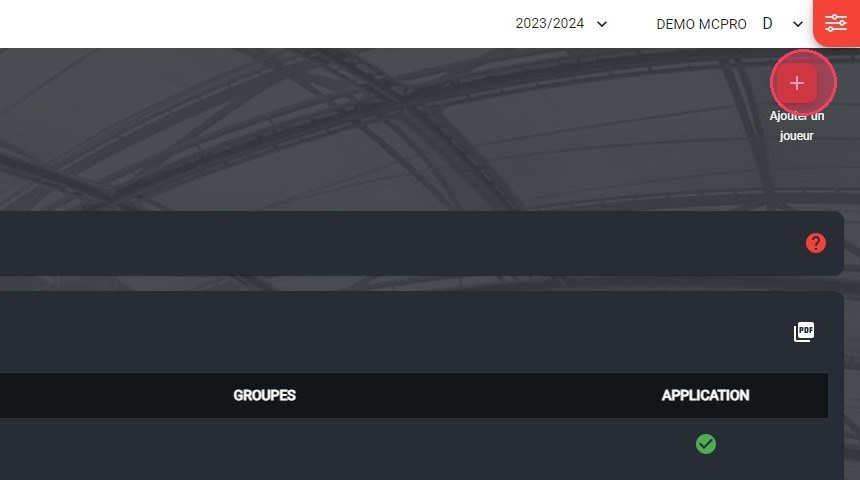
The Add a player button
Fill in the player's details
Fields marked with an asterisk are mandatory, including the username, password and position.
-
Enter the player's username.
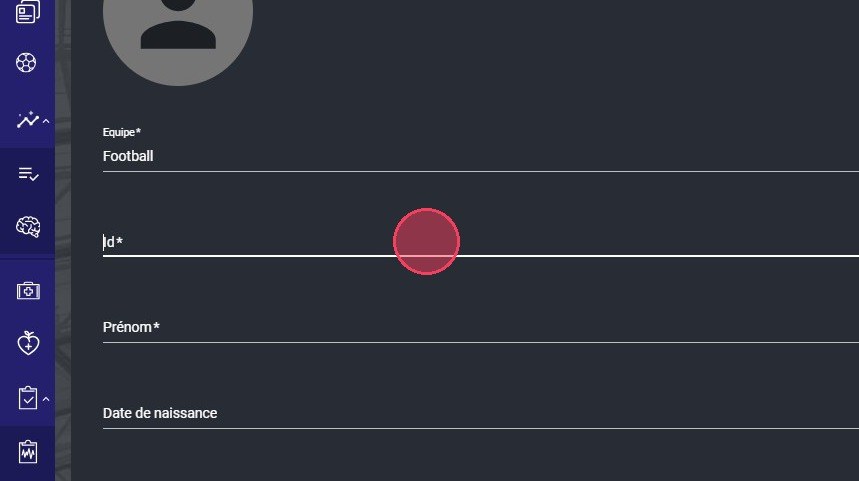
The Username field
Unique usernameA MyCoach Pro username is unique: it cannot be used for multiple accounts.
-
Fill in their identity: first name, last name, date of birth, gender, etc.
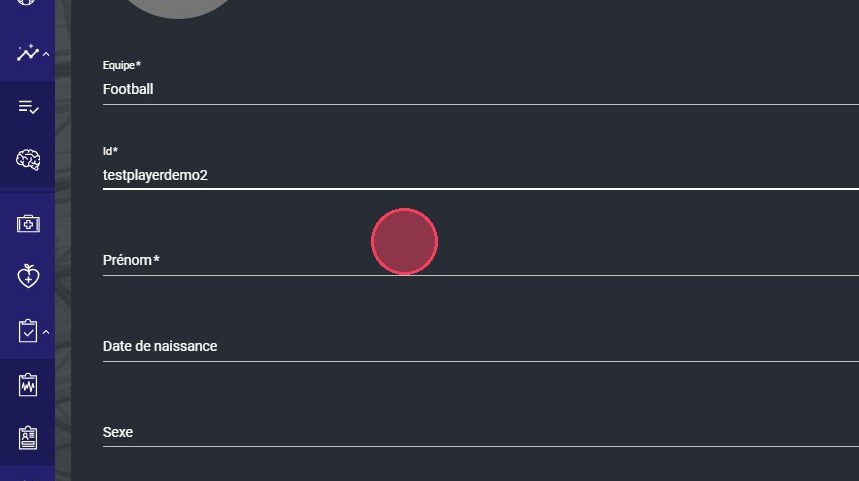
The player identity fields
-
Enter their password.
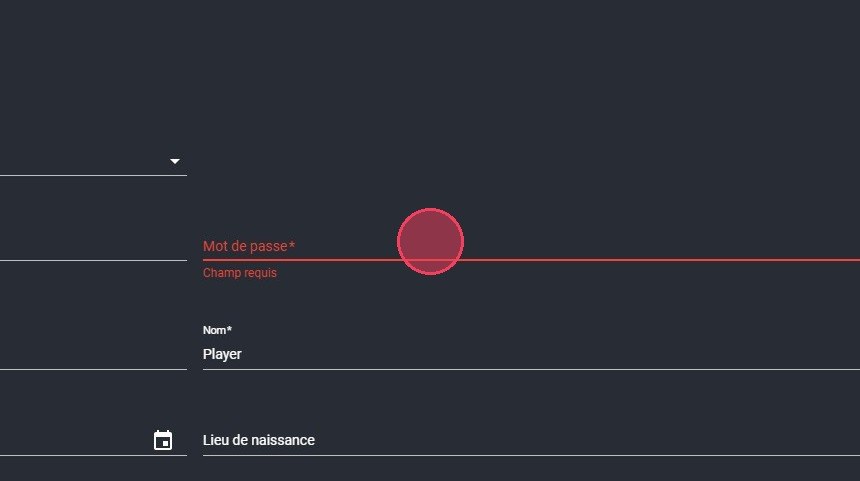
The Password field
Password rulesThe password must contain at least:
- 8 characters;
- 1 lowercase and 1 uppercase letter;
- 1 number;
- 1 special character (@ # % $ & * ! …).
-
Under Sports information, choose the player's position.
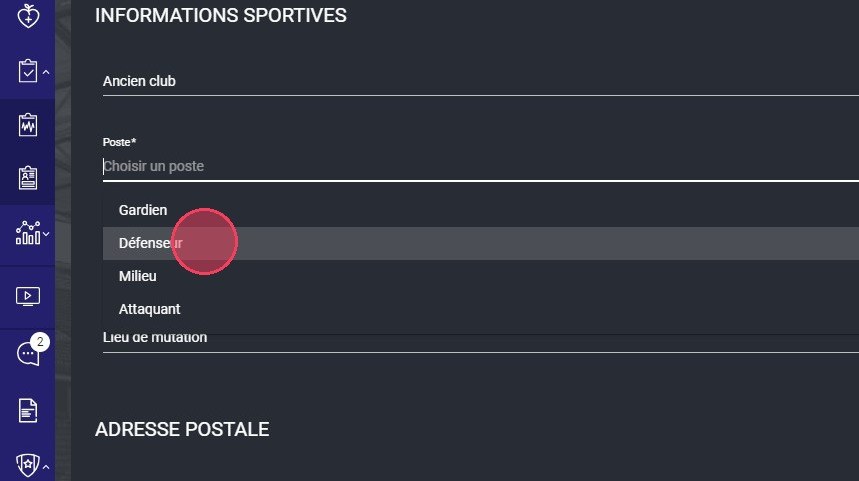
Choosing the position
Choose their access
-
Select the modules the player will have access to. For example, the Player session module lets them create sessions from the MyCoach Pro - AMS app.
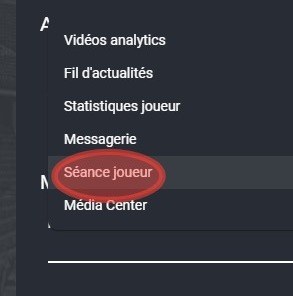
The modules available to the player
-
Click DONE. The player appears in your squad list.
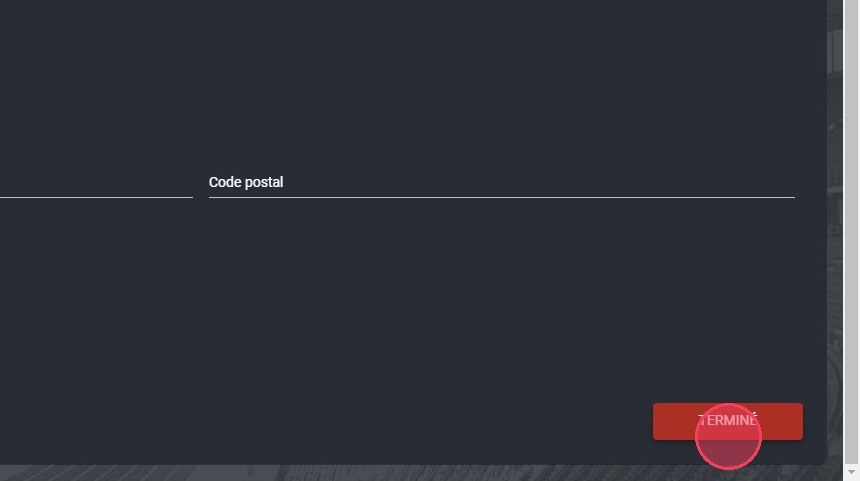
The Done button
So the player can log in, send them their login credentials.
Need help
Email support@mycoachpro.io with any questions about adding players.