Send login credentials to a player
Send a player their login credentials: they receive an email to choose their password and log in to MyCoach Pro.
Send login credentials step by step
-
Click the Players module.
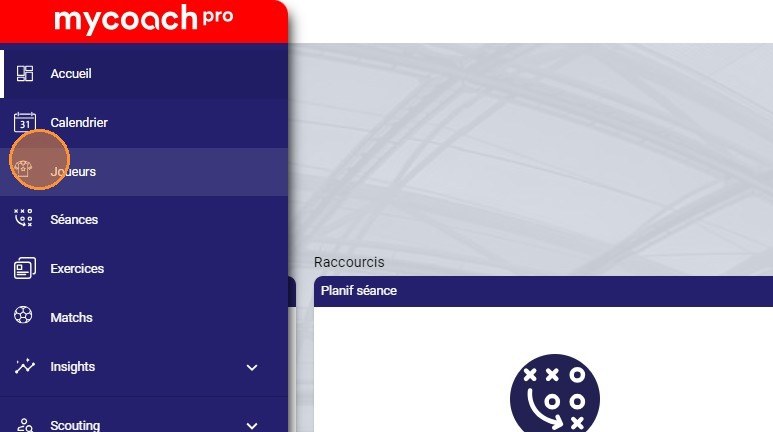
The Players module
-
Choose the player.
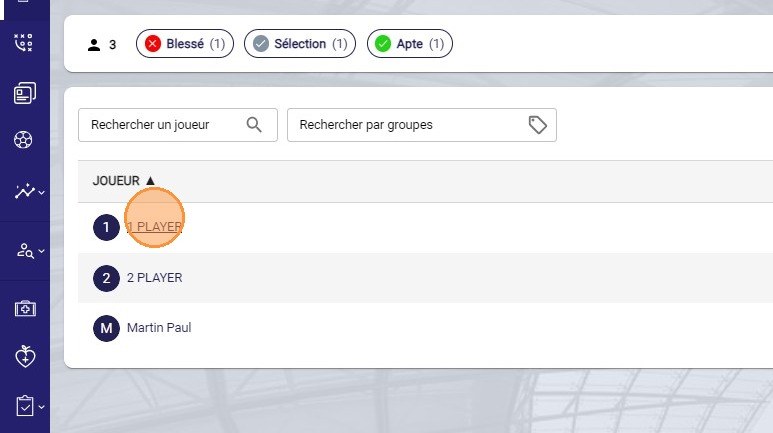
Selecting the player
-
Click the Actions button.
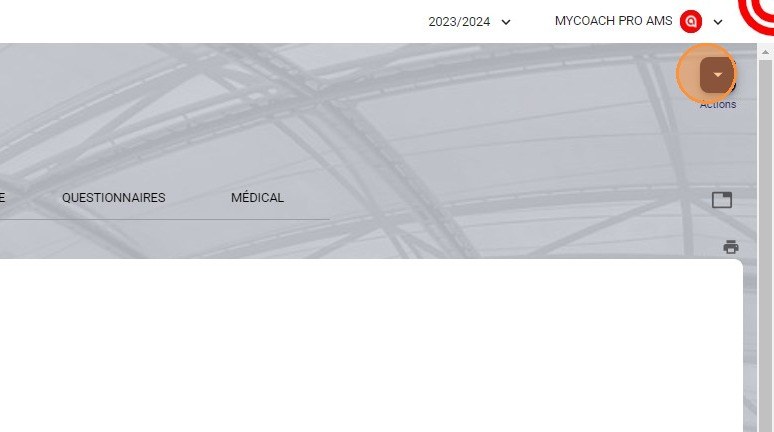
The Actions button
-
Click Password choice.
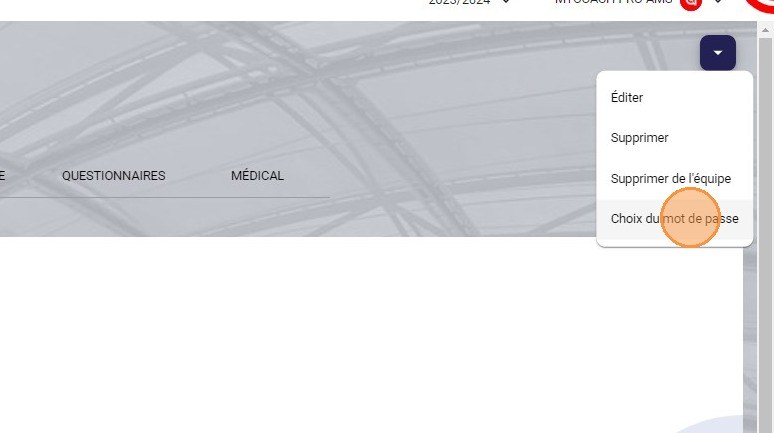
The Password choice option
-
Click SEND.
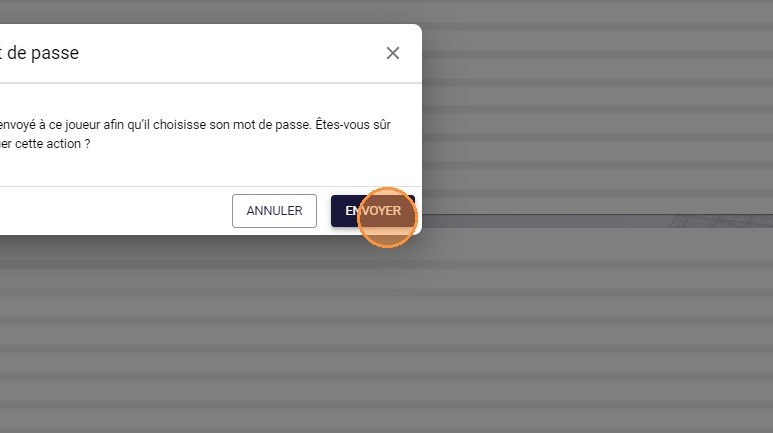
The Send button
On the player's side
The player then follows the Getting started with the mobile app guide to create their password and log in.
Need help
Email support@mycoachpro.io with any questions about sending login credentials.