Add a medication
Add a medication to your database from the Medical module: you can then use it in your prescriptions.
Open the form
-
In the module panel, click the Medical module.

The Medical module
-
Select the Medications tab.
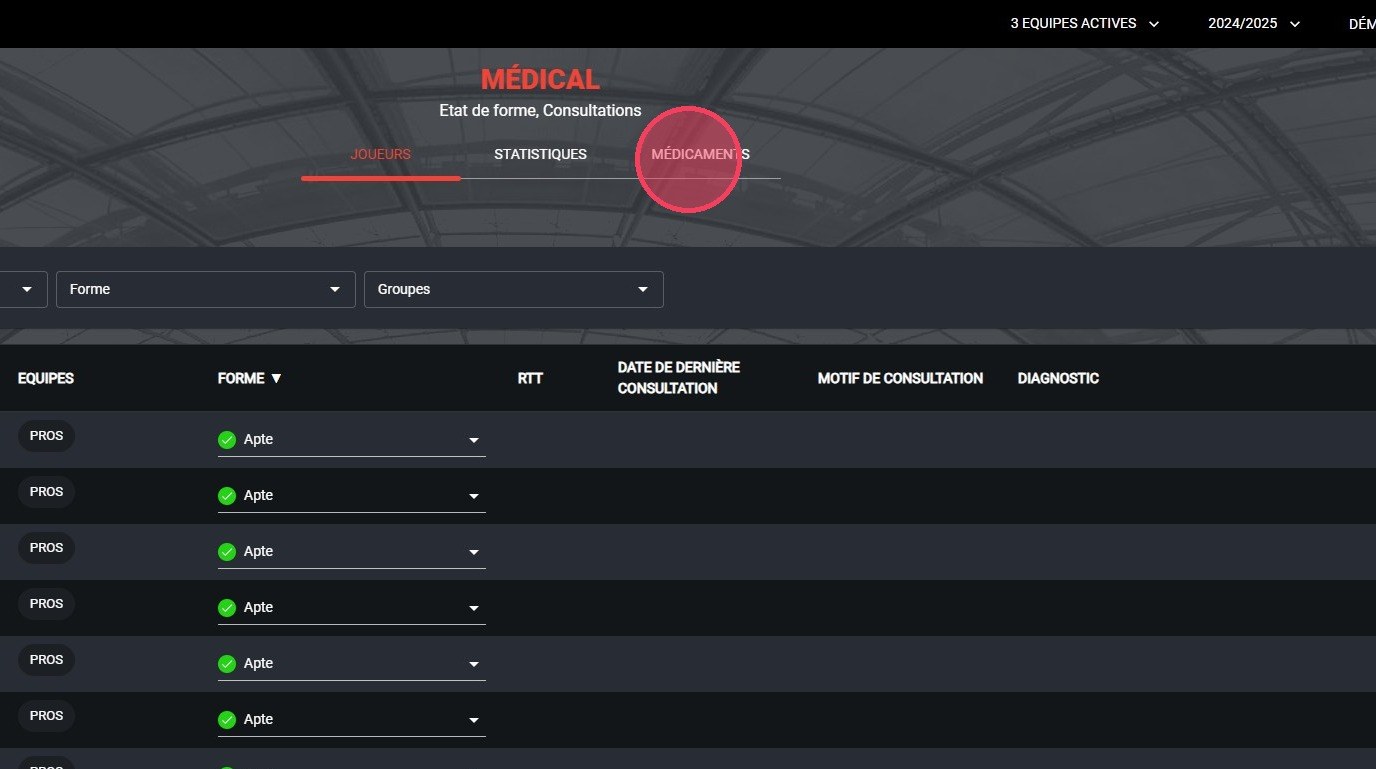
The Medications tab
-
Click the ADD A MEDICATION button.
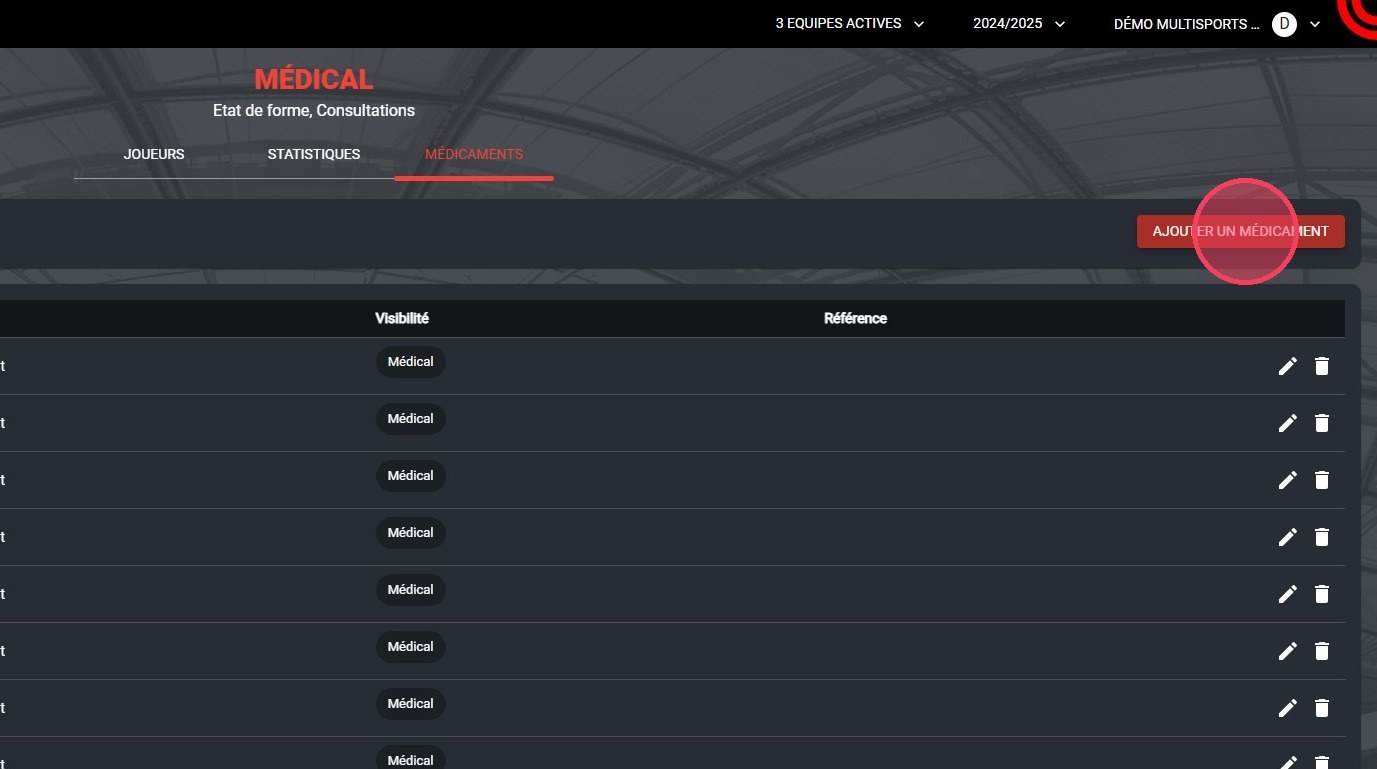
The Add a medication button
Create the medication
-
Fill in at least the required fields, then click FINISH:
- Name: the medication name;
- Category: the product type (Medication, Supplement or Other);
- Visibility: the roles that can use this medication in a prescription (Medical, Paramedical, Nutrition).
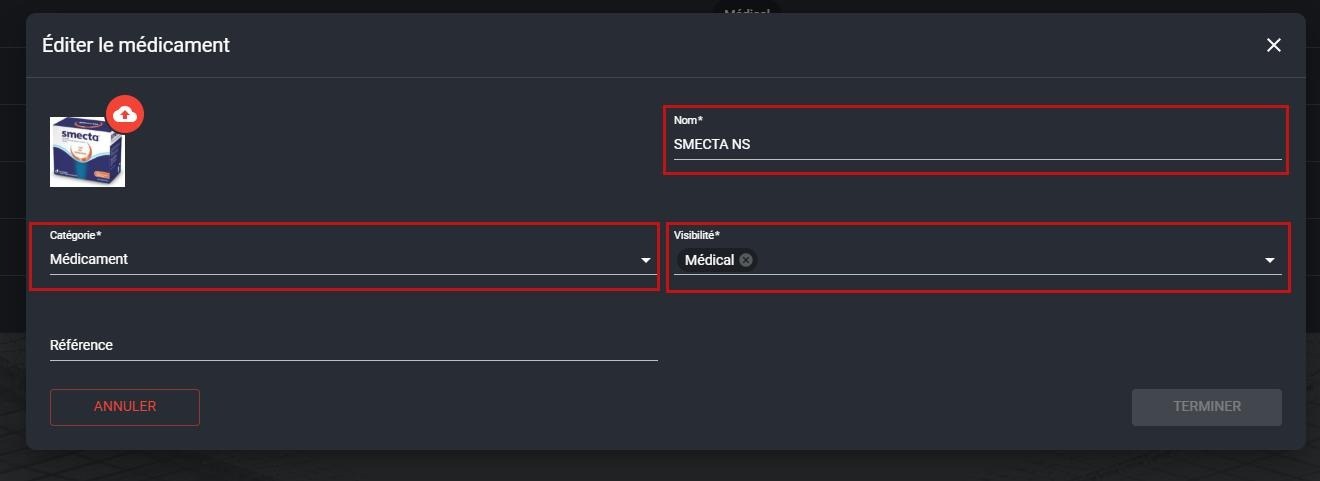
The required medication fields
What's next?
Use this medication to create a prescription.
Need help
Email support@mycoachpro.io with any questions about adding medications.