Duplicate a form
Duplicate an existing questionnaire from the CONFIGURATION tab of the Insights module, adjust its name and team, then activate it to make it available.
Open the form configuration
-
Click the Insights module.
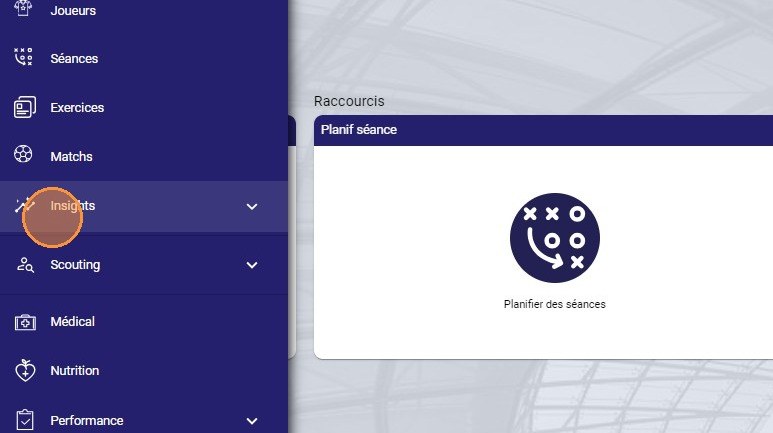
The Insights module
-
Select the CONFIGURATION tab.
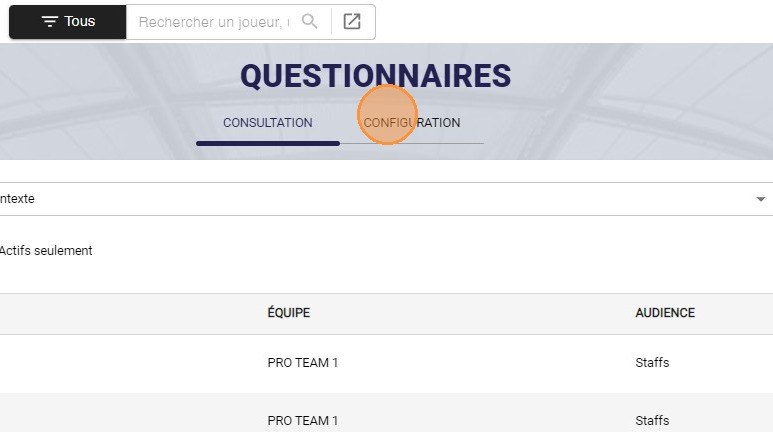
The Configuration tab
Duplicate the questionnaire
-
On the row of the questionnaire you want to duplicate, click the gear (settings icon).
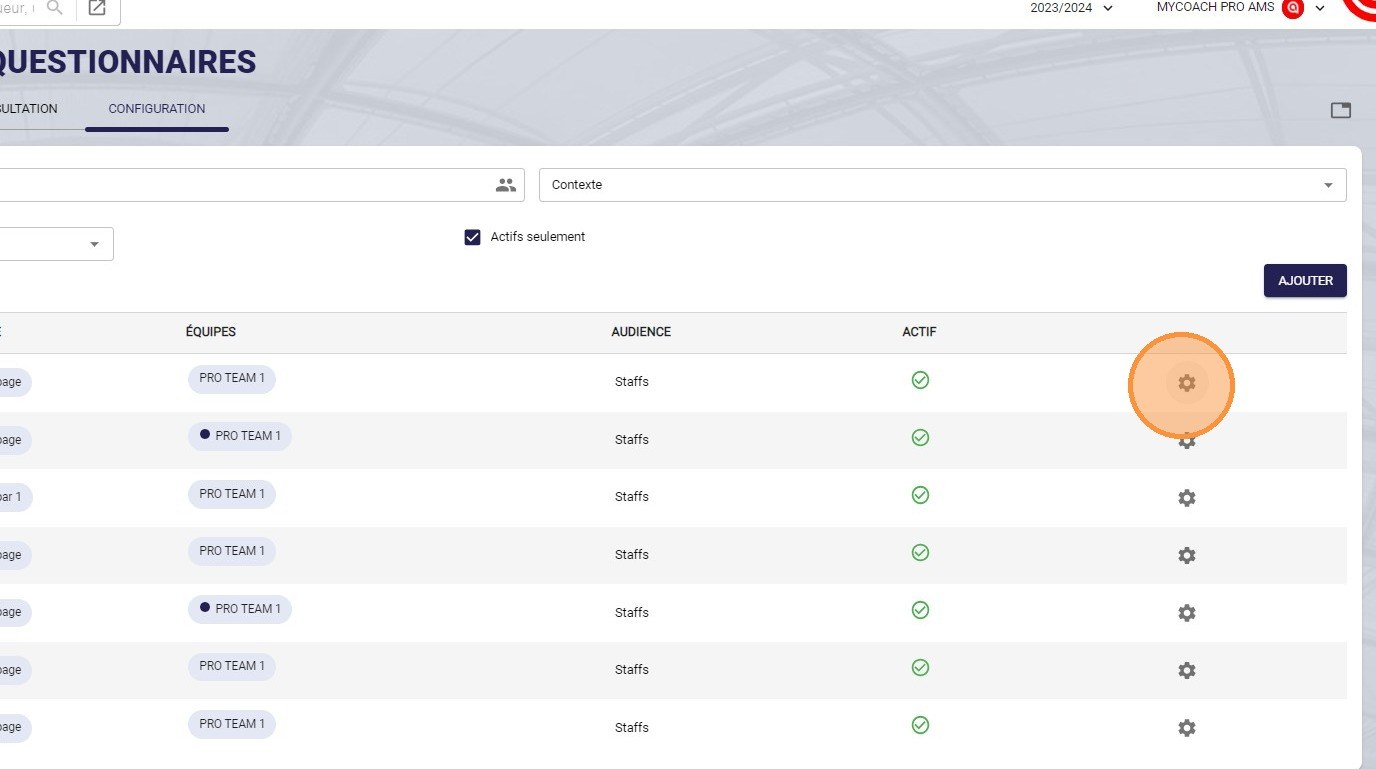
The settings icon
-
Click Duplicate.
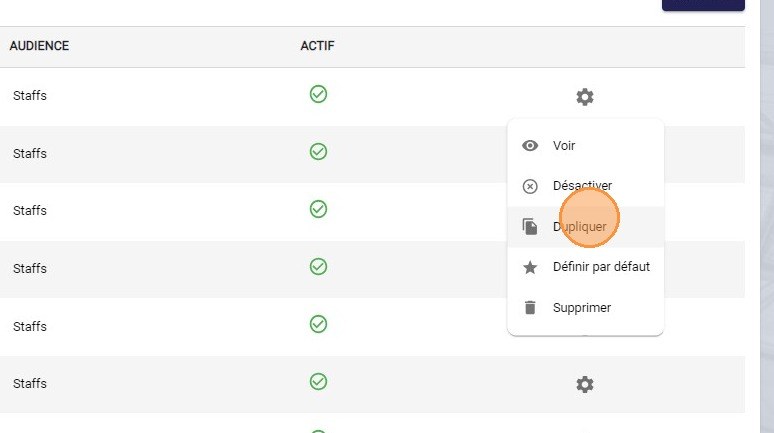
The Duplicate option
-
In the Duplicate a questionnaire window, click the Name field.
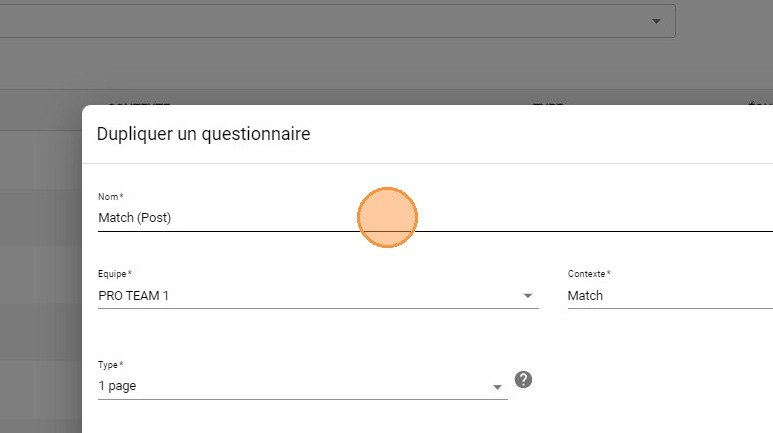
The Name field
-
Rename the questionnaire, then click the Team field.
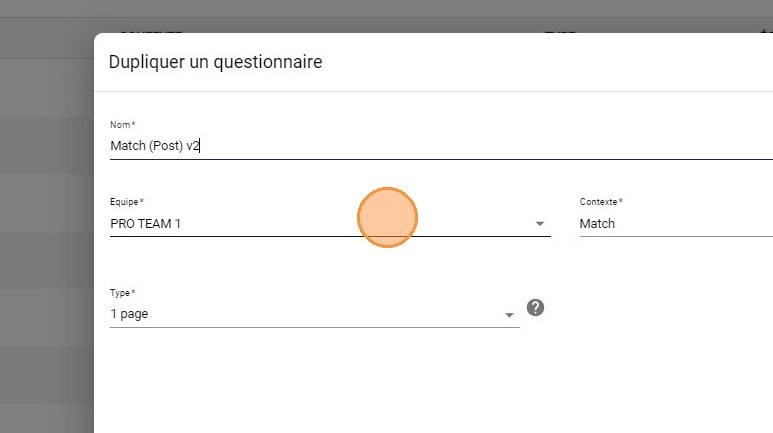
The Team field
-
Select the team on which you want to duplicate this questionnaire.
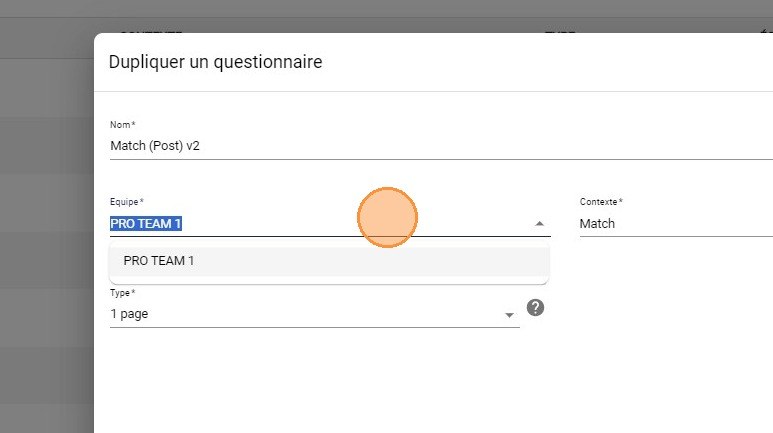
Choosing the team
Active teamsTo appear in the list, the team must be selected in your Active teams.
-
Once the configuration is complete, click FINISH.
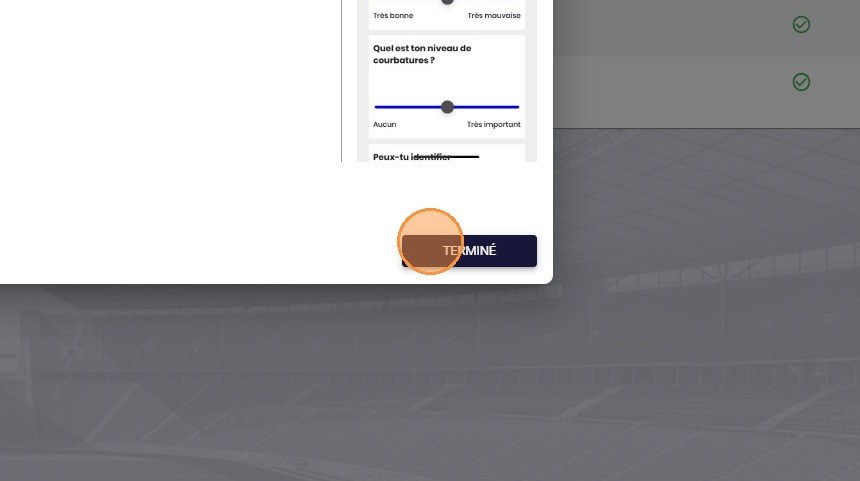
The Finish button
Activate the questionnaire
The duplicated questionnaire must now be activated.
-
Click ACTIONS.
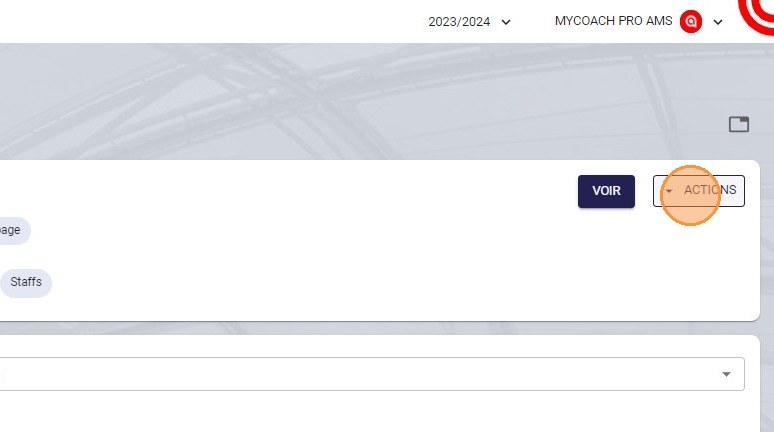
The Actions button
-
Click Activate.
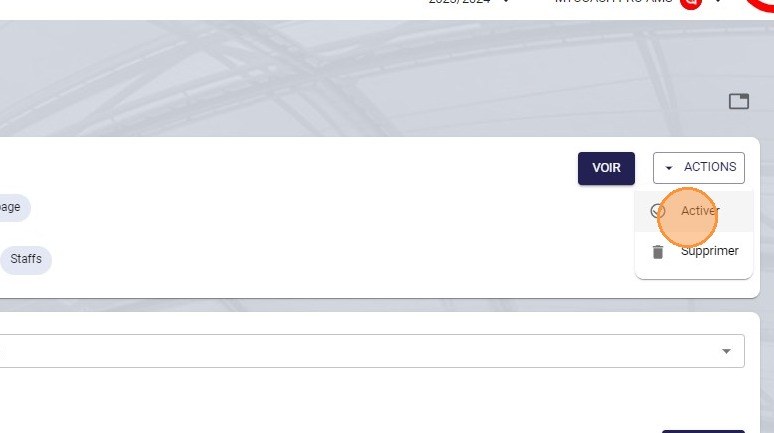
The Activate option
-
Choose whether you want to activate this questionnaire as the default one, then click ACTIVATE. The questionnaire is now available.
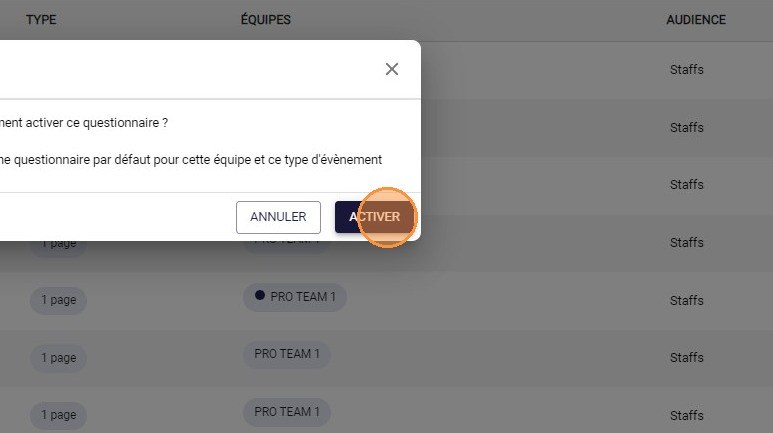
The Activate button
To create a form from a MyCoach Pro template, see Create an RPE form from a template.
Need help
Email support@mycoachpro.io with any questions about duplicating forms.