Manage form translations
MyCoach Pro allows you to manage the translations of your forms. When creating a form, you choose a default language (French, English, German, Italian, Spanish, Dutch or Portuguese), then you can fill in any missing translations (questions or answers) from the form.
Translations can only be edited as long as the form has not been used, meaning scheduled on an event and having received responses.
Open the form
-
In the left menu, expand the Insights module.
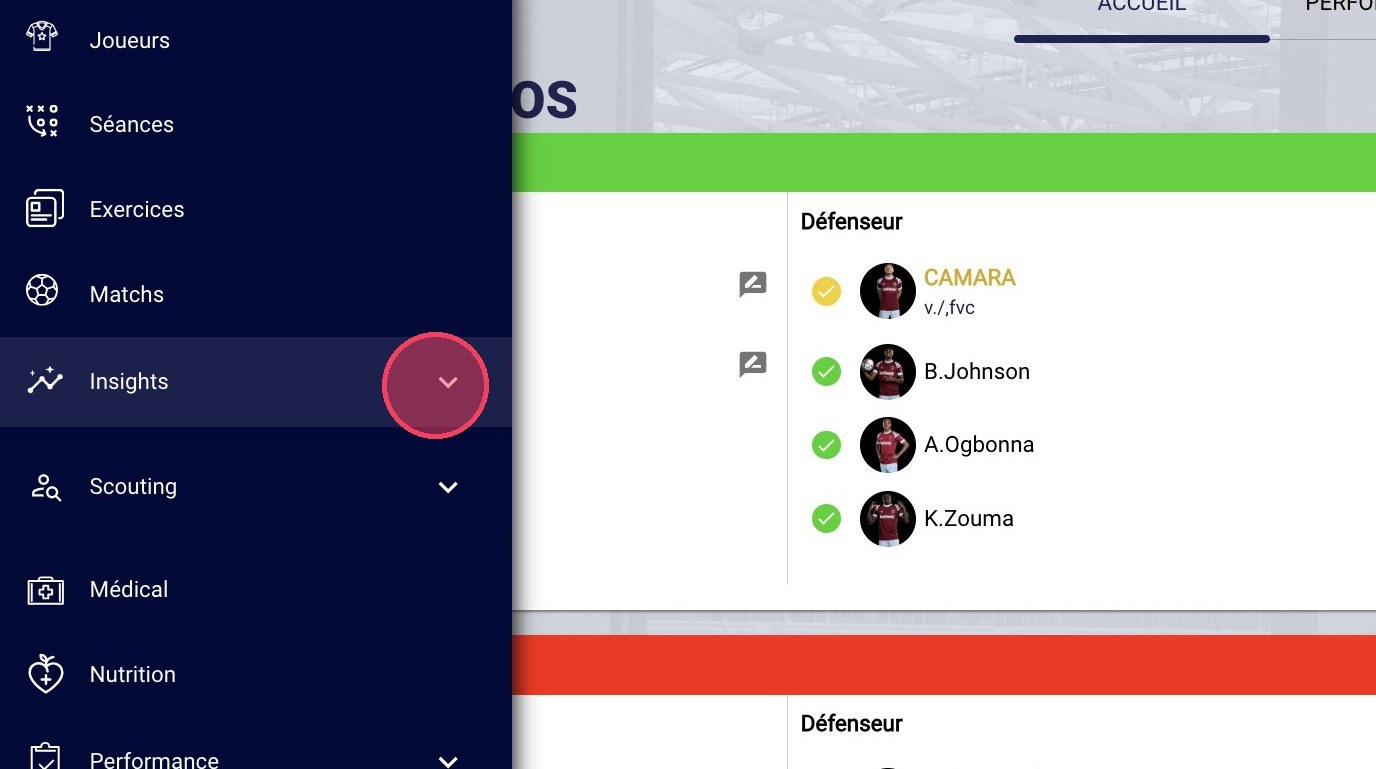
The Insights module
-
Click the Questionnaires sub-module.
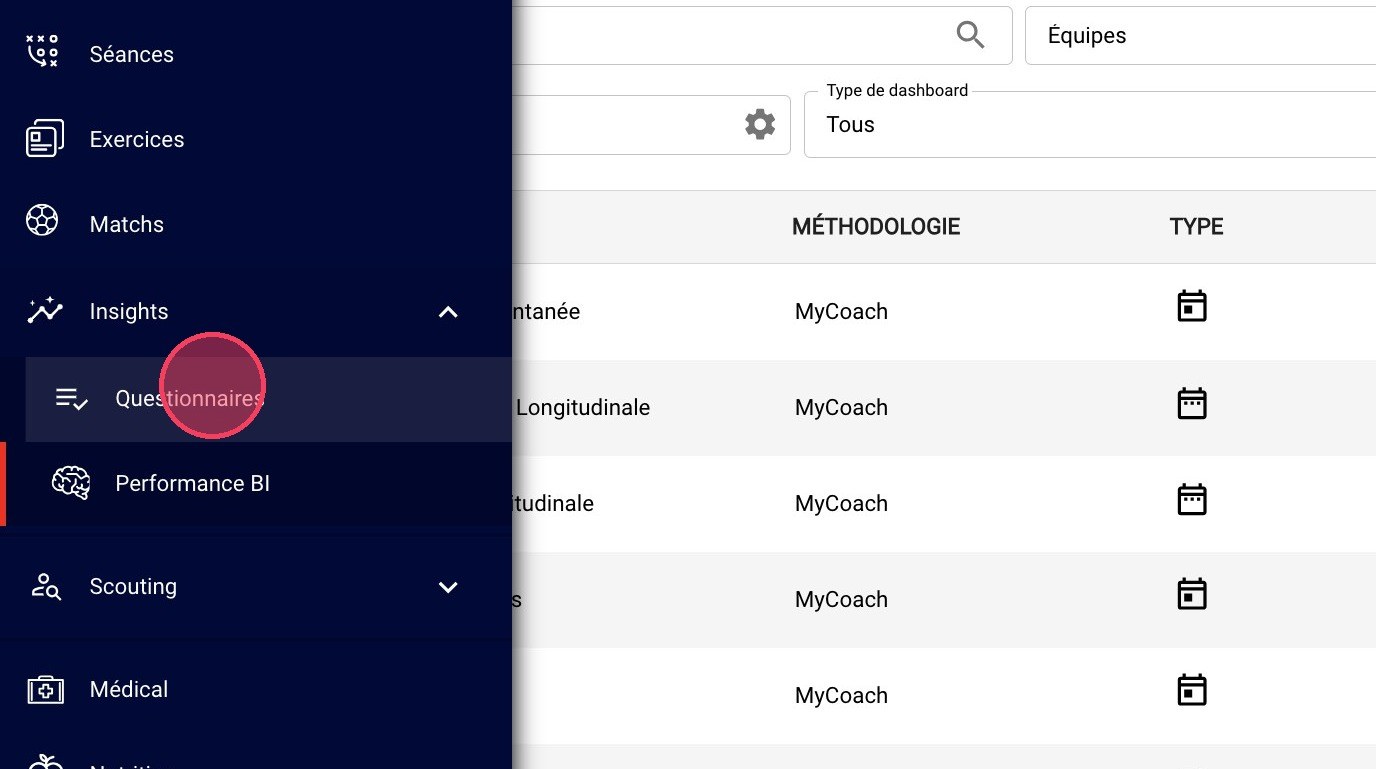
The Questionnaires sub-module
-
Select the CONFIGURATION tab.
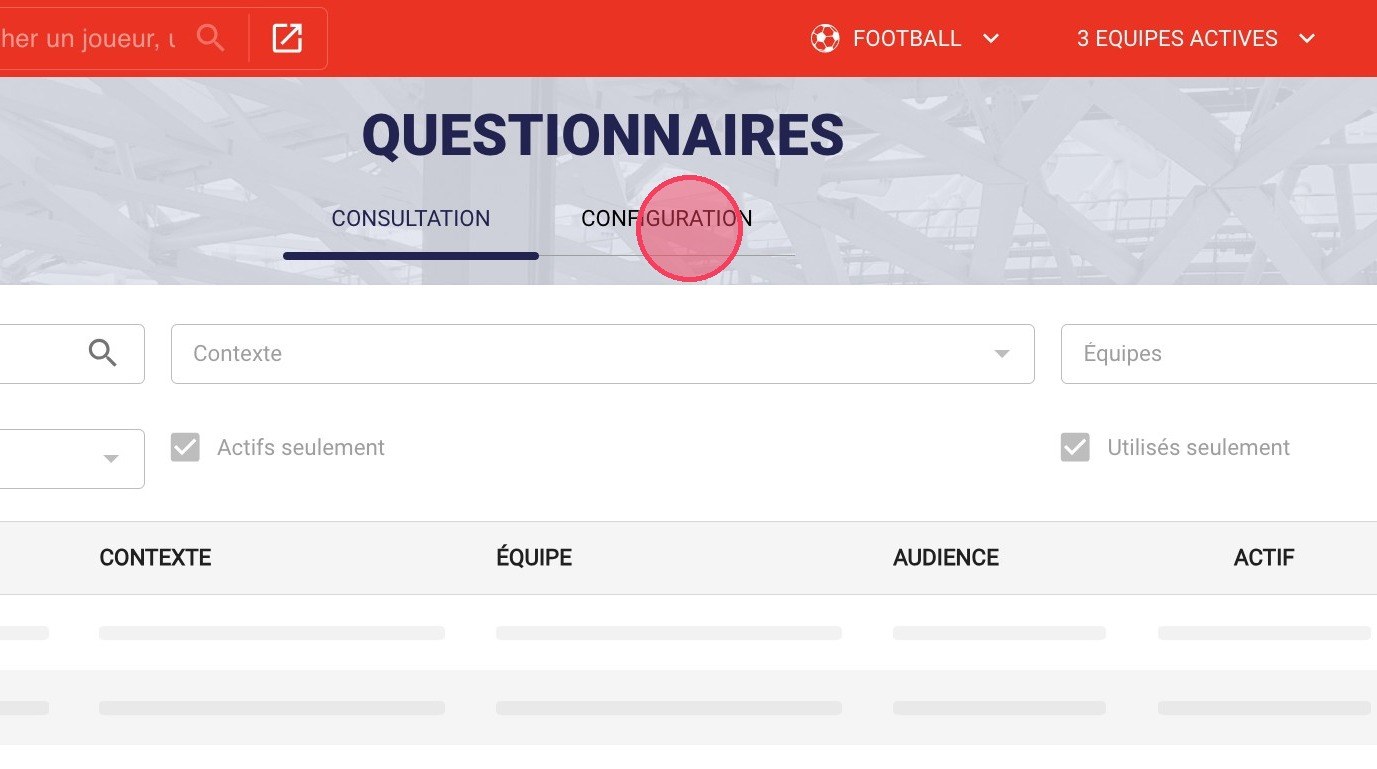
The Configuration tab
-
Find the form to edit, click the settings icon, then click View.
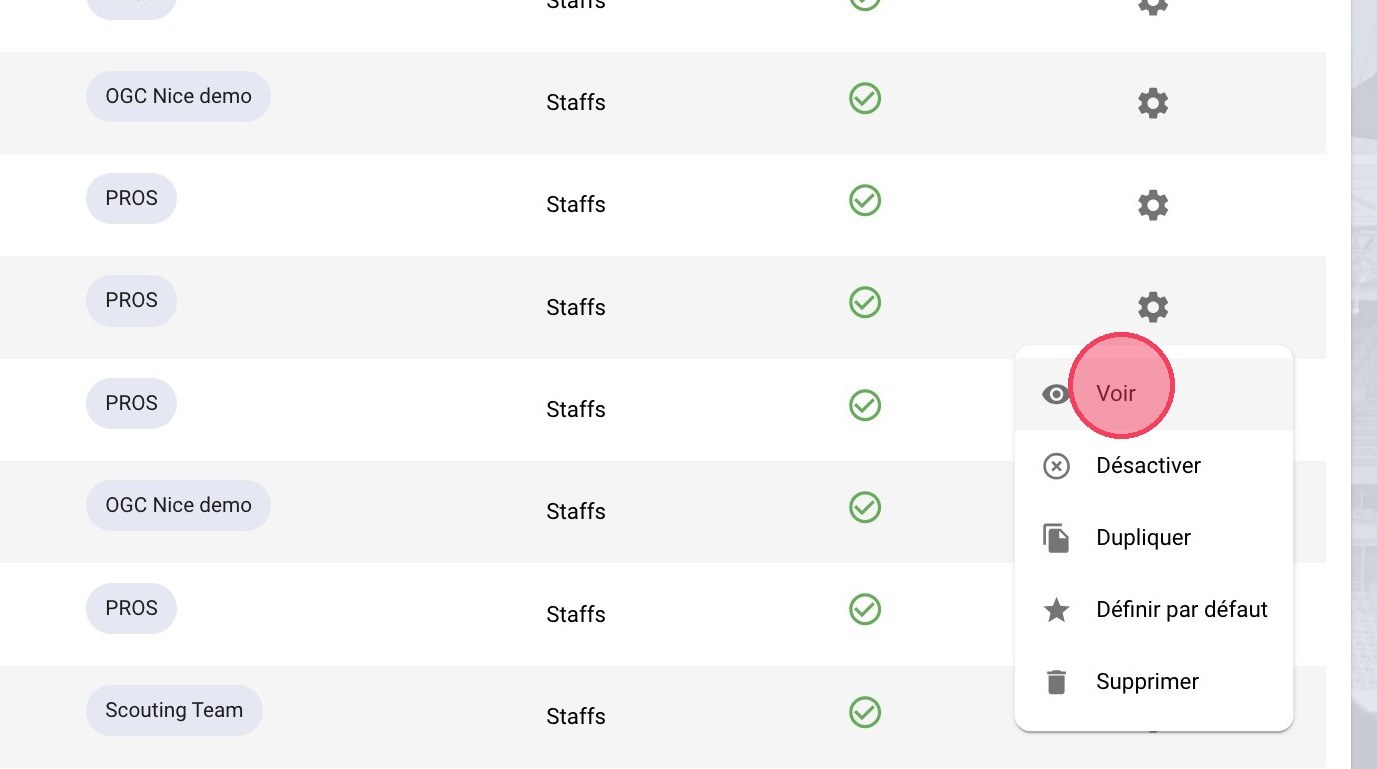
The View option
Translate the form
-
Select the TRANSLATIONS tab.
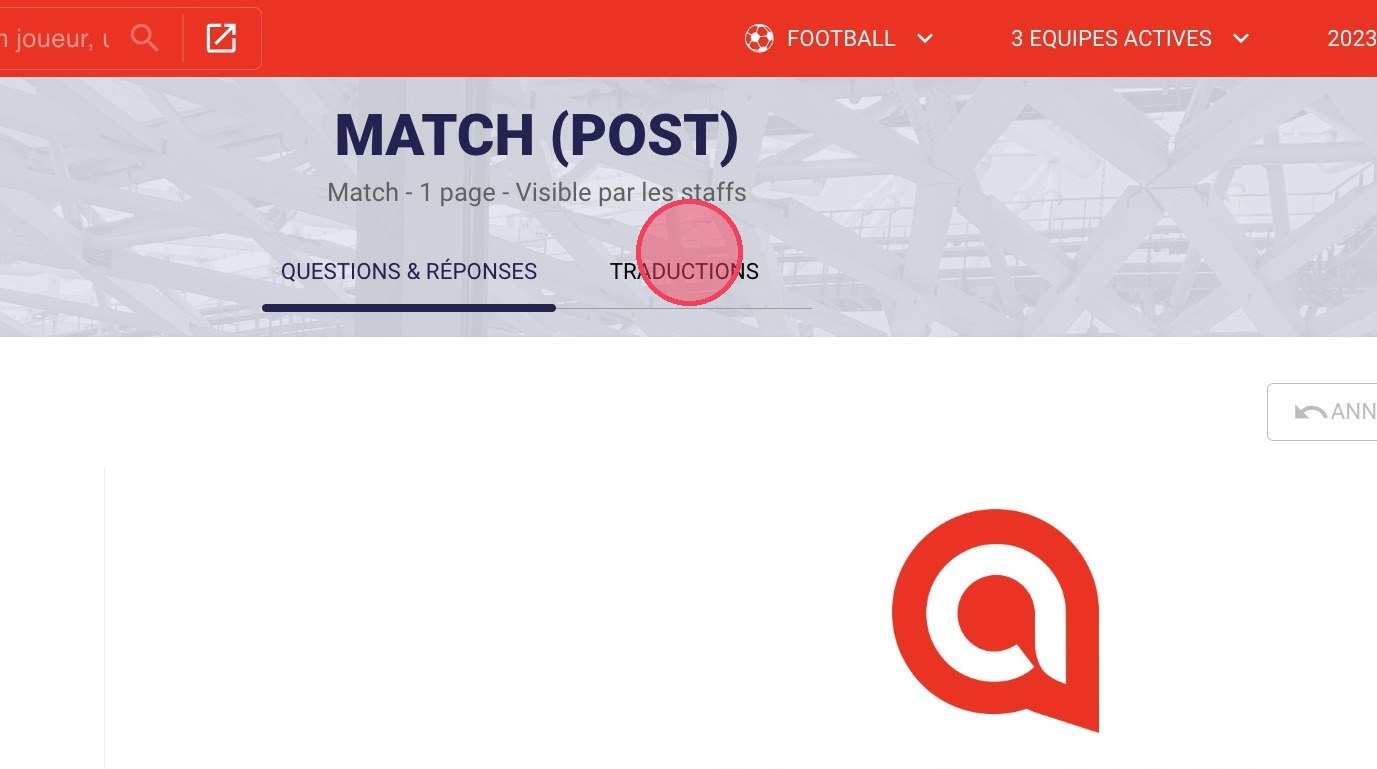
The Translations tab
-
Click the language selector to choose the desired language.
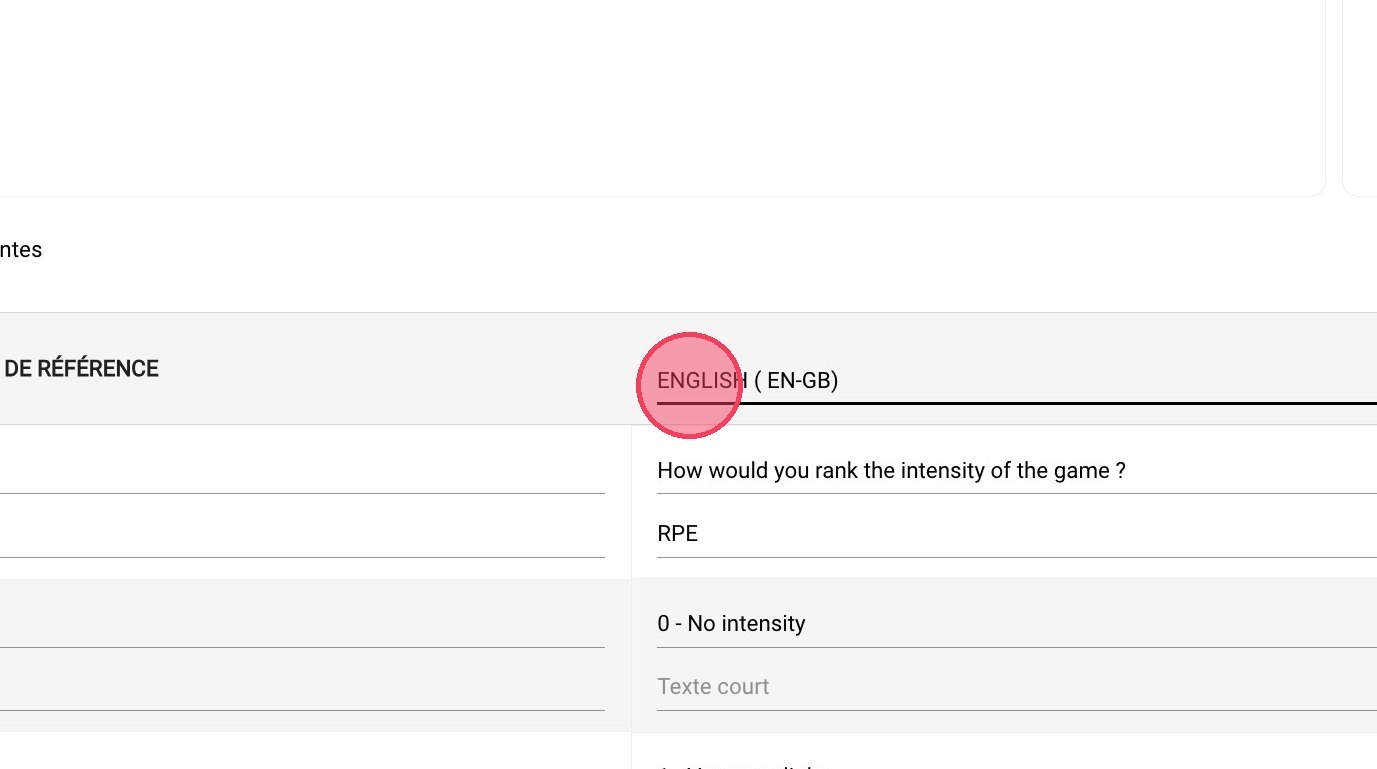
The language selector
-
If the language is not available, choose Add a language.
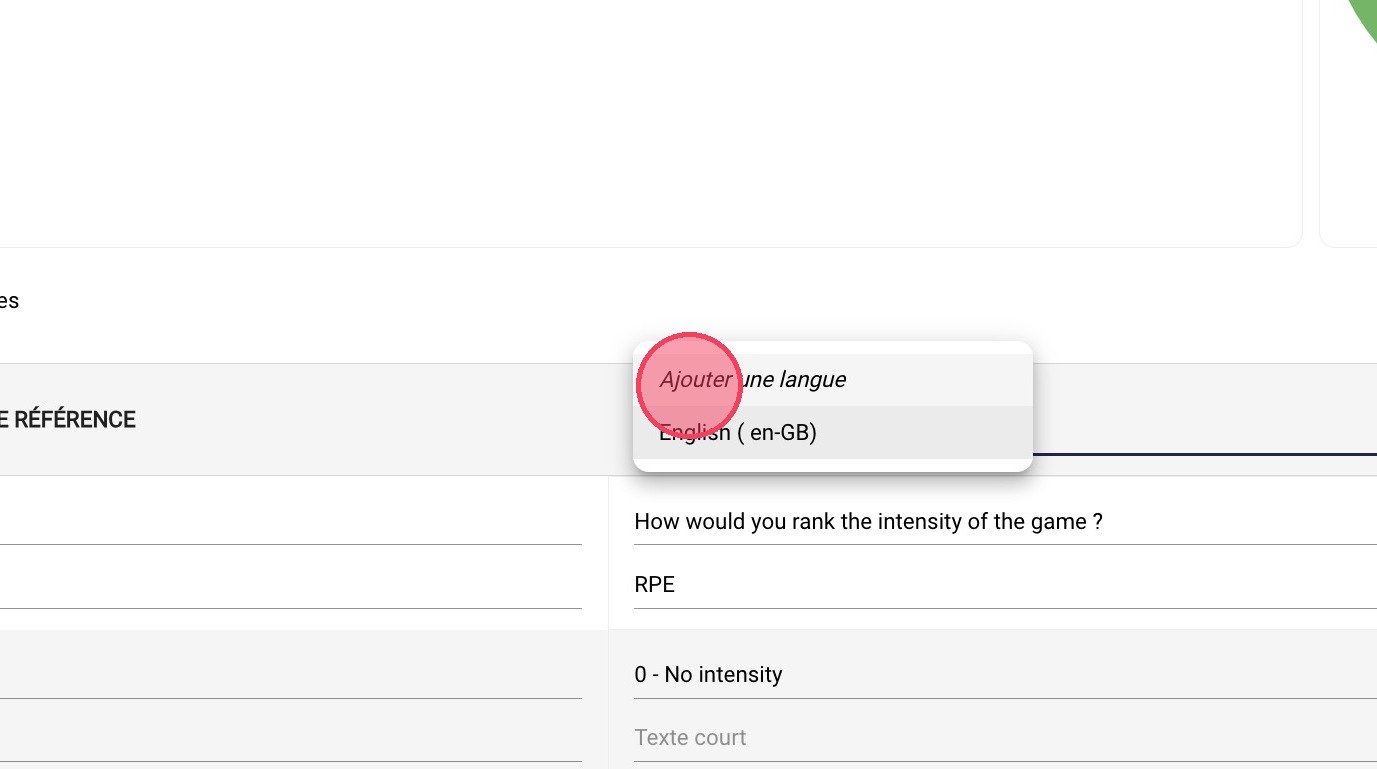
The Add a language option
-
Click the ADD A LANGUAGE button.
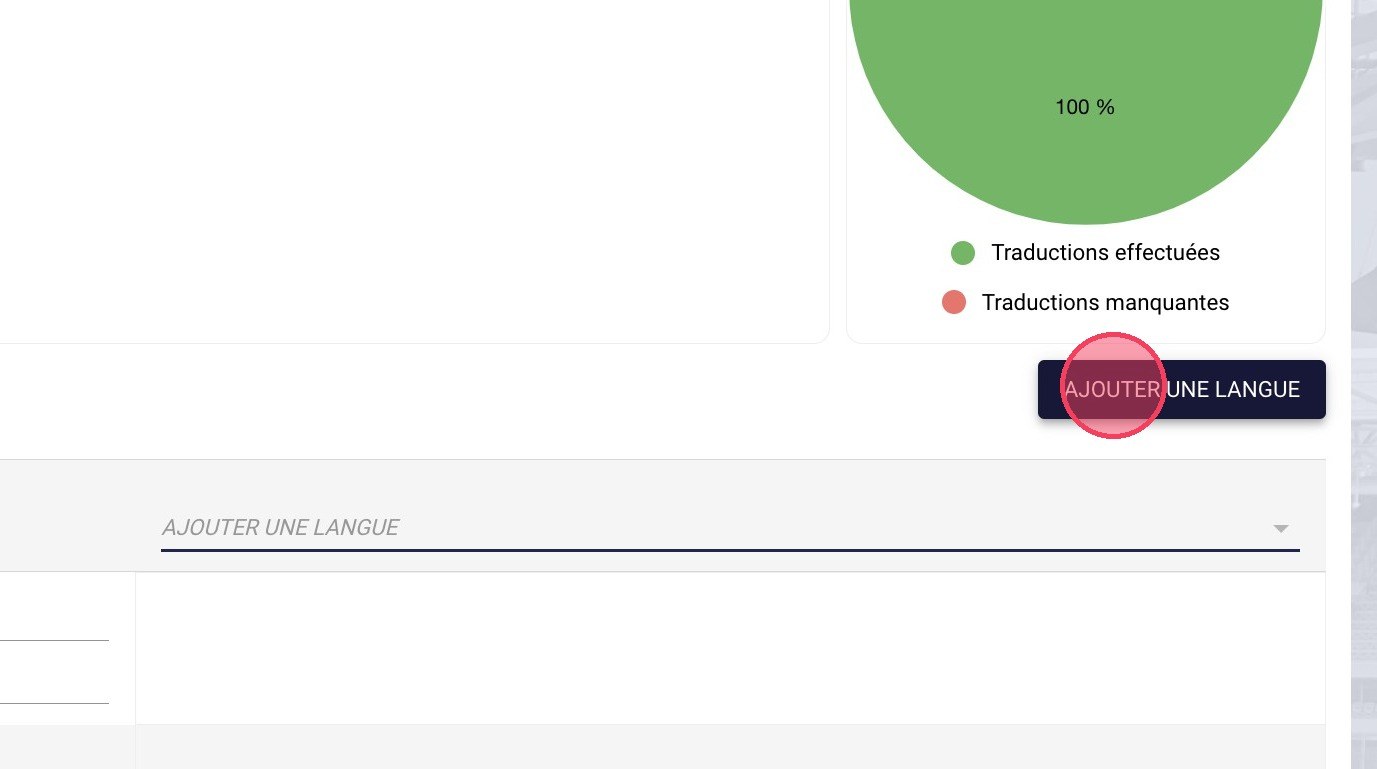
The Add a language button
-
Choose the language to import.
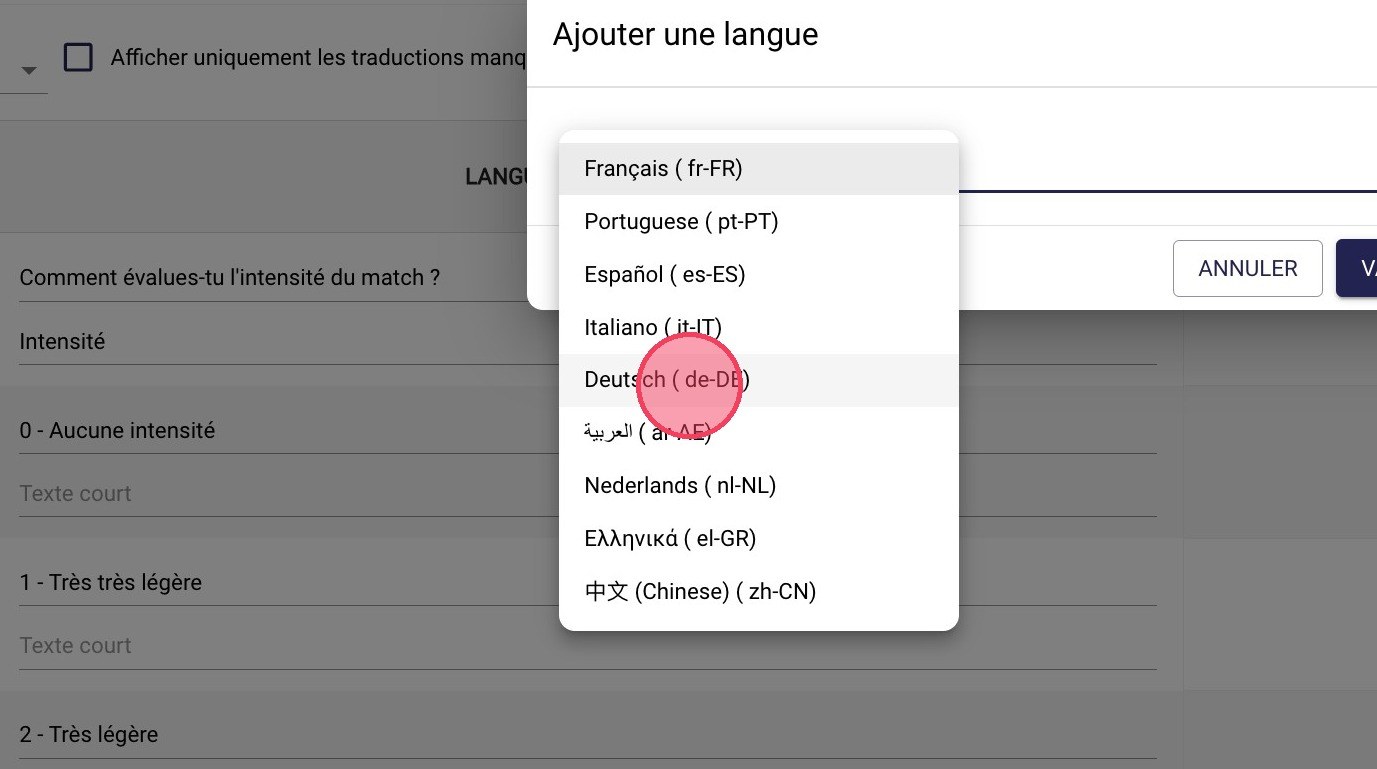
Choosing the language
-
Click VALIDATE. You can then fill in the missing translations of the questions and answers.
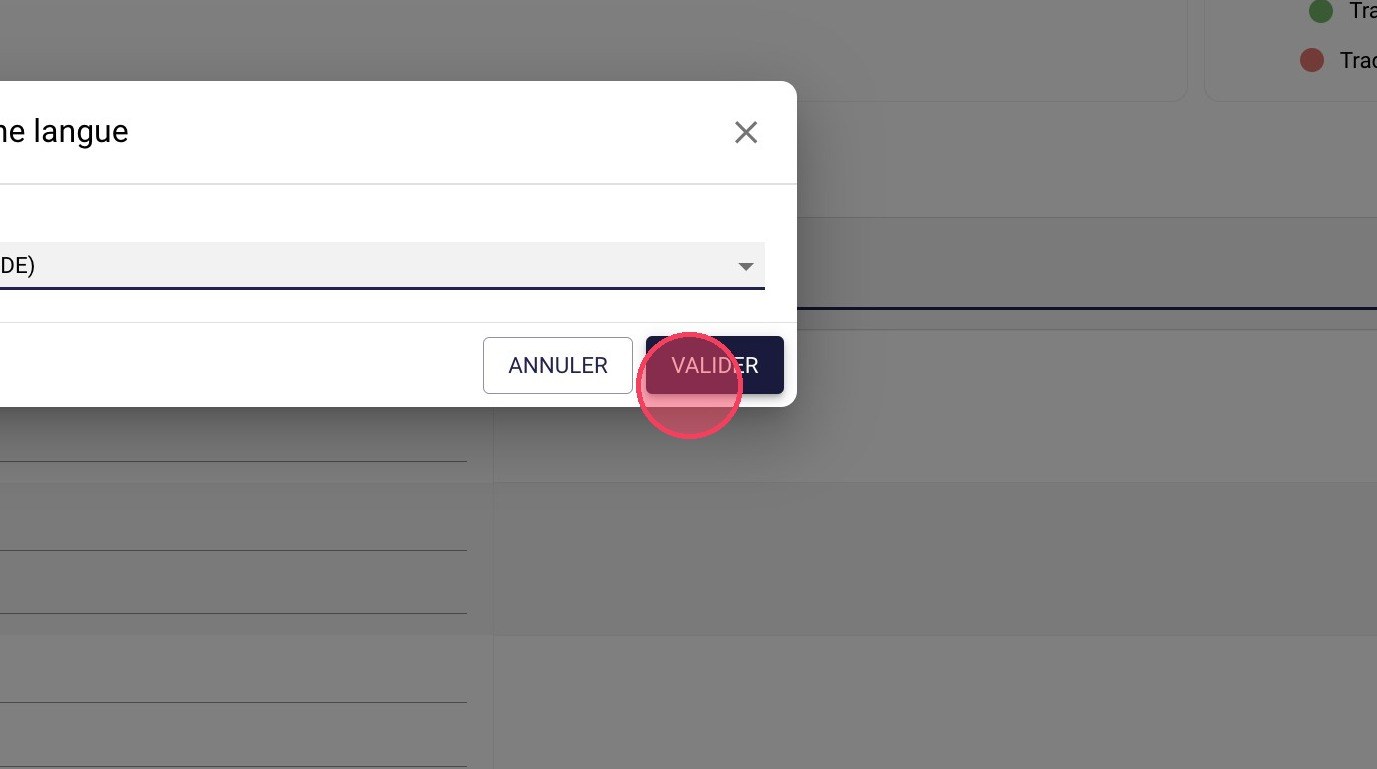
The Validate button
You can also choose the languages to import when creating the form: see Create an RPE form from a template.
Need help
Email support@mycoachpro.io with any questions about translating forms.