Create a player session from the mobile app (staff version)
Allow your players to create their own player sessions from their calendar in the MyCoach Pro - AMS app: enable the Player session module on their profile, check your forms, then see how the session is created from the app.
Check the player's access
-
Open the player's profile and, in the General information tab, look at the Player modules section: a green check mark next to Player session means they have access.

The Player modules section
Enabled per teamModules are enabled per team. If a player belongs to several teams, enable the module on each of them.
Enable the Player session module
-
If the player does not have access, click the Actions button in the top right of their profile, then Edit.
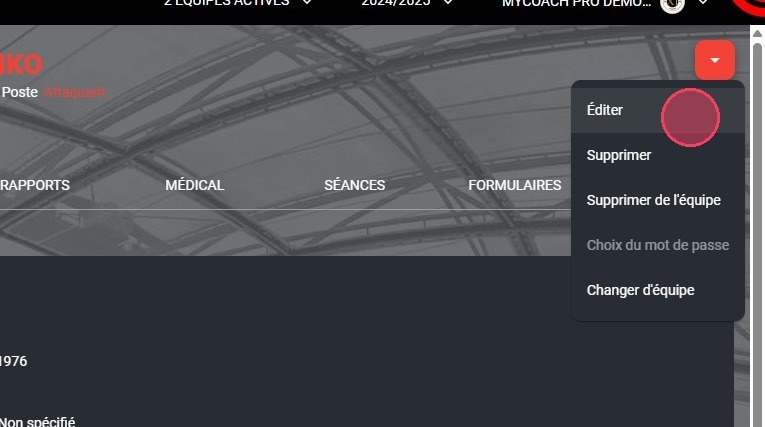
The Edit option
-
At the very bottom of the form, in the Player modules section, select Player session.
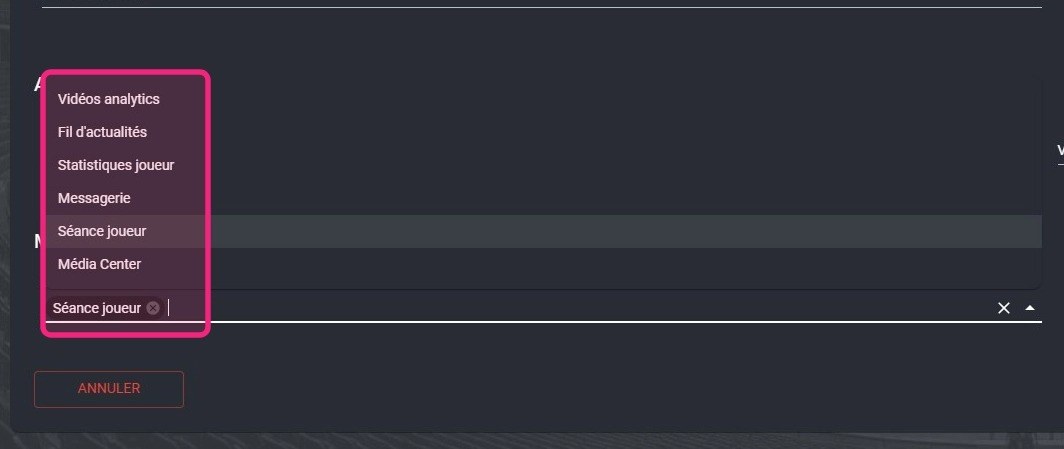
The Player session module
-
Take the opportunity to review the player's other details and correct them if needed, then click FINISH.
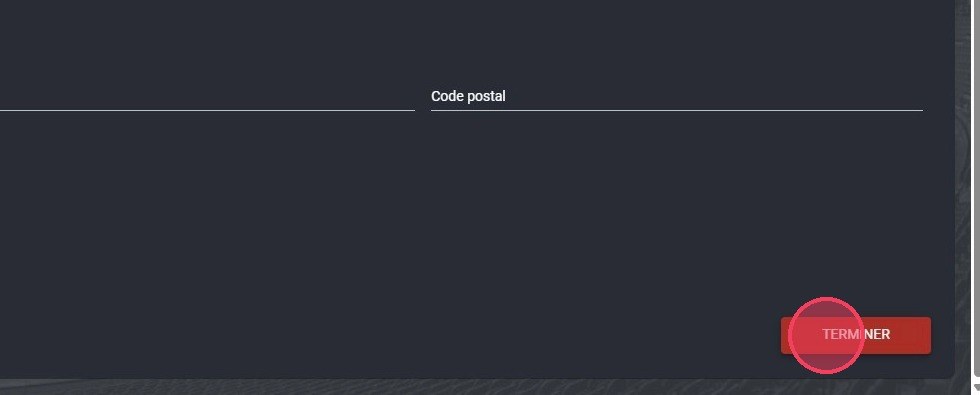
The Finish button
Edit a playerTo learn more about editing a profile, see Edit a player.
Check your forms
-
For the player to answer the same form as usual on their own sessions, check in the Forms module that this form can be used on player sessions: its visibility must be Staff and players or Players.
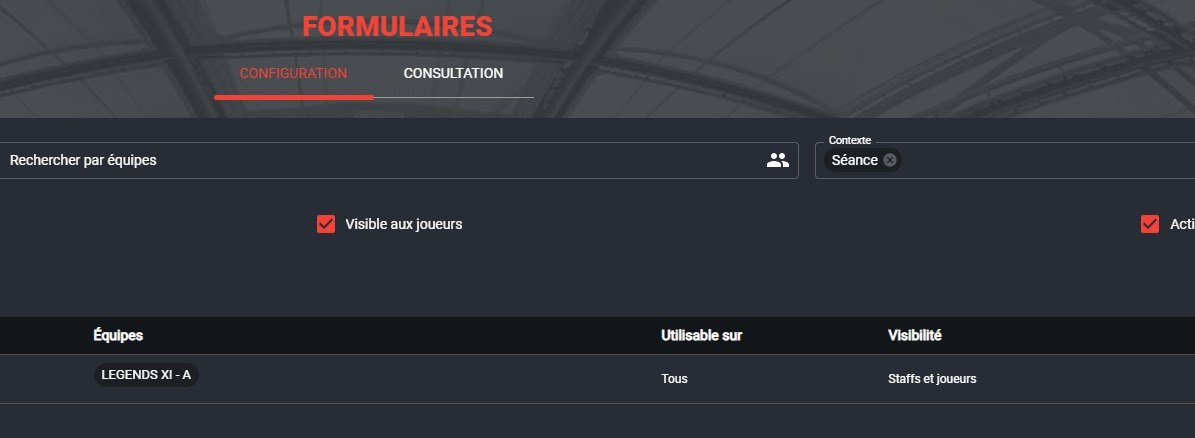
The form visibility
Create a player session from the app
-
From the app's Home screen, tap Create in the Today's events section and go straight to step 8. To choose another date, tap the Calendar module.
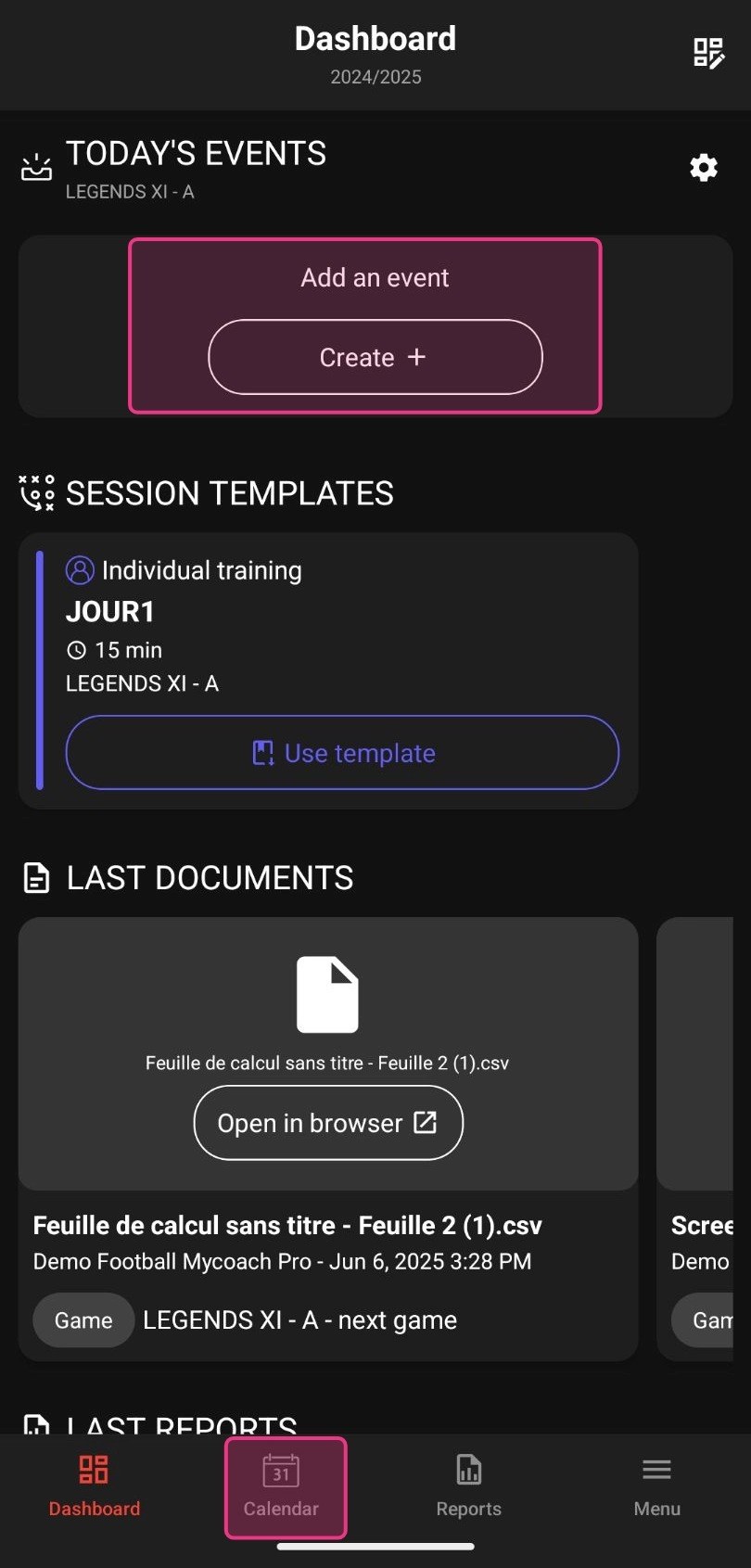
The Create button and the Calendar module
-
In the Calendar, choose the session date, tap the event creation button, then tap Create player session.
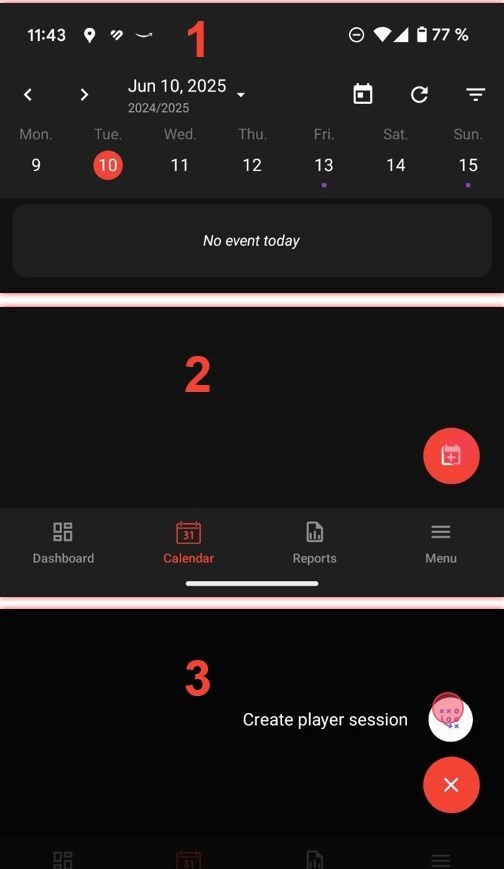
Date selection and the Create player session button
-
Fill in the session details (date and time, duration, theme, team, session type and form), then tap Done (the check mark in the top right).
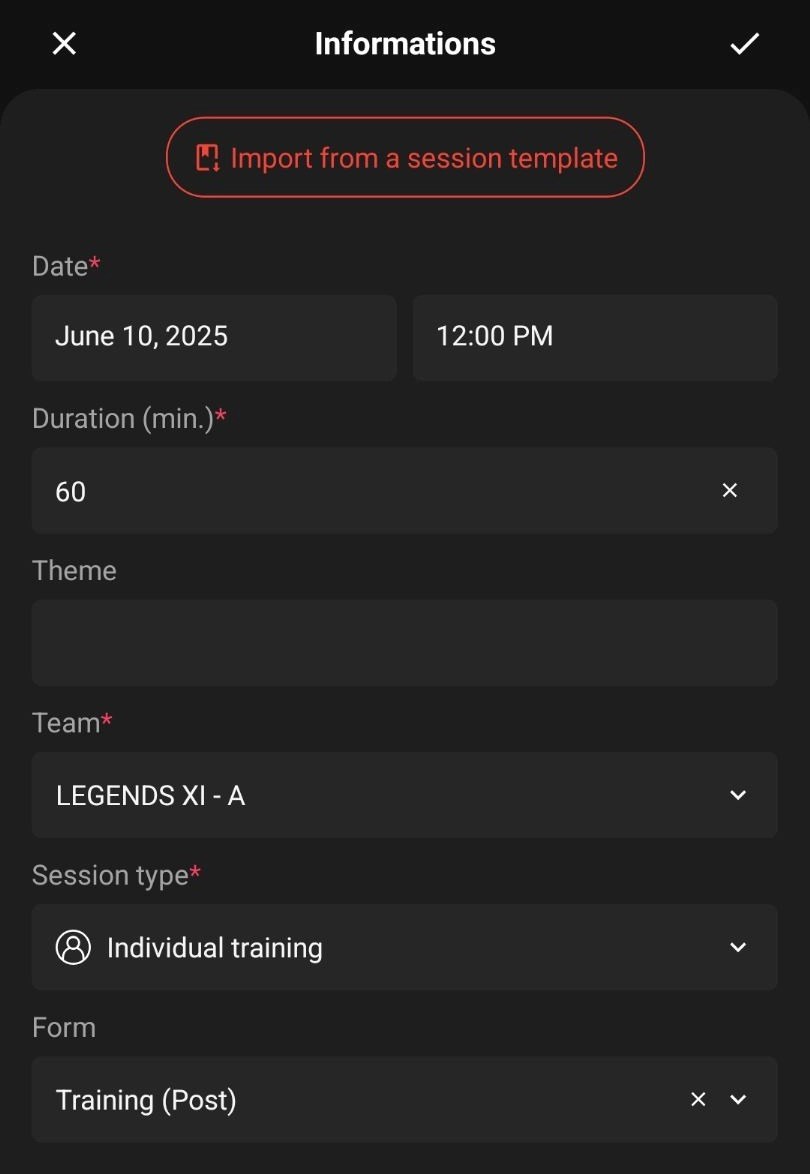
The session details
Start from a templateIf a staff member has provided a session template, tap the red import button at the top of the form, select the template, then continue.
-
The session is created: check its details and edit them if needed.
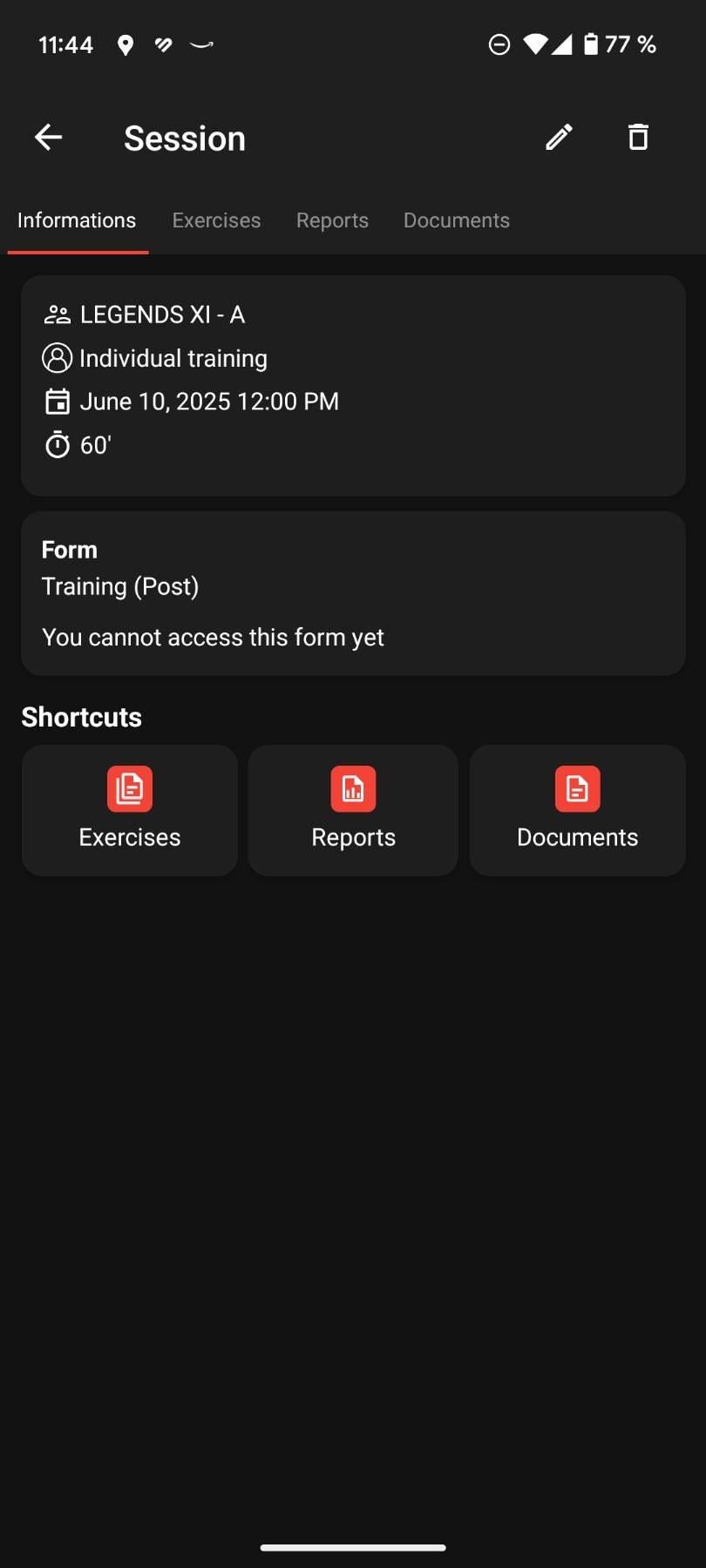
The created player session
Session formIf a form is scheduled on this session, the player receives a notification when it is time to answer it, just like for a session created by a coach.
Need help
Email support@mycoachpro.io with any questions about creating player sessions.